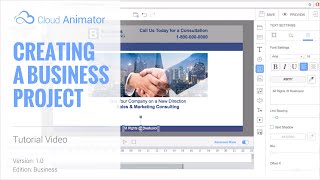
Cloud Animator Tutorial - Creating a Business Project
Learn to create professional animated business presentations using Cloud Animator. Master shapes, images, motion effects, and timeline adjustments for impactful, shareable projects across devices.
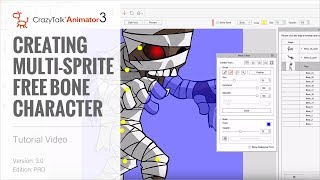
CrazyTalk Animator 3 Tutorial - Creating Multi-Sprite Free Bone Characters
Learn to create animated characters from single images using CrazyTalk Animator 3. Master sprite separation, masking, layer adjustment, and basic animation techniques for unique character designs.
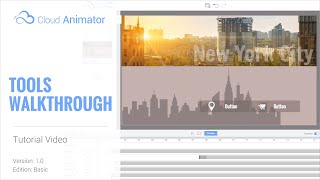
Cloud Animator Tutorial - Walkthrough of Tools and Features
Explore Reallusion's Cloud Animator: create interactive animations for promotions, invitations, and more. Learn about scenes, assets, and features in this comprehensive walkthrough.
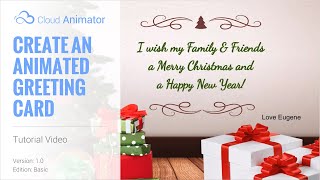
Cloud Animator Tutorial - Create an Animated Holiday Greeting Card
Learn to create interactive animated holiday greetings using Cloud Animator. Customize templates, add images, edit text, and apply motion effects for engaging, shareable projects across multiple devices.
iClone 6 Demo - Super VFX 200 Pack
Explore Super VFX 200 pack for iClone 6: animated backgrounds, revealers, infographics, fire & smoke effects. Enhance video production with versatile, drag-and-drop alpha-masked elements from Digital Juice.
CrazyTalk 8 - Quickly Create a 3D Head from One Image - March 10th, 2016
Learn to create realistic 3D heads from single images using CrazyTalk 8. Master face fitting techniques, texture blending, and calibration for lifelike digital characters. Ideal for animators and digital artists.

iClone 7.2 Tutorial - PopcornFX Text Emitter Super Tool
Learn to create dynamic text effects using PopcornFX Super Tools in iClone 7.2. Master input modes, line display, text styling, animation, and font changes for professional-looking visual enhancements.
CrazyTalk Animator 2 Tutorial - Capture PNG and AniGIF for PowerPoint-Keynote
Learn to capture and export transparent PNGs and animated GIFs in CrazyTalk Animator 2 for use in presentations. Covers Windows and Mac environments, export range adjustment, and image quality optimization.
CrazyTalk Animator 2 Tutorial - Character Composer
Learn to create unique sprite characters using CrazyTalk Animator's Character Composer. Mix & match body parts, customize colors, and apply animations to bring your creations to life.
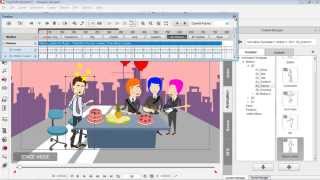
Drawing Custom Props for CrazyTalk Animator - Part 3
Learn to create and animate custom vector graphics for CrazyTalk Animator using DrawPlus. Covers shape manipulation, editing, and simple animation techniques for beginners.
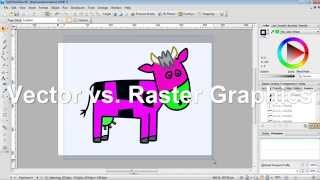
Creating CrazyTalk Animator Props from DrawPlus Graphics - Part 1
Learn to import vector graphics from DrawPlus into CrazyTalk Animator as props. Covers export setup, graphic modifications, vector vs. raster, custom prop saving, and multi-graphic exports.

Design in After Effects - Animate a Retro Poster
Learn to design and animate a retro poster in After Effects with professional designer Jess Riley. Master text layouts, gradients, cylinder effects, and motion design techniques for stunning visual creations.
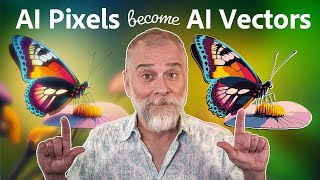
Level Up Your Art with AI Vectors
Learn to transform AI-generated images into vector graphics using Illustrator's enhanced image trace feature, exploring various techniques for optimal results in digital art and design projects.
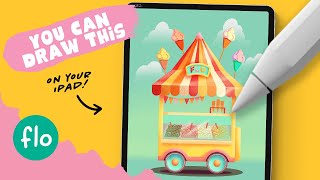
Drawing an Ice Cream Shop in Procreate - Step by Step Tutorial
Step-by-step tutorial for creating a colorful ice cream shop illustration in Procreate. Learn basic features, shaping techniques, and detailing methods to bring your digital artwork to life on iPad.
Drawing Stuff in Figma - Graphic Design Crash Course
Explore vector-based drawing in Figma through 5 hands-on projects, mastering tools for creating icons, illustrations, and diverse graphic designs.
Outsmarting Generative Fill, One Tiny Step at a Time
Discover a foolproof technique to enhance Photoshop's Generative Fill resolution. Learn to work in 1MP blocks, create seamless patterns, and maximize AI-generated image quality.
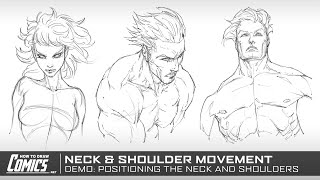
Shoulder and Neck Movement in Character Illustration - Live Demo
Explore techniques for illustrating dynamic shoulder and neck movements in character sketches, focusing on bone and muscle positioning for realistic comic art.
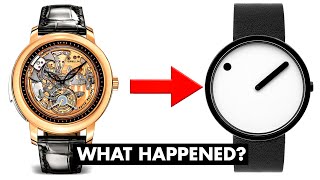
Debunking the 10 Most Iconic Minimalist Design Principles
Challenging iconic minimalist design principles, exploring their relevance and limitations in modern product design while offering fresh perspectives on creating effective, user-centric solutions.

Blender Animated Food Icon Tutorial - Polygon Runway
Learn to create snappy food icon animations in Blender using deformation modifiers and graph curves. Master techniques for crafting eye-catching 3D illustrations with a focus on low-poly style.

Photoshop for Beginners - Complete Course
Comprehensive guide to mastering Photoshop fundamentals, covering layers, masks, blending modes, selections, and filters. Ideal for beginners and professionals seeking a strong foundation in essential tools and techniques.
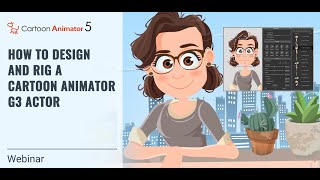
Designing and Rigging a Cartoon Animator 5 G3 Actor
Learn essential techniques for layering and rigging G3 actors in Cartoon Animator 5, including vector layers, bone pivots, custom parts, eyes for puppetry, and mouth sprites. Elevate your character animation skills.