Adobe Illustrator Tools You Should Know - Design Tutorial
Learn essential Adobe Illustrator tools: Shape Builder, Curvature, Width, Free Form Gradient, and Global Edit. Master these powerful features to enhance your design skills and create stunning graphics.

How to Make a Cohesive Brand Using Photoshop and Illustrator - Brand Design Tutorial
Learn to create a cohesive brand using Photoshop and Illustrator. Explore moodboards, sketches, logo design, color palettes, and mockups. Gain insights on client communication and maintaining work-life balance.

Designing a Restaurant Logo and Brand Identity - Part 2
Hands-on logo design tutorial for a French restaurant, covering icon creation, wordmark design, color selection, and mockup development using Adobe Illustrator and Photoshop.
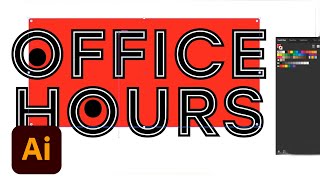
Advanced Vector Design Techniques in Adobe Illustrator - Creative Basics 201
Enhance vector design skills with advanced Adobe Illustrator techniques. Learn Pathfinder tools, Shape Builder, compound paths, and type manipulation for maximizing creative potential.
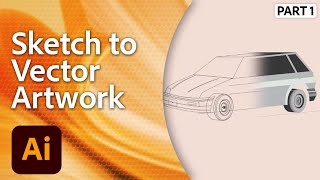
Vector Illustration in Adobe Illustrator - From Sketch to Digital Art
Learn to transform sketches into vibrant digital illustrations using Adobe Illustrator. Master vector techniques, perspective, linework, and essential tools while following along with expert Tyler Pate.
Adobe Illustrator CC for Beginners - 2+ Hours of Creative Cloud Training
Comprehensive tutorial covering essential Adobe Illustrator tools and techniques for beginners, from workspace customization to advanced drawing and editing features.
Create a Pixel Portrait with The Live Paint Bucket
Learn to create vibrant pixel portraits using Adobe Illustrator's Grid, Live Paint Bucket, and Shape Builder tools. Master color selection and efficient vector illustration techniques.