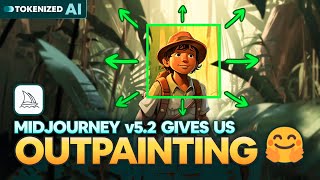
Midjourney v5.2 Just Dropped Outpainting
Explore Midjourney v5.2's groundbreaking features: enhanced aesthetics, high variation mode, prompt shortening, and zoom-out capabilities. Unleash your creativity with these powerful AI image generation tools.

Tips & Tricks All InDesign Users Should Know
Discover 15 essential InDesign tips to enhance your skills, from generating QR codes and creating interactive popups to mastering data merging and designing fillable forms.

Blend If in Photoshop - Masking, Effects, and Retouching Techniques - Lesson 8
Unlock Photoshop's "Blend If" feature to create stunning effects, from adding shine to masking and retouching. Learn real-world applications for enhancing your digital art and photo editing skills.
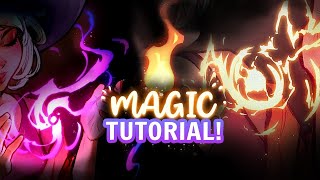
Paint Easy Magic and VFX for Artwork Tutorial
Learn techniques for painting magical effects and VFX in artwork, covering forces, design principles, shapes, color, glow, particles, and specific spells like lightning and fire.
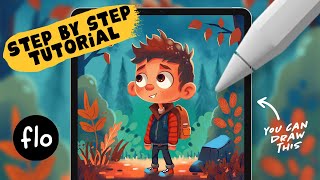
Draw This Storybook Boy Character in Procreate - Step by Step Tutorial
Step-by-step tutorial for creating a storybook boy character in Procreate, covering basic shapes, sketching, coloring, background creation, and shading techniques for digital artists.
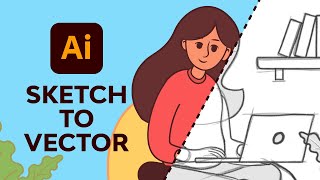
Adobe Illustrator Illustration for Beginners
Learn to create vector illustrations using essential Adobe Illustrator tools. Transform sketches into clean digital designs with expert guidance on pen, brush, shape, and color tools.
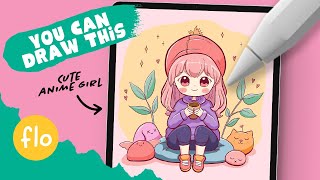
Draw This Anime Style Character in Procreate - Step by Step Tutorial
Step-by-step guide to create a cute anime-style character in Procreate, covering sketching, lineart, coloring, and shading techniques for beginners using simple tools and easy-to-follow instructions.
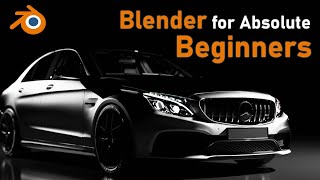
Full Blender Tutorial for Absolute Beginners
Comprehensive guide for Blender beginners: interface, navigation, object manipulation, coloring, lighting, animation, and rendering basics in just over an hour.
Adobe Photoshop CC for Beginners
Comprehensive Photoshop training covering workspace, tools, layers, selections, and advanced techniques. Learn to create, edit, and enhance images with practical exercises and downloadable files.
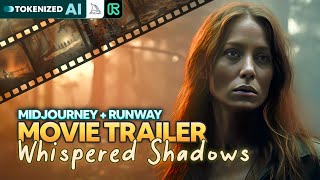
Whispered Shadows
Learn to create a cinematic movie trailer using AI tools like Midjourney and Runway. Explore music selection, storytelling, image generation, video editing, and fine-tuning techniques for impressive results.
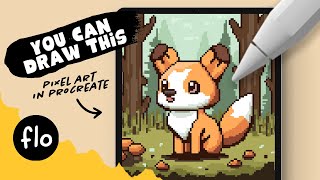
You Can Draw This Pixel Art in Procreate - Step by Step Procreate Tutorial
Step-by-step guide to creating charming pixel art fox illustration in Procreate. Learn essential techniques, from grid setup to shading, perfect for beginners exploring digital art on iPad.
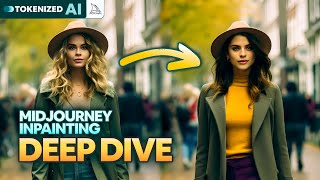
The Good, the Bad & the Ugly of Midjourney Inpainting
Explore Midjourney's new "Vary (Region)" feature: its strengths in object manipulation and facial adjustments, limitations in character replacement, and potential for creative image editing.
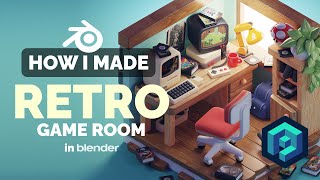
Retro Game Room in Blender - 3D Modeling Process
Learn to create a nostalgic retro game room in Blender with this 3D modeling tutorial. Master low-poly techniques and isometric rendering to bring pixelated memories to life in stunning detail.
Staying Creative on a Budget - Free Software Alternatives for Digital Artists
Discover budget-friendly alternatives to expensive software for digital artists, covering pre-production, production, and post-production tools to keep your creativity flowing without breaking the bank.
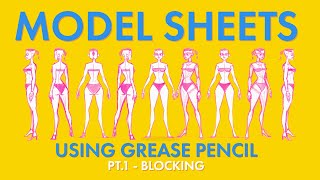
Creating a Model Sheet with Grease Pencil - Part 1 - Blocking
Learn techniques for creating 2D character model sheets using Blender's Grease Pencil tool, focusing on blocking and traditional styling approaches for effective character design.
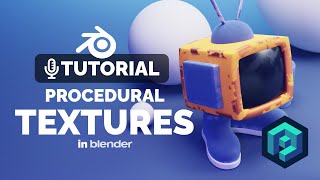
Blender Procedural Texture Tutorial
Learn to create procedural grunge masks for edge textures in Blender, enhancing your 3D illustrations with unique and interesting visual effects.
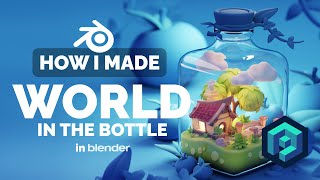
World in the Bottle in Blender - 3D Modeling Process
Learn to create a captivating 3D diorama of a world inside a bottle using Blender. Explore advanced modeling techniques and discover tips for crafting intricate, low-poly illustrations.
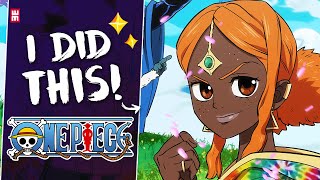
One Piece Art Style and How I Mastered It
Learn to master ONE PIECE's iconic art style through step-by-step guidance on sketching, inking, coloring, and shading. Explore character design, background art, and special effects to capture the essence of Eiichiro Oda's world.
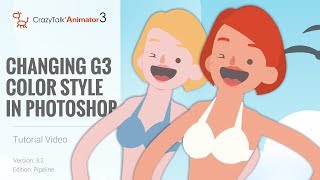
CrazyTalk Animator 3.2 Pipeline Tutorial - Changing G3 Color Style in Photoshop
Learn to customize G3 character colors in Photoshop for CrazyTalk Animator 3.2. Covers launching characters, adjusting skin and facial features, and updating changes in the animation software.
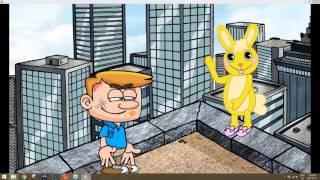
Creating a Complete Animated Scene with CrazyTalk Animator 3 - Day 1: Introduction and Scene Setup
Learn to create animated scenes using CrazyTalk Animator 3. Covers UI basics, prop customization, environment creation, animation techniques, and sound integration for beginners in animation production.
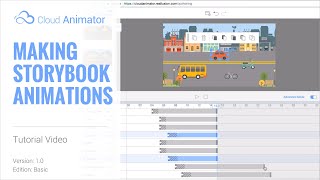
Cloud Animator Tutorial - Making Storybook Animations
Learn to create interactive storybook pop-up animations using Cloud Animator. Combine images, shapes, and pre-made motion effects to craft engaging animated projects easily shareable across devices.