
Complete Krita Tutorial and Digital Painting Basics
Comprehensive guide to Krita's features for digital art creation, covering UI, tools, drawing basics, rendering techniques, portrait painting, and animation fundamentals.
Rebranding for a Floral Studio - Brand Identity Workflow in Adobe Illustrator
Comprehensive brand identity refresh tutorial covering strategy, moodboards, color palettes, typography, and logo design using Adobe Illustrator, with insights on client management and work-life balance.

Convert a Drawing Into Vector Artwork in Adobe Illustrator
Learn to transform hand-drawn sketches into polished vector artwork using Adobe Illustrator's powerful tools, including color palettes, pen tool, custom brushes, and coloring techniques.
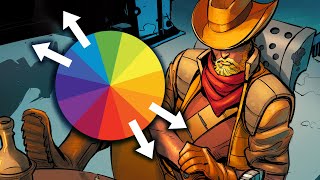
A Simple Way to Use Color Palettes
Learn a simplified approach to using color palettes effectively in digital art. Discover techniques for setting base colors, rendering light, and making adjustments to create visually appealing artwork.
Designing a Restaurant Logo and Brand Identity - Part 2
Hands-on logo design tutorial for a French restaurant, covering icon creation, wordmark design, color selection, and mockup development using Adobe Illustrator and Photoshop.
Logo Design for a Fashion Brand - Part 2
Learn professional logo design techniques, client presentation strategies, and industry insights from graphic designer Isabelle Poirier as she creates logos for a fashion brand using Adobe Creative Suite.
Brand Refresh in Illustrator: Logo Design and Color Palette - Part 1
Graphic designer Whitney Anderson demonstrates a brand refresh for a ceramics company, covering logo design, color palette creation, and application to print materials using Adobe Illustrator.
Designing a WFH Cookbook in Adobe InDesign - Part 2
Learn editorial design techniques for creating a cookbook in Adobe InDesign, including page setup, layout organization, typography best practices, and cover design. Gain insights on color palettes and print-friendly workflows.
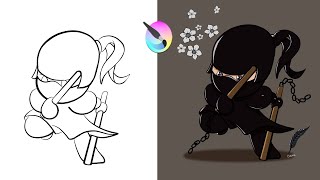
How to Draw, Paint, Add Highlights & Shadows in Krita - Chibi Ninja
Comprehensive Krita tutorial covering drawing, coloring, and enhancing a chibi ninja character. Learn essential tools, techniques, and shortcuts for digital art creation in this step-by-step guide.
Complete Pixel Art Guide - Pixel Art and Animation Tutorial for Beginners - Learn Unity
Learn to create and animate pixel art using Photoshop, from basic shapes to shading and exporting. Perfect for beginners looking to enhance their game development skills.
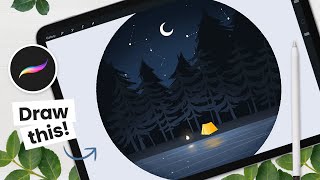
How to Draw a Camping Scene With Flickering Fire - Procreate Animation Tutorial
Learn to create and animate a forest scene with a flickering campfire using Procreate on iPad. Step-by-step instructions cover background painting and fire animation techniques.
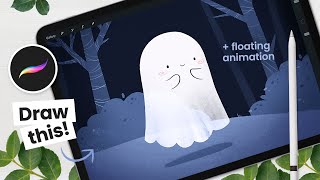
How to Draw a Floating Ghost - Procreate Animation Tutorial
Learn to draw and animate a cute floating ghost on iPad using Procreate. Step-by-step instructions cover background painting, ghost drawing, and animation basics for digital artists of all levels.
Toon Boom Harmony Tutorial for Beginners - How to Make a Cartoon
Learn essential Toon Boom Harmony techniques: drawing tools, color palettes, lip-syncing, object manipulation, animation adjustments, gradients, brushes, importing, deformers, camera animation, and 3D scene setup.
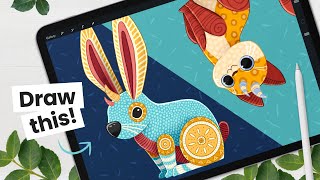
Draw Your Own Alebrije - Art Tutorial - Learn About Color Palettes & Masks
Create colorful Mexican-inspired creatures with step-by-step instructions. Learn sketching, color palettes, shading, outlining, and pattern techniques to bring your unique Alebrije to life in digital art.

Distress Ink Monoprint Technique for Card Making
Learn a faux monoprint technique using Distress Ink to create stunning, unique cards. Master blending, stamping, and die-cutting to produce over 25 beautiful designs with a professional finish.
Blender 3D - Easy Low Poly Frog Character Rig
Learn to create and rig a low poly frog character in Blender 3D. This tutorial guides you through the process, offering practical skills for 3D modeling and character rigging.

Color Theory for Beginners
Learn color theory basics, including the color wheel, harmonies, RGB vs CMYK, and creating effective palettes for branding. Master essential design skills to create visually appealing and impactful work.
UI/UX Color Scheme Tutorial Using Coolors.co
Learn to create unique UI/UX color schemes using Coolors.co. Explore two distinct schemes and apply them to a Figma design, enhancing your color selection skills for effective visual design.

24 Colors Made from 3 Primary Colors - Satisfying Color Mixing Tutorial
Discover how to create 24 vibrant colors using only red, yellow, blue, and white acrylic paints in this satisfying color mixing tutorial.
Palette Definitions for Amstrad CPC and CPC+ - Lesson P13
Explore CPC and CPC+ color palettes, learn to enable CPC+ features, and convert RGB definitions for compatibility across both systems in this graphics programming lesson.
LED Programming with Arduino - Class 2
Explore advanced LED programming techniques using Arduino, including color palettes, timers, patterns, and effects. Learn to create dynamic and visually stunning LED displays.