
Must-Know Photoshop Tips and Tricks
Quick Photoshop tips and tricks to enhance images, designs, and workflow in bite-sized 90-second tutorials for busy professionals and students.
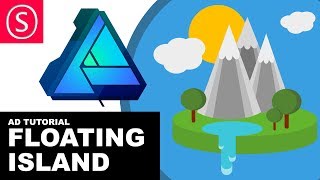
Affinity Designer - Floating Island Tutorial - Beginner Vector Design
Create a floating island using basic vector shapes in Affinity Designer. Learn 3D-like effects, shape manipulation, and layering techniques to build imaginative landscapes and biomes.
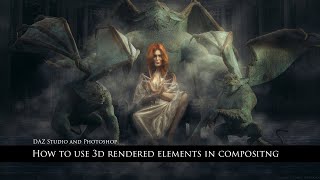
How to Use 3D Rendered Objects in Compositing
Learn to seamlessly integrate 3D rendered objects into composites using Daz Studio and Photoshop. Master techniques for model setup, rendering, masking, retouching, and creating realistic shadows and lighting effects.
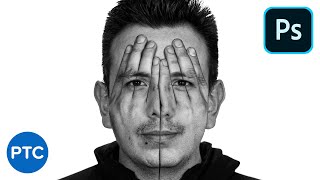
Amazing Photoshop Double Exposure Hand Face Effect
Learn to create a stunning double exposure effect in Photoshop, combining hands and face images for a unique visual impact. Master advanced techniques like vector masks, blending modes, and selective adjustments.

Shaft Movie Poster Photoshop Tutorial
Learn to recreate the "Shaft" movie poster in Photoshop, covering vector masks, shapes, gradient maps, and textures. Enhance your design skills with this step-by-step tutorial.