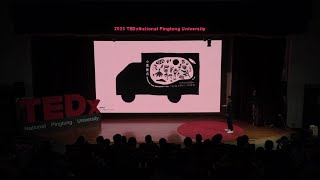
Rethinking Design and Life - Perspectives from Southern Taiwan
Explore how design can showcase Pingtung's beauty and offer fresh perspectives on work-life balance in southern Taiwan through the eyes of an award-winning local designer.

Perfect Skin Tones in Photoshop - Color Palette Technique
Master the art of achieving perfect skin tones in Photoshop using color palettes, sampling, and Curves. Learn techniques for evening out skin tones and preparing images for retouching.

Figma Tutorial for Beginners - 2024 Crash Course in Web Design
Comprehensive beginner's guide to Figma for web designers, covering interface, setup, libraries, styles, and key webpage sections in a hands-on tutorial format.
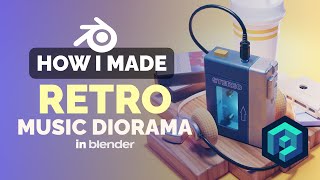
Retro Walkman Illustration in Blender - 3D Modeling Process
Learn to create a nostalgic 80s/90s-inspired 3D illustration of a Walkman using Blender. Master techniques for modeling, texturing, and rendering retro electronics in a stylized isometric style.
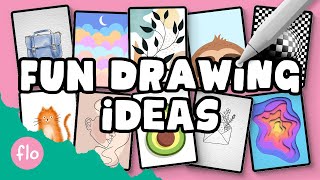
10 Easy Procreate Drawing Projects for Beginners
Explore 10 easy Procreate drawing projects, from cute sloths to watercolor cats. Learn diverse techniques and tools to enhance your digital art skills and unleash creativity when bored.

Exploring Generative AI with Adobe Firefly
Discover Adobe Firefly's unique AI capabilities for creative workflows. Learn to generate content with text prompts and integrate Firefly across design software like Photoshop and Illustrator.
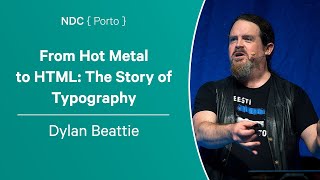
From Hot Metal to HTML - The Story of Typography - Dylan Beattie - NDC Porto 2023
Explore the fascinating evolution of typography from ancient printing to modern digital design, and its impact on user experience, accessibility, and technology.
10 Essential Photoshop Settings to Turn Off for Improved Workflow
Discover 10 essential Photoshop settings to disable for a streamlined workflow, enhancing productivity and reducing visual clutter in your interface.
How to Create Animated Forms with Visme Form Builder
Learn to create engaging, interactive forms with Visme's form builder. Customize fields, animations, and branding to boost lead generation and conversions. Connect to apps and publish effortlessly.
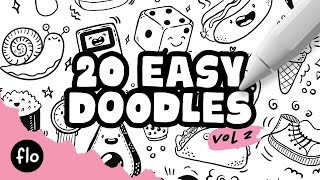
Easy Procreate Doodle Tutorial - 20 Simple Drawings for Beginners
Step-by-step tutorial for creating 20 fun and easy doodles in Procreate, perfect for beginners looking to enhance their digital illustration skills and create cute artwork.
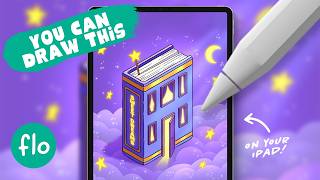
Learn to Draw an Isometric Book House Illustration in Procreate - Easy Tutorial
Step-by-step guide to creating an isometric book house illustration in Procreate, covering sketching, coloring, lighting effects, and text addition. Perfect for beginners exploring digital art on iPad.
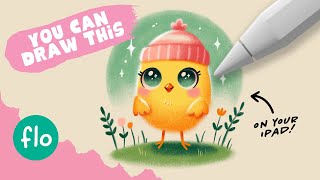
Easy Drawing Tutorial - Drawing a Cute Chick in Procreate
Step-by-step guide to drawing a cute chick in Procreate, covering shapes, features, shading, and background. Includes tips for beginners and links to additional resources.
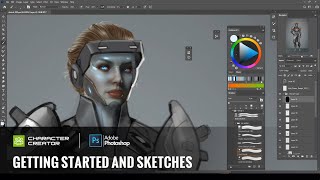
Concept Art - Getting Started and Sketches with Character Creator and Photoshop
Learn to create concept art using Character Creator and Photoshop. Explore sketching, color concepts, and digital techniques to transform 3D avatars into unique character designs.
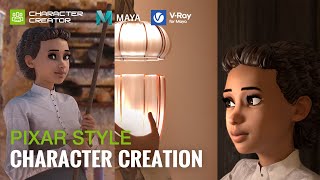
Pixar Style Character Creation with Character Creator, Maya and V-Ray - by José Tijerín
Learn to create Pixar-style 3D characters using Character Creator, Maya, and V-Ray. Master techniques for realistic skin, hair, eyes, and materials to achieve high-quality, stylized renderings.
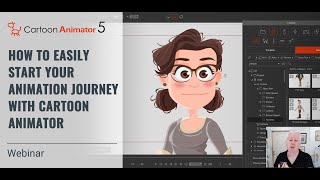
How to Start Your 2D Animation Journey with Cartoon Animator - Webinar
Learn to animate your drawings with Cartoon Animator in this webinar. Professional illustrator Garry Pye guides beginners through easy techniques, time-saving features, and practical tips to kickstart your 2D animation journey.
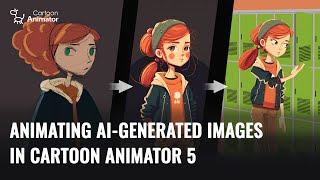
Animating AI-Generated Images in Cartoon Animator 5
Learn to create and animate AI-generated 2D characters using Cartoon Animator 5. Explore techniques for optimizing sketches, enhancing designs, and bringing characters to life with 3D motion conversion.
Cartoon Animator from A-Z - Setting the Scene - Day 1
Learn Cartoon Animator 4 basics: UI, scene setup, prop importing/editing, animation, and adding music/sound effects. Hands-on demo covers background creation, custom props, and simple animations.

Creative Hand Lettering - Adobe Fresco Tutorial
Learn hand lettering with pro illustrator Chris Piascik using Adobe Fresco. Master sketching, refining, coloring, and texturing techniques to create stunning lettering designs on your iPad or preferred setup.

Advanced Photoshop Techniques
Elevate your Photoshop skills with advanced techniques for photo manipulation, visual effects, and professional artwork. Master underwater scenes, color grading, texture blending, and creative LUTs to produce stunning visuals.

Create Easy Drag and Drop Mockup in Photoshop
Master easy drag & drop mockup creation in Photoshop. Learn to design realistic templates for t-shirts, mugs, and more using smart objects, blend modes, advanced masking, and layer styles.
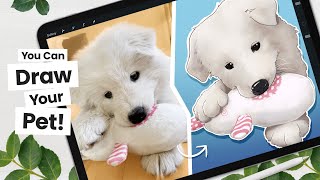
How to Cartoon Your Pet From a Picture - Procreate Tutorial
Learn to transform pet photos into cartoons using Procreate. Master line art, coloring, shading, and digital art techniques. Create unique illustrations with professional tips and tricks for a polished finish.