
My Life in Typefaces
Renowned typographer Matthew Carter shares insights from his career, exploring the evolution of typeface design from print to digital, and the intricate balance between technology and aesthetics.
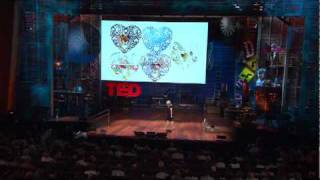
Intricate Beauty by Design
Discover how graphic designer Marian Bantjes challenges industry norms by infusing her unique, intricate style into diverse projects, from storefronts to valentines and genetic diagrams.

90's Anime in Blender - Tutorial
Learn to create digital art inspired by classic 90's anime using Blender. Explore composition, parallax, 2D/3D assets, color, linework, post-effects, and frame rate techniques for authentic retro aesthetics.

Basic Comic Coloring Method - Part 1
Learn a beginner-friendly comic coloring process in Photoshop, covering color flats, selection techniques, and flexible methods for easy adjustments.
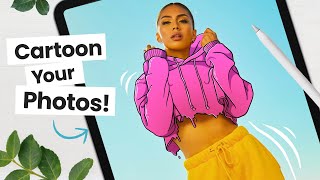
How to Cartoon Your Photos - Step-by-Step Tutorial
Learn to transform photos into cartoons using digital art software. Master line art, coloring, shading, and workflow techniques to add personality and create unique illustrations from your images.

Deke Demystifies Photoshop - Content Aware Fill Exposed
Demystifies Photoshop's Content-Aware Fill feature, explaining its functionality, settings, and applications through practical demonstrations and a comprehensive schematic diagram.
Wrap City Buses with a Life-Size Dinosaur
Learn to create massive artwork in Adobe Illustrator, scaling designs beyond traditional limits. Discover techniques for expanding canvases and enlarging type for city-wide projects like bus wraps.
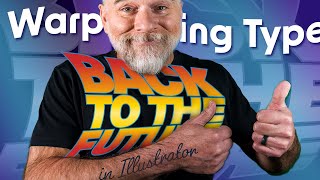
Warp to the Future!
Learn advanced text manipulation techniques in Adobe Illustrator, including type on a path, warping, and dynamic effects. Master smooth path creation, distortion values, and scaling for professional-looking designs.
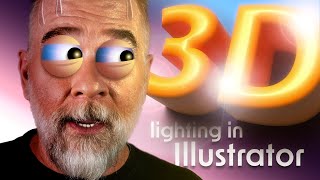
Let There Be Light and Shadows
Explore Adobe Illustrator's enhanced 3D lighting controls, including rotation, height, and softness. Learn to create realistic shadows and master the interplay of light in your digital designs.
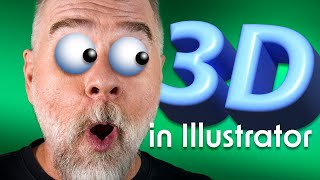
Illustrator 3D Never Went Away, But Now It’s Back
Explore Illustrator's enhanced 3D capabilities, including the 3D panel, on-screen widget, and bevel options. Learn to manipulate objects with pitch, yaw, roll, depth, and emboss for stunning visual effects.

Years of Deke's Techniques
Retrospective of Deke's Techniques: A decade of Photoshop and Illustrator tutorials, featuring favorite episodes on typography, special effects, isometric projections, and graphic art.
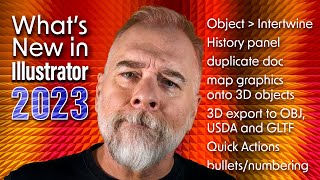
The Best of Illustrator 2023 - Intertwine Objects
Explore Illustrator 2023's Intertwine Objects feature to weave and interlock paths, with techniques for editing and manipulating overlapping objects for creative designs.
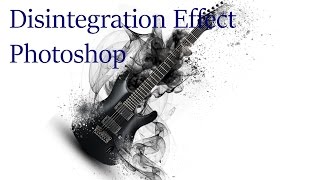
Photoshop Tutorial - Disintegration Effect
Learn to create a stunning disintegration effect in Photoshop with this step-by-step tutorial. Master particle brushes, ribbons, and ink drops to transform ordinary images into extraordinary visual art.
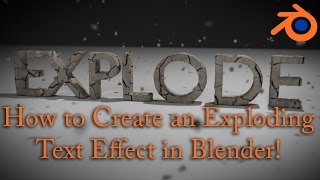
Blender Tutorial - Exploding Text Effect
Learn to create an exploding text effect using particle systems, depth of field, texturing, and compositing in Blender. Master advanced techniques for stunning visual effects.
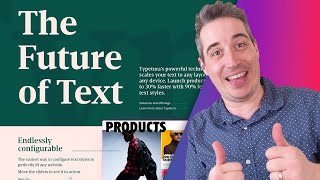
Responsive Typography on Steroids With Typetura
Explore Typetura for advanced responsive typography, enabling context-aware sizing, custom easing, and property animations beyond font size for enhanced design flexibility.
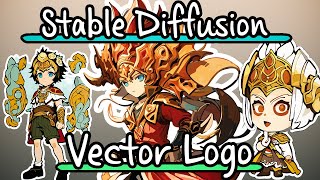
Create Stylized Vector Logo Chibi Characters with Stable Diffusion
Learn to create stylized vector logo chibi characters using Stable Diffusion, Blender, and Adobe Illustrator. Covers DreamBooth training, inpainting, outpainting, and vector conversion techniques for unique digital art.
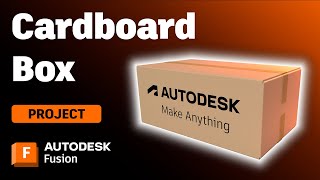
Designing and Making a Cardboard Box in Autodesk Fusion
Learn to design and create a customizable cardboard box using Autodesk Fusion's sheet metal tools. Master flange techniques, parametric design, and flat pattern creation for practical packaging applications.
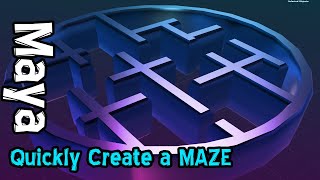
Creating Complex Mazes in Maya Using SVG Vector Graphics
Master the technique of generating complex mazes in Maya by importing vector shapes, enabling rapid creation of intricate 3D structures and architectural designs.
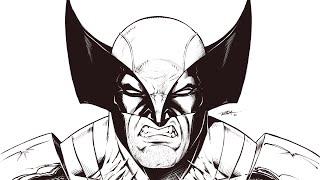
Drawing Wolverine with the Symmetry Tool in Sketchbook Pro
Learn to efficiently draw Wolverine using Sketchbook Pro's Symmetry tool, balancing symmetry and asymmetry for a dynamic character illustration. Enhance your digital art skills with time-saving techniques.
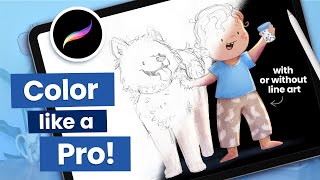
How to Color a Sketch in Procreate - 8 Essential Tips for Beginners
Master essential Procreate techniques for coloring sketches, from file preparation and color blocking to selecting perfect color palettes and achieving professional-looking illustrations.

Enhance Your PowerPoint Skills Using AI - A Step-by-Step Tutorial
Master AI-powered features in PowerPoint to enhance slide design, improve presentations with live video, leverage OpenAI integration, and create accessible content with automated subtitles.