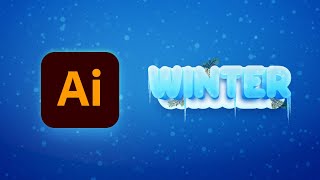
How to Create a Winter Text Effect in Illustrator
Master Adobe Illustrator techniques to create stunning winter text effects with 3D ice, snow, icicles, and fir branches in this step-by-step tutorial.
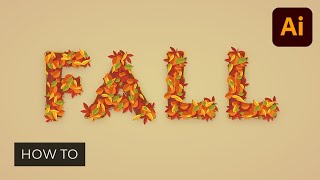
How to Create a Fall Text Effect in Illustrator
Learn to create a stunning fall text effect in Adobe Illustrator by designing leaf brushes and utilizing the Appearance panel. Master techniques for crafting unique, editable designs perfect for autumn-themed projects.
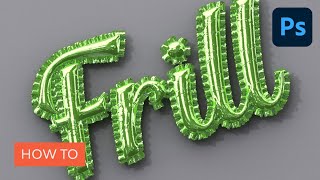
How to Create an Inflated 3D Frilly Text Effect in Adobe Photoshop
Learn to create a shiny, inflated 3D frilly text effect in Photoshop using pattern fills, 3D tools, and adjustment layers. Master techniques for realistic textures and lighting in this comprehensive tutorial.
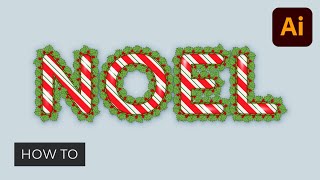
How to Use Outline Stroke in Illustrator
Learn to create decorative borders, masks, and shadows using outline stroke in Illustrator. Master pattern and scatter brushes to design a winter holiday text effect with colorful lines, stylized text, and subtle highlights.
Photoshop Text Effects - Top 6 Tutorial
Learn to create six stunning text effects using Photoshop layer styles, including glass, metal, neon, chrome, retro, and glitter. Master powerful techniques to enhance your design projects.
Movie Poster Design in Adobe Photoshop
Learn to create compelling movie posters in Photoshop. Master dimensions, composition, color grading, typography, and storytelling techniques to design eye-catching posters that capture the essence of films.
Illustrator's Paintbrush Tool and Brush Panel - A Comprehensive Guide to Brushes in Illustrator
Comprehensive guide to Illustrator's Paintbrush Tool and Brush Panel, covering various brush types, their applications, and how to create, manage, and work with them for enhanced vector artwork and productivity.

Creating a Figma Design System - Typography, Spacing, and Sizing
Learn to develop typography, sizing, and spacing sections for a Figma design system, gaining practical skills to implement your own effective and consistent visual framework.
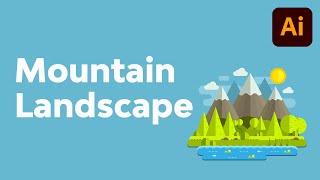
How to Create a Mountain Landscape in Flat Style in Adobe Illustrator
Master flat design techniques in Adobe Illustrator to create stunning mountain landscapes using basic shapes and tools. Learn to craft meadows, shorelines, hills, and add depth to your illustrations.

How to Create an Editable Pie Chart in Adobe Illustrator
Master editable pie charts in Adobe Illustrator: create, stylize, and customize with the Pie Graph Tool, Direct Selection Tool, and Appearance panel. Learn to add legends and backgrounds for professional infographics.
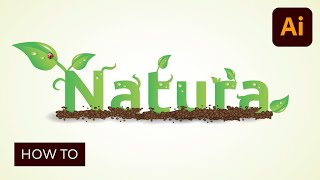
Creating an Environmentally Friendly Green Type Treatment
Learn to create eco-friendly green type treatments in Illustrator. Master techniques for designing leaves, stems, insects, and nature-inspired elements to enhance your logos and graphic designs.
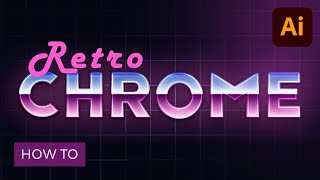
How to Create a Retro Chrome Text Effect in Adobe Illustrator
Master retro chrome text effects in Adobe Illustrator. Learn grid creation, blending techniques, and Appearance panel usage to craft editable designs with subtle textures, enhancing your graphic skills.
Illustrator's Pen Tool - The Comprehensive Guide
Master Adobe Illustrator's Pen Tool with this comprehensive guide covering functions, shortcuts, controls, preferences, and best practices. Enhance your vector design skills and workflow efficiency.
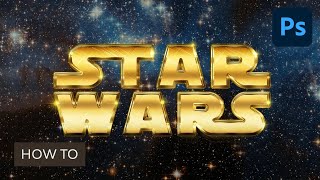
Create a Retro Star Wars Inspired Text Effect in Adobe Photoshop
Aprende a crear un impresionante efecto de texto inspirado en Star Wars utilizando estilos de capa, texturas espaciales y pinceles de destello en Adobe Photoshop.
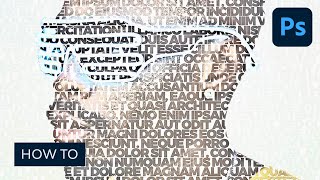
How to Create a Photo to Art Text Effect Photoshop Action
Master Photoshop action creation to transform photos into stunning art text effects. Learn color correction, layer masking, and high pass techniques for eye-catching typography designs.
How to Edit PSD Files Online With Bannersnack
Learn to edit PSD files online using Bannersnack, a browser-based tool. Discover how to create banners and use the Banner Generator without Adobe Photoshop in this quick tutorial.
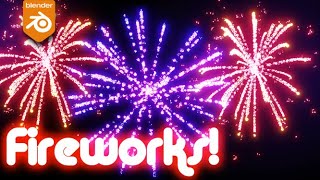
Easy Fireworks in Blender Tutorial
Create dazzling fireworks displays in Blender 2.9 with this beginner-friendly tutorial. Learn particle systems, color adjustments, and rendering techniques for stunning visual effects.
Understanding Acrylic Pour Terminology - Clarifying Common Misconceptions
Clarifies common acrylic pouring terms, techniques, and materials to help beginners understand the art form better. Covers key concepts like pouring mediums, paint types, pigments, and specific techniques.
Create Better Glows in After Effects
Learn advanced techniques for creating stunning, customizable glows in After Effects, offering greater flexibility and control than the built-in effect for more professional-looking results.
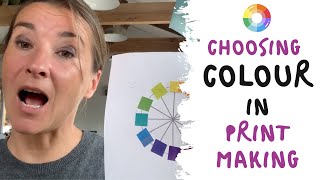
Choosing Colour in Printmaking - Experimental Monoprinting
Explore experimental monoprinting techniques and color selection to create vibrant, abstract prints. Learn to mix inks, arrange design elements, and use multiple printing phases for unique results.
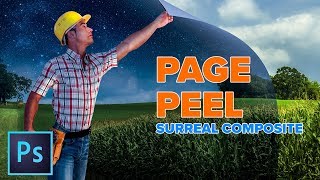
Enhanced Page Curl Photoshop Tutorial - Surreal Composite
Create a surreal composite in Photoshop: learn to combine images, transform day to night, and craft a dynamic page curl effect for a man peeling back reality.