Lightroom, Photoshop, and Topaz Labs Workflow Tutorial
Learn efficient photo editing workflow using Lightroom, Photoshop, and Topaz Labs tools for noise reduction, sharpening, and masking to enhance your images.
TOPAZ STUDIO 2 - Creative Toolbox Tutorial - Episode 2
Explore creative tools in Topaz Studio 2, including Sharpen AI, Impression Filter, and Precision Contrast. Learn techniques for enhancing photos with layer masks and detailing.

Topaz JPEG to RAW AI Software Review
Explore JPEG to RAW AI software for enhanced image quality, artifact removal, and color depth improvement. Includes side-by-side comparisons of original and converted images.
Luminar 4 Tutorial - Creative Edits - Episode 8
Explore creative photo editing techniques using Luminar 4's advanced tools and features for stunning, artistic results.

Topaz Sharpen AI - Major Update V2.0.2 Review: Batch Processing and Masking
Explore the latest Topaz Sharpen AI update, featuring new batch processing and masking capabilities for enhanced photo editing efficiency and precision.
Topaz Studio 2 - Layer Masking 101: Color Range Masks - Episode 2
Learn to create precise color range masks in Topaz Studio 2 for enhanced photo editing, with visual aids and practical examples to reinforce your understanding.
Topaz Studio 2 Tutorial - Getting Creative with Filters and Masking
Explore creative photo editing techniques using Topaz Studio 2, including diffusion, precision filtering, masking, and color adjustments for stunning visual transformations.
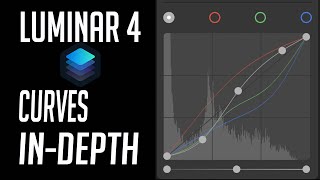
Luminar 4 Tutorial - Mastering the Curves Tool
Master the Curves Tool in Luminar 4 for precise control over image contrast, color, and tone. Learn advanced techniques to enhance your photo editing skills.
Luminar 4 Tutorial - Creative Color Effects for Images
Explore creative color effects in Luminar 4 to enhance your images. Learn techniques for adding vibrant and unique color adjustments to transform your photography.
Topaz Studio 2 Tutorial - Working with Textures
Discover the power of textures in Topaz Studio 2. Learn to enhance images using texture overlays, blend modes, and layer masking for artistic expression and creative photo editing.
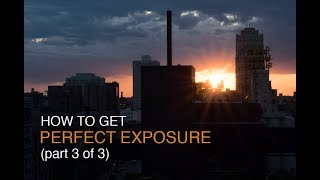
How to Get Proper Exposure - Part 3: Reviewing RAW Images on Your Computer
Learn to evaluate RAW images in Lightroom and Photoshop to improve field exposure settings and determine when multiple exposures are needed for capturing full dynamic range.

Creating Epic Seascapes in Photoshop - Blending Waves Tutorial
Learn to blend multiple wave exposures in Photoshop to create stunning seascape images. Master techniques for aligning, manually adjusting, and combining exposures for epic ocean photography.

How to Use Adobe Camera RAW 2024 - Photoshop Tutorial
Learn to navigate and utilize Adobe Camera RAW 2024's interface, basic tools, and advanced masking features for photo correction and color enhancement in this comprehensive tutorial.
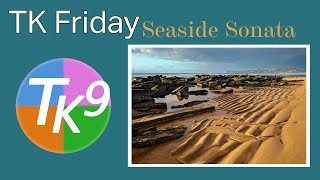
Seaside Sonata Full Edit - TK Friday
Comprehensive Photoshop editing tutorial using TK9 plugin, demonstrating advanced techniques on a seascape image to enhance color, contrast, and overall visual impact.

Master Generative AI with Adobe Firefly - Image Generation Made Easy
Explore Adobe Firefly's powerful generative AI capabilities for effortless image creation. Learn techniques to produce stunning visuals and enhance your creative workflow.
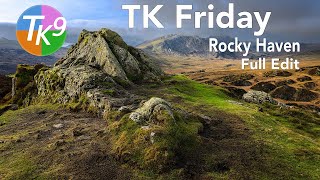
Rocky Haven, Ogwen Valley, Wales - Full Image Editing Tutorial
Full edit tutorial of a landscape photo using TK9 plugin for Photoshop. Demonstrates advanced techniques for enhancing images, with downloadable resources for viewers to follow along and practice the editing process.

Ground Breaking VFX - Blender VFX for Beginners
Learn to create realistic destruction effects in Blender, from tracking and fracturing to adding physics, dust, debris, and smoke. Master advanced VFX techniques for stunning visual impact.

Wondershare Filmora 13 Video Editing - Beginner's Tutorial
Comprehensive guide to Wondershare Filmora 13, covering essential video editing techniques from project setup to final export. Learn importing, editing, effects, AI tools, and more for beginners and intermediate users.
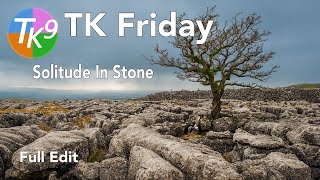
TK Friday: Full Edit of "Solitude In Stone"
Comprehensive Photoshop editing tutorial using TK9 plugin, demonstrating advanced techniques on a landscape image. Includes downloadable resources for hands-on practice.
Gain Maps: Creating Better HDR Photos
Explore gain maps, the future of HDR photography. Learn their importance and creation process to enhance image quality and dynamic range in your photographs.

Separating AI-Generated Images into Layers Using Photoshop
Learn techniques to separate AI-generated images into editable layers in Photoshop, enhancing flexibility and control over individual elements for improved image manipulation and refinement.