Hands On with Adobe’s New Groundbreaking AI
Explore Adobe Firefly's Text to Image module: Generate custom images, adjust lighting, composition, and style. Learn to create unique visuals with this groundbreaking AI tool for creative professionals.
Tips to Make Your Photos Better in Photoshop
Learn five essential techniques to enhance your photos, including composition, shadow/highlight adjustment, seasoning, vignetting, and sharpening for professional-looking results.
How to Make Things Move in Photoshop - Motion Graphics Basics
Learn to create animations and motion graphics in Photoshop, from setting keyframes to adding motion blur. Master techniques for animating icons and exporting as GIFs or videos.
Take Your Photoshop Compositing Skills to the Next Level with Jesús Ramirez
Enhance Photoshop compositing skills with expert Jesús Ramirez. Learn to combine stock images realistically, master advanced techniques, and create stunning visual scenes in this comprehensive tutorial.
Slow Motion in DaVinci Resolve With Optical Flow - Push That Button
Master super slow motion video in DaVinci Resolve using Optical Flow and Speed Warp tools. Learn techniques for smooth slow-mo effects, even with standard frame rate footage, and explore various results and comparisons.
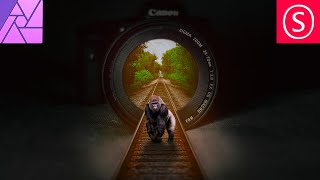
Camera Lens Train Track Photo Manipulation - Affinity Photo Beginner Tutorial
Learn to create a surreal photo manipulation of train tracks emerging from a camera lens using Affinity Photo, with step-by-step guidance on selection, blending, and visual effects.
Lightroom Classic - Post Processing Masterclass
Comprehensive Lightroom Classic tutorial covering essential post-processing techniques, from basic adjustments to advanced editing, empowering photographers to enhance their images and express their creative vision.

Sony Alpha Focus Masterclass
Comprehensive guide to mastering focus techniques for Sony Alpha cameras. Covers depth of field, focus modes, portrait settings, macro, action photography, and more. Ideal for improving image sharpness across various scenarios.
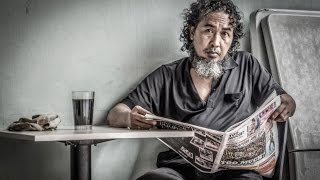
High Impact Special Grunge Effect in Photoshop CC
Create a high-impact grunge effect in Photoshop CC using advanced techniques like smart objects, filters, and adjustments for striking visual results.

Adobe Lightroom CC Course for Beginners - Photo Editing Tutorial
Comprehensive photo editing tutorial covering Lightroom Classic and CC Mobile, from importing and organizing to advanced editing techniques for enhancing light, color, and detail.
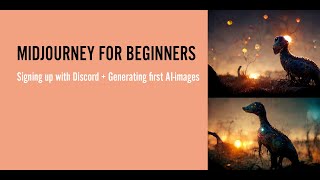
Midjourney for Beginners - From Discord Signup to First AI Image Generation
Learn to generate AI images with Midjourney: from Discord signup to crafting your first prompts. Ideal for beginners seeking step-by-step guidance in AI art creation.
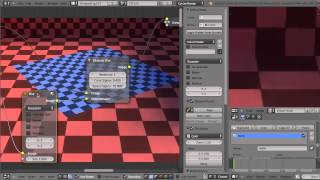
Using Blender's Bilateral Blur Compositing Node for Denoising Renders
Learn to reduce noise in Cycles renders using Blender's Bilateral Blur node. Master edge-preserving blur techniques to enhance image quality while maintaining crucial details in your 3D renders.
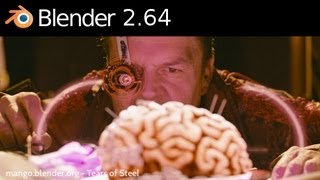
Overview of Blender 2.64 Features and Updates
Explore new VFX tools, color management, and sculpting features in Blender 2.64, enhancing your 3D modeling and animation capabilities.
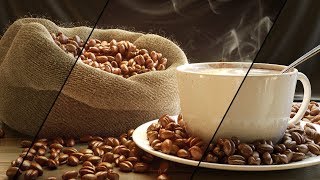
Compositing with Render Passes
Hands-on practice reconstructing render passes into a complete image using Blender's Compositor. Enhance a pre-built coffee scene for visual appeal through flexible post-render editing techniques.
Inkscape Filter Editor Tutorial - Part 6
Explore Inkscape's Filter Editor, covering primitives like Gaussian Blur, Blend, Turbulence, and Lighting effects to enhance your vector graphics skills.
Blender 2.79 Tutorial - Materials and Lighting
Learn to create and manipulate materials in Blender, including lighting, textures, glass simulation, and object tracking. Gain practical skills through examples and demonstrations.
Inkscape Video Tutorial - Part 3: Advanced Tools and Color Management
Learn advanced Inkscape techniques: Pathfinder tools, color models, blur effects, gradients, and more. Master essential design skills for creating stunning vector graphics and illustrations.
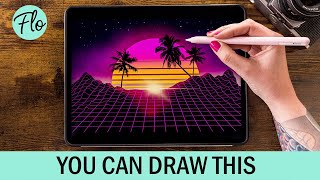
Retrowave Landscape in Procreate
Step-by-step tutorial for creating a retrowave landscape in Procreate, featuring free brushes and beginner-friendly techniques. Learn digital drawing skills while crafting a vibrant, nostalgic illustration.
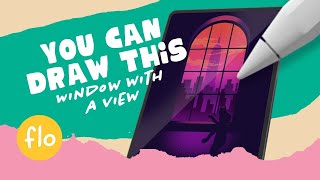
Draw a Window with a Skyline View in Procreate
Step-by-step tutorial for beginners to draw a window with a skyline view in Procreate. Learn digital painting techniques, use free brushes, and create a simple yet stunning artwork.
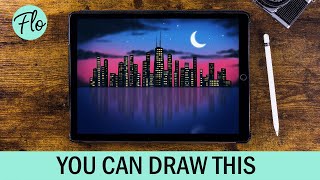
Draw This Skyline in Procreate
Learn to draw a city skyline in Procreate with step-by-step guidance. Master techniques like selections, drawing guides, and motion blur using free brushes. Perfect for beginners seeking to enhance their digital art skills.
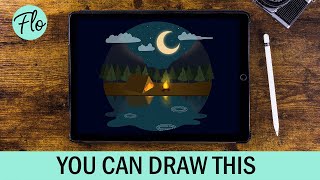
You Can Draw This Landscape in Procreate
Learn to create a captivating camping scene in Procreate with step-by-step guidance. Master techniques like layer clipping, alpha lock, and motion blur to bring your digital landscape to life.