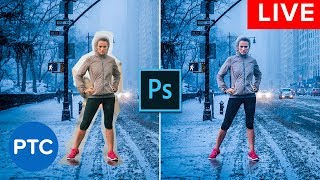
Photoshop Compositing Secrets - Blend Images Together Like a Pro - Live Presentation
Learn advanced Photoshop compositing techniques, including perspective matching, masking, color matching, blending modes, and creating cohesive images. Master the art of seamlessly blending multiple photos together.
Lightroom CC for Beginners - Lightroom CC 2018 Tutorials
Comprehensive tutorial on Lightroom CC, covering importing, interface, editing tools, and exporting. Learn to enhance photos using various panels and features for optimal results.
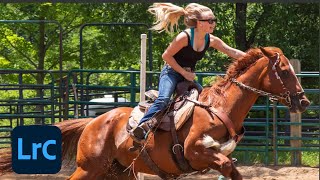
Photography Masterclass - How to Edit User-Submitted Photos
Expert photographer Terry White demonstrates editing techniques on user-submitted photos, sharing his workflow and thought process to help improve your photo editing skills.
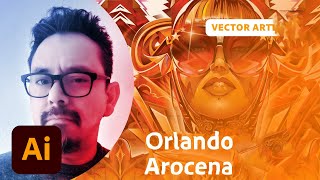
Freestyle Vector Art Techniques with Orlando Arocena - Part 2
Explore vector freestyle with Orlando Arocena: evolve abstract doodles into familiar images using Illustrator tools. Learn gradient techniques, vector brushes, and professional insights on creativity and client management.
Photoshop Masterclass: Photo Manipulation Techniques
Learn advanced Photoshop techniques for photo manipulation, including color adjustments, distortion tools, image blending, and creating collages. Master essential skills to transform and combine images creatively.
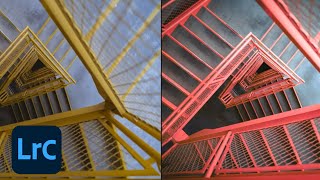
Lightroom Workflows for Abstract Architecture Photography - Part 2
Explore advanced Lightroom techniques for abstract architecture photography with Tobi Shinobi. Learn pre-production strategies, local adjustments, curves, and pro tips to enhance your editing workflow and creative vision.
Photography Masterclass: Photoshop for Lightroom Users
Learn to enhance your photo editing skills with Photoshop techniques tailored for Lightroom users. Discover when to use Photoshop, prepare images for social media, and add text to your photos.
Photo Editing Techniques in Adobe Lightroom and Photoshop - Live Demonstration
Learn photo editing techniques with Adobe expert Terry White as he enhances user-submitted images live using Lightroom and Photoshop, demonstrating professional tips to elevate your photography skills.
Stitch, Stabilize & Color Insta360 Titan & Pro 2 with Mistika Boutique - Mistika VR
Learn advanced techniques for stitching, stabilizing, and color grading 360° footage from Insta360 cameras using Mistika software, enhancing your VR filmmaking skills with professional tools and workflows.
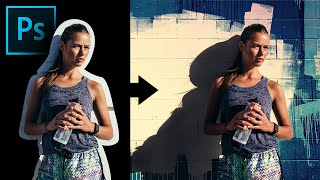
Extract Real Shadows with Solid Color in Photoshop
Learn to extract and recreate realistic shadows in Photoshop using Solid Color Adjustment Layer, Channels, Masks, and Blend Modes for seamless compositing and photo manipulation.
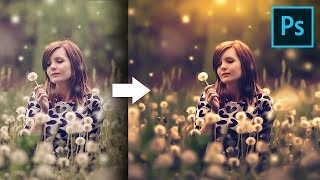
Unusual Slider to Create Painterly Effect in Photoshop
Discover a hidden slider in Adobe Camera RAW to create dreamy, painterly effects. Learn color grading, sun flares, and dodging techniques to enhance your images in Photoshop.

Colorize Black and White with Realism in Photoshop
Learn realistic techniques for colorizing black and white images in Photoshop, focusing on natural skin tones using color palettes, Hue/Saturation adjustments, and Blend-If for seamless application.
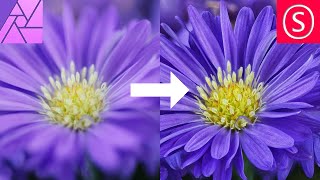
Focus Stacking - Focus Merging in Affinity Photo - How to - Beginner Tutorial
Comprehensive guide to focus stacking in Affinity Photo, covering camera setup, equipment tips, settings, and post-processing techniques for improved macro photography results.

How to Remove Background from Drawings - Affinity Photo + Tourbox Review
Discover techniques for removing backgrounds from drawings, enabling digital colorization and crisp outlines. Learn to create perfect selections and convert drawings to PNGs using Affinity Photo.
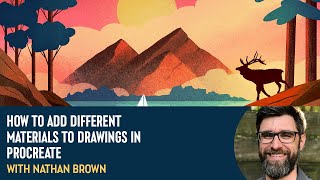
How to Add Different Materials to Drawings in Procreate With Nathan Brown
Explore layering techniques in Procreate with Nathan Brown, learning to add diverse materials like water and wood to illustrations for enhanced creativity and visual depth.
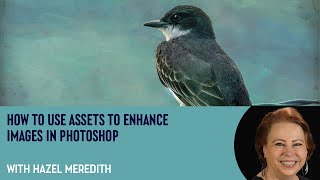
How to Use Assets to Enhance Images in Photoshop with Hazel Meredith
Learn to enhance images in Photoshop using textures, overlays, and masks with award-winning photographer Hazel Meredith. Discover techniques for adding drama, lighting effects, and borders to create unique and captivating visuals.
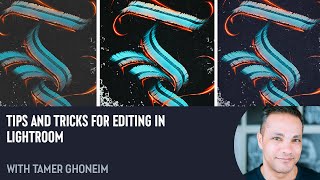
Tips and Tricks for Editing in Lightroom with Tamer Ghoneim
Discover expert Lightroom editing techniques from photographer Tamer Ghoneim. Learn to enhance photos using tools like histogram, gradient, and HSL for stunning results.
How to Use the Seed Parameter in Midjourney - Tokenized AI
Learn to control image consistency in Midjourney using the --seed parameter. Explore differences between v3 and v4, understand --sameseed, and discover how to retrieve seed values for more predictable AI-generated art.
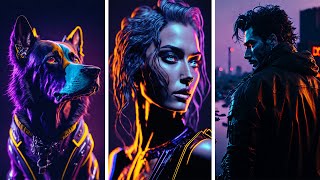
Illuminati Model with Noise Offset and AI Art Challenge
Explore the Illuminati AI model for image generation, participate in an art challenge, and learn advanced techniques for enhancing AI-generated artwork.
Professional Sharpening Techniques in Photoshop
Master professional image sharpening techniques in Photoshop, from capture to output, enhancing your post-production skills for print and online media.
Introduction to Camera Tracking in Blender
Learn camera tracking fundamentals, track your first video, and create a realistic sinkhole hoax using Blender's powerful tools. Master essential techniques for seamless integration of 3D elements into live-action footage.