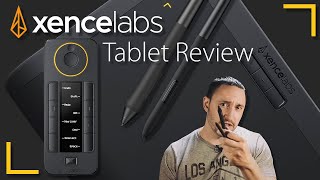
Xencelabs Pen Tablet Medium Bundle Review - ZBrush, Photoshop, Clip Studio and More
Comprehensive review of Xencelabs Pen Tablet Medium Bundle, showcasing its functionality across various digital art software and providing detailed setup instructions and demonstrations.
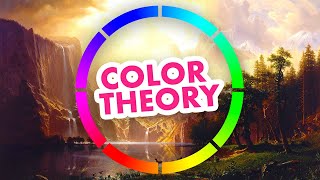
Color Theory Fundamentals
Explore artistic color fundamentals, including composition, diagrams, color wheels, and emotional impact. Learn from master artists and gain practical skills in color mixing and application.
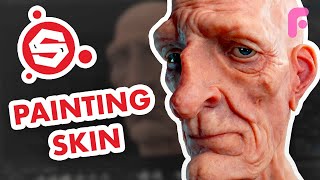
Handpainting Skin Textures in Substance Painter
Learn to handpaint realistic skin textures in Substance Painter, covering color theory, shadowing, makeup, and advanced techniques for creating lifelike digital characters.
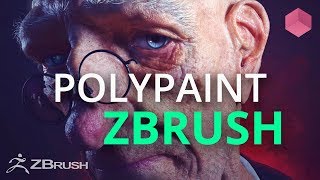
Polypaint a Head in ZBrush - Color Theory
Master ZBrush Polypainting for realistic head texturing. Learn essential color theory for organic surfaces, focusing on facial features. Gain practical tips and techniques for creating lifelike digital characters.
Grab Bag of ZBrush Techniques - Logos, Cloth Animation, Liquids, and More
Explore diverse ZBrush techniques including logo creation, cloth animation, liquid modeling, and more. Learn advanced sculpting, texturing, and rendering methods to enhance your 3D art skills.
Weapon Concepting in ZBrush - Part 4
Learn weapon concepting techniques, from thumbnails to detailed designs, using digital tools. Explore brainstorming, brush techniques, and advanced features for creating unique and functional weapon concepts.
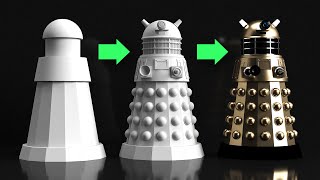
Adobe Dimension Tutorial - 3D Modeling
Learn to create a complex 3D scene using Adobe Dimension, from modeling a Dalek to rendering and designing a poster. Master basic shapes, materials, lighting, and integration with Photoshop.
Photo Manipulation Secrets Using Stock Images in Photoshop
Master 30 Photoshop techniques for stunning samurai-inspired photo manipulations. Learn selection tools, 3D assets, color adjustments, and special effects to create captivating digital art using stock images.
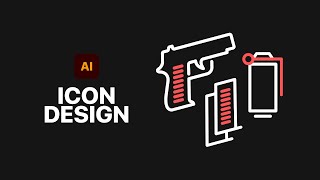
How to Design Game Icons in Adobe Illustrator
Learn to design game icons using Adobe Illustrator's Pen Tool, create a suite of icons, and apply textures. Master essential techniques for crafting professional-quality game graphics.
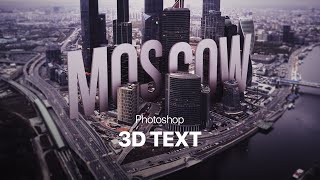
Photoshop Big 3D Text into a Photo
Learn to create and integrate 3D text into a city photo using Photoshop. Master techniques like rendering, clipping masks, vignettes, and iris blur for stunning visual effects.

Illustrator Logo Design Tutorial - Avocado & AI
Learn to design an AI-avocado logo in Adobe Illustrator using shape manipulation, custom drawing, and color techniques. Perfect for enhancing graphic design skills.

The Adjustment Layers in Photoshop Explained
Comprehensive guide to Photoshop's 19 adjustment layers, explaining each tool's function and application for enhancing digital images and creating visual effects.
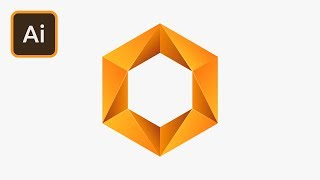
Create a Hexagon Gradient Logo in Illustrator
Learn to design a striking hexagon gradient logo in Adobe Illustrator, mastering techniques for shape creation, color application, and adding visual depth through highlights.

Create a Glowing Neon Text Effect in Photoshop
Learn to create stunning neon text effects in Photoshop with step-by-step guidance on gradients, blending modes, and motion blur techniques for eye-catching designs.
How to Design eCommerce Graphics in Photoshop
Learn to design web graphics in various sizes using Adobe Photoshop, covering selection, masking, smart objects, text manipulation, and artboard resizing for effective eCommerce visuals.

Hand Lettering Tutorial for Beginners
Learn custom lettering design in Adobe Illustrator with expert guidance. Master composition, guidelines, letter forms, spacing, and vectoring techniques to create unique hand-lettered designs.

How to Design Banners in Adobe XD
Learn to create eye-catching banners in Adobe XD with techniques for image manipulation, gradients, layers, and shadows. Enhance your design skills through practical, step-by-step guidance.

How to Create a Composite in Photoshop
Learn to create stunning composites in Photoshop, mastering techniques like masking, adding effects, and retouching. Perfect for enhancing your photo manipulation skills.

How to Design Awesome Text Effects - Photoshop Tutorial
Learn to create stunning text effects in Photoshop using brushes and tool presets. Master techniques for layer masks, scatter effects, and color fills to elevate your design skills.

How to Design a Logo with Shadows in Illustrator
Learn to enhance logos with dynamic shadows in Adobe Illustrator. Master techniques for creating depth, adjusting shapes, and applying blending modes to elevate your design skills.
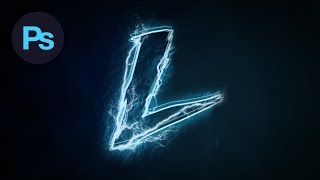
Design a Lightning Text Effect Photoshop Tutorial
Learn to create a striking lightning text effect in Photoshop using custom fonts, brushes, and advanced techniques for a visually electrifying design.