Digital Painting Tutorial - Photoshop - Skulls Artwork - Narrated by Robert Marzullo
Learn to enhance digital artwork with textures and elements like flames and skulls in Photoshop, guided by artist Robert Marzullo's step-by-step process.
Total Beginners Guide to Drawing in Photoshop 2022
Learn essential Photoshop skills for digital art: canvas setup, brushes, layers, effects, selections, and more. Includes real-time tutorial and time-lapse drawing demo for absolute beginners.
Photoshop Brushes 2 - Advanced Stuff
Discover advanced Photoshop brush techniques, from creating custom presets to mastering complex brush settings. Learn pro-level tricks to elevate your digital art and impress viewers with your newfound skills.
Creating Mass Groups with Difference Matte in Photoshop
Learn advanced masking techniques in Photoshop, including Difference Matte, Matte Choker, and Will Mask, to create precise and efficient mass groups for complex image editing projects.
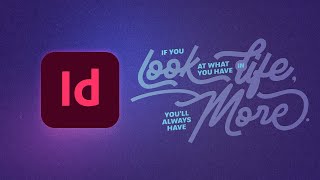
Create High-Impact Typography Effects in Adobe InDesign
Learn to create five striking typography effects in Adobe InDesign, including text-inside-text, color-block, and trendy path-based designs. Master drop caps and text rotation for impactful layouts.
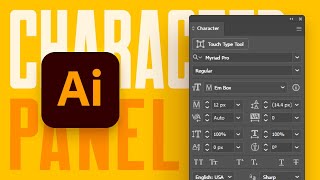
A Beginner's Guide to the Character Panel in Illustrator
Comprehensive tutorial on Illustrator's Character panel, covering fonts, text styling, OpenType features, and advanced typographic controls for enhanced design capabilities.
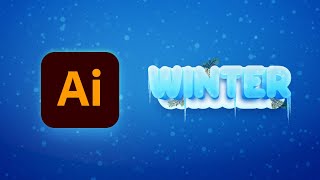
How to Create a Winter Text Effect in Illustrator
Master Adobe Illustrator techniques to create stunning winter text effects with 3D ice, snow, icicles, and fir branches in this step-by-step tutorial.
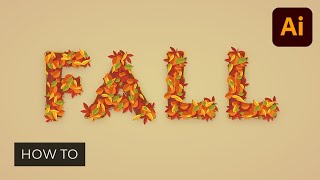
How to Create a Fall Text Effect in Illustrator
Learn to create a stunning fall text effect in Adobe Illustrator by designing leaf brushes and utilizing the Appearance panel. Master techniques for crafting unique, editable designs perfect for autumn-themed projects.
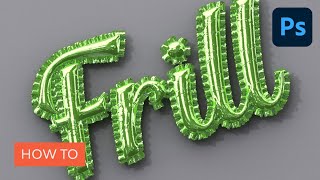
How to Create an Inflated 3D Frilly Text Effect in Adobe Photoshop
Learn to create a shiny, inflated 3D frilly text effect in Photoshop using pattern fills, 3D tools, and adjustment layers. Master techniques for realistic textures and lighting in this comprehensive tutorial.
Photoshop Text Effects - Top 6 Tutorial
Learn to create six stunning text effects using Photoshop layer styles, including glass, metal, neon, chrome, retro, and glitter. Master powerful techniques to enhance your design projects.
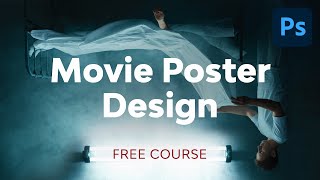
Movie Poster Design in Adobe Photoshop
Learn to create compelling movie posters in Photoshop. Master dimensions, composition, color grading, typography, and storytelling techniques to design eye-catching posters that capture the essence of films.
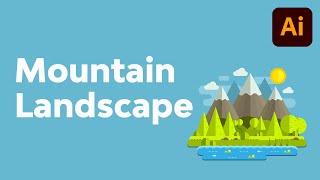
How to Create a Mountain Landscape in Flat Style in Adobe Illustrator
Master flat design techniques in Adobe Illustrator to create stunning mountain landscapes using basic shapes and tools. Learn to craft meadows, shorelines, hills, and add depth to your illustrations.

How to Create an Editable Pie Chart in Adobe Illustrator
Master editable pie charts in Adobe Illustrator: create, stylize, and customize with the Pie Graph Tool, Direct Selection Tool, and Appearance panel. Learn to add legends and backgrounds for professional infographics.
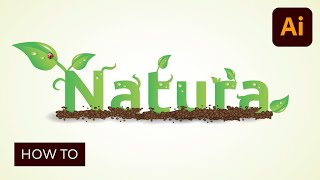
Creating an Environmentally Friendly Green Type Treatment
Learn to create eco-friendly green type treatments in Illustrator. Master techniques for designing leaves, stems, insects, and nature-inspired elements to enhance your logos and graphic designs.
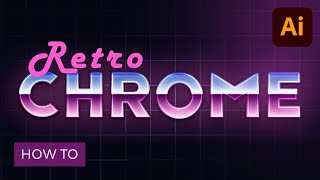
How to Create a Retro Chrome Text Effect in Adobe Illustrator
Master retro chrome text effects in Adobe Illustrator. Learn grid creation, blending techniques, and Appearance panel usage to craft editable designs with subtle textures, enhancing your graphic skills.
Illustrator's Pen Tool - The Comprehensive Guide
Master Adobe Illustrator's Pen Tool with this comprehensive guide covering functions, shortcuts, controls, preferences, and best practices. Enhance your vector design skills and workflow efficiency.
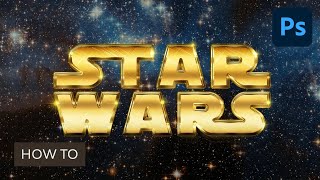
Create a Retro Star Wars Inspired Text Effect in Adobe Photoshop
Aprende a crear un impresionante efecto de texto inspirado en Star Wars utilizando estilos de capa, texturas espaciales y pinceles de destello en Adobe Photoshop.
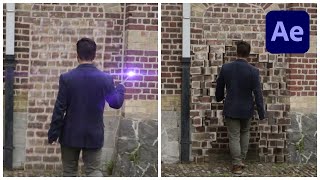
Advanced Harry Potter Wall Transformation in After Effects
Learn to recreate the iconic Harry Potter wall transformation effect using Adobe After Effects. Master advanced VFX techniques to bring magic to your videos and enhance your filmmaking skills.
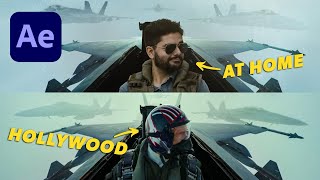
How I Became Main Character in Top Gun- Maverick Using VFX
Recreate the Fighter Jet Scene from Top Gun: Maverick using Adobe After Effects and Element 3D. Learn VFX techniques to become the main character in blockbuster movie scenes.
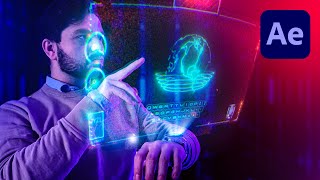
Sci-Fi Watch Hologram in After Effects
Learn to create an advanced hologram effect for a watch using Adobe After Effects. Master tracking, compositing, and animating HUD elements to achieve a stunning sci-fi visual effect.
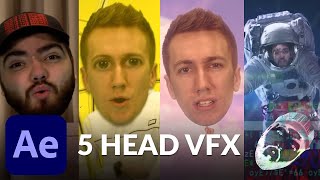
Mind Blowing Head VFX in After Effects - Helium Song Tutorial
Learn 5 mind-blowing head visual effects in After Effects, inspired by music videos. Master techniques to create stunning VFX for your own projects using step-by-step instructions.