Creating a Custom TK8 Photoshop Workspace and Backup - TK Friday Tutorial
Learn to create, save, and backup a custom TK8 workspace in Photoshop. Optimize your editing workflow with practical tips for efficient photo processing using the TK8 plugin.
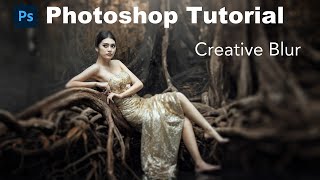
Photoshop Tutorial: Adding Creative Blur for Artistic Flair
Learn to add artistic lens blur effects in Photoshop, enhancing your images with creative techniques for a unique and professional look.

Adobe Firefly Beta - First Look at Text-to-Image, Text Effects, and Vector Recoloring
Explore Adobe Firefly's AI-powered features including Text to Image, Text Effects, and Recolor Vectors. Learn how to access and use this innovative tool for creative digital art generation.

Lightroom Classic Update - New Features in Version 12.3
Explore exciting new features in Lightroom Classic 12.3 update, including enhanced editing tools and workflow improvements for photographers.

Photoshop Beta - Discover the New Remove Tool
Explore Photoshop Beta's new Remove Tool, offering advanced object removal capabilities. Learn tips and tricks for optimal results in this hands-on tutorial.
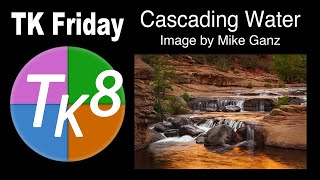
Full Edit Tutorial: Cascading Water Image Using TK8 Plugin for Photoshop
Learn advanced photo editing techniques using Photoshop and TK8 plugin. Enhance a cascading water image with step-by-step guidance, downloadable resources, and expert tips for stunning results.
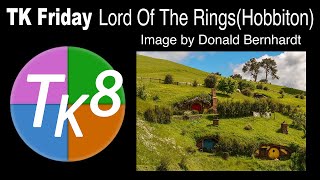
Full Edit Tutorial: Hobbiton Image Using TK8 Plugin for Photoshop
Comprehensive tutorial on editing a Hobbiton image using TK8 plugin for Photoshop, with step-by-step guidance and downloadable resources for hands-on practice.
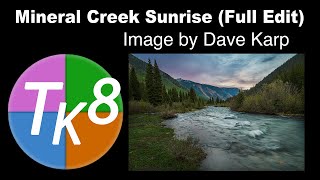
TK Friday: Mineral Creek Sunrise Full Edit - Part 2
Comprehensive tutorial on advanced photo editing techniques using TK8 plugin for Photoshop, featuring a step-by-step guide to enhance a sunrise landscape image with downloadable resources.
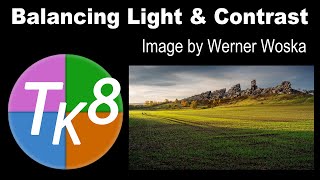
TK Friday: Balancing Light and Contrast - Image Editing Tutorial
Learn to balance light and contrast in images using the TK8 Plugin for Photoshop. This step-by-step tutorial guides you through enhancing photos professionally, with downloadable resources for hands-on practice.
Discover the Magic of Lightroom Classic's Object Selection Tool
Explore Lightroom Classic's Object Selection Tool for precise photo editing. Learn to create accurate selections and leverage advanced masking capabilities to enhance your images.
Creative Masking: Topaz Mask AI and Photoshop
Learn advanced creative masking techniques combining Topaz Mask AI and Photoshop for stunning photo edits and manipulations. Enhance your image editing skills with professional tools and methods.
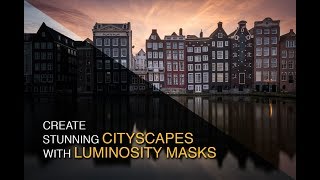
Creating a Stunning Cityscape in Photoshop - Luminosity Masks Workflow for Amsterdam
Create stunning cityscapes using luminosity masking in Lightroom and Photoshop. Full workflow demonstration on an Amsterdam image, from RAW processing to final edits with Lumenzia.
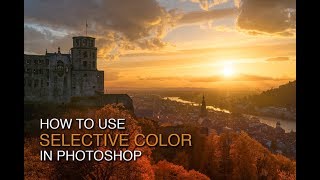
How to Enhance Color with Selective Color in Photoshop
Learn to transform green trees into vibrant autumn hues using Photoshop's Selective Color tool. Master CMYK color theory, luminosity masks, and vignettes for stunning photo enhancements.

Creating Epic Seascapes in Photoshop - Blending Waves Tutorial
Learn to blend multiple wave exposures in Photoshop to create stunning seascape images. Master techniques for aligning, manually adjusting, and combining exposures for epic ocean photography.
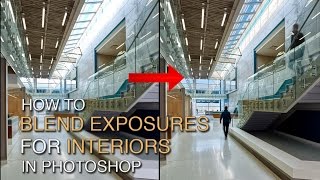
How to Blend Exposures for Interiors in Photoshop Using Luminosity Masks
Learn advanced Photoshop techniques for blending interior and exterior exposures using luminosity masks. Master BlendIf masking and painting through luminosity selections to achieve stunning results in architectural photography.
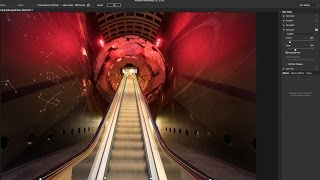
Using Path Blur Filter in Photoshop to Create Dynamic Photos
Learn to create dynamic motion effects in photos using Photoshop's Path Blur filter. Master techniques for realistic movement, exposure blending, and artifact removal to enhance your visual storytelling.
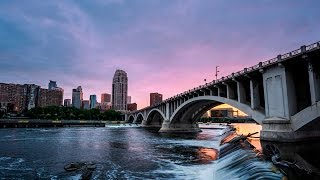
Restoring Sunset Colors with Luminosity Masks in Photoshop
Enhance dull sunset photos using luminosity masks in Photoshop. Learn techniques to add vibrant colors, control intensity, and create natural-looking results for stunning sky transformations.
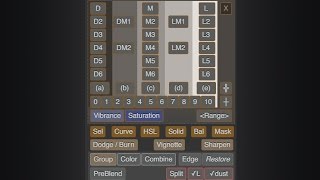
Lumenzia - Luminosity Masking Panel for Photoshop
Simplify luminosity masking in Photoshop with Lumenzia panel. Create custom masks, select zones visually, and achieve professional results effortlessly. Includes tools for vignettes and sharpening.

How to Use Adobe Camera RAW 2024 - Photoshop Tutorial
Learn to navigate and utilize Adobe Camera RAW 2024's interface, basic tools, and advanced masking features for photo correction and color enhancement in this comprehensive tutorial.
Seaside Sonata Full Edit - TK Friday
Comprehensive Photoshop editing tutorial using TK9 plugin, demonstrating advanced techniques on a seascape image to enhance color, contrast, and overall visual impact.
Game Programming: Creating Wall and Grass Sprites in After Effects - Episode 83
Learn to create wall and grass sprites for games using After Effects, enhancing your game development skills with professional-quality graphics techniques.