
Master Generative AI with Adobe Firefly - Image Generation Made Easy
Explore Adobe Firefly's powerful generative AI capabilities for effortless image creation. Learn techniques to produce stunning visuals and enhance your creative workflow.

Adobe Photoshop CC - Beginner to Advanced Training Course
Comprehensive Adobe Photoshop CC tutorial covering essential tools, techniques, and advanced features. Learn to create, edit, and manipulate images from beginner to expert level.
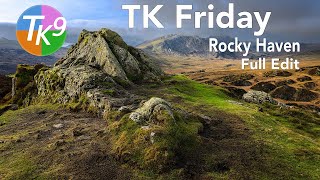
Rocky Haven, Ogwen Valley, Wales - Full Image Editing Tutorial
Full edit tutorial of a landscape photo using TK9 plugin for Photoshop. Demonstrates advanced techniques for enhancing images, with downloadable resources for viewers to follow along and practice the editing process.

Argylle Movie Poster Design Tutorial in Photoshop
Learn to recreate the Argylle movie poster in Photoshop, mastering techniques like argyle pattern creation, photo editing, color correction, and typography for professional-looking movie poster designs.

65+ Pro-Level Photoshop Keyboard Shortcuts for Efficient Editing
Unlock 65+ pro-level Photoshop shortcuts to enhance efficiency in brushes, selections, layers, and hidden features. Master time-saving techniques for a faster, more creative editing workflow.
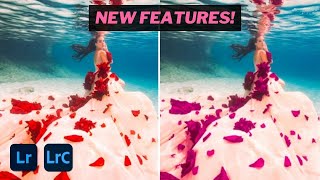
How to Use Lens Blur and Point Color in Lightroom - 2024 Tutorial
Master Lightroom's lens blur and point color tools for stunning image enhancements. Learn to adjust skin tones, manipulate hue ranges, and utilize subject masks for professional-quality edits.
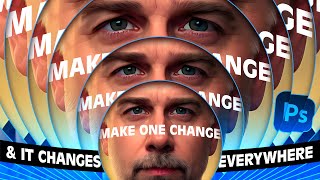
Mastering Infinite Sequences in Photoshop - Creating Dynamic Transformation Series
Learn to create dynamic infinite transformation sequences in Photoshop, power-duplicate layers, and make automatic updates. Master techniques for scaling, positioning, masking, and using Generative Fill for stunning visual effects.

Dune Part Two Style Poster Creation in Photoshop
Learn to recreate the Dune Part Two movie poster in Photoshop, mastering techniques like gradient maps, film grain, skin smoothing, and dodge and burn for a professional cinematic look.
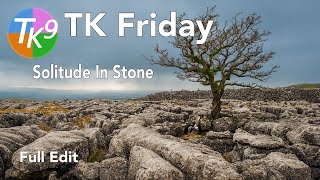
TK Friday: Full Edit of "Solitude In Stone"
Comprehensive Photoshop editing tutorial using TK9 plugin, demonstrating advanced techniques on a landscape image. Includes downloadable resources for hands-on practice.

Using the Render Tree Filter in Photoshop - Tutorial
Learn to master Photoshop's Render Tree Filter, overcome its limitations, and create stunning composites using photos, generative fill, and various tools like curves, hue/saturation, and pattern overlay.

Change Any Color to Any Color in Photoshop - Comprehensive Techniques
Master color transformation techniques in Photoshop using Curves, Hue/Saturation, and Masking. Learn to change any color, including black and white, with precision and versatility.
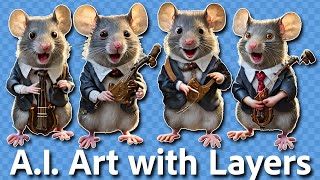
Separating AI-Generated Images into Layers Using Photoshop
Learn techniques to separate AI-generated images into editable layers in Photoshop, enhancing flexibility and control over individual elements for improved image manipulation and refinement.
Full Edit Tutorial: Mountain View Image Using TK9 Plugin for Photoshop
Comprehensive Photoshop editing tutorial using TK9 plugin, demonstrating advanced techniques on a mountain landscape image with step-by-step guidance and downloadable resources.
How to Create a Fun, Red-Haired Boy Character in Adobe Photoshop
Learn to design a lively, red-haired boy character in Photoshop using sketching, shapes, layer styles, and brush techniques to bring your creation to life.
Create a Chalkboard Icon Using Photoshop and IconBuilder
Learn to craft a chalkboard icon in Photoshop, mastering layer styles, brushes, and IconBuilder. Gain essential skills for creating professional-quality icons with a vintage touch.
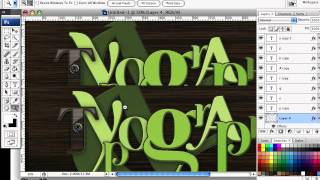
How to Create a Richly Ornate Typographic Illustration
Create an intricate typographic illustration using free resources and self-made elements, combining ornate designs with lettering for a visually stunning result.
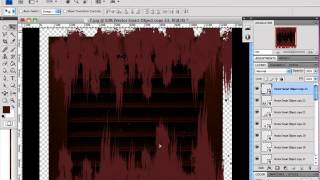
How to Create a Rusty Texture in Photoshop
Learn to create realistic rusty textures using Photoshop's layers, filters, and color adjustments for enhancing your digital illustrations and designs.
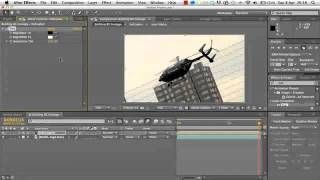
2D Helicopter Game Development Tutorial
Learn to create a dynamic 2D helicopter animation using Adobe After Effects, mastering techniques for realistic movement and visual effects.
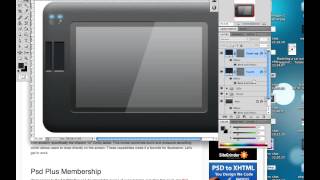
Creating a Set of Digital Painting Icons: Digital Tablet Icon - Part 4
Learn to design a realistic Wacom Cintiq tablet icon using digital illustration techniques, enhancing your icon creation skills for professional-quality graphics.
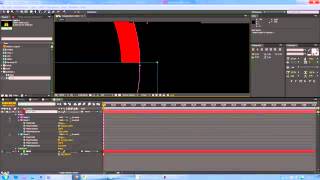
Logo in Chains Tutorial - Creating Dynamic 3D Logo Designs
Create a captivating logo design featuring interlocking chains using Adobe Illustrator techniques in this step-by-step tutorial.
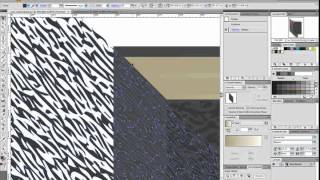
How to Create a Customizable Vector Sketchbook
Create a customizable vector sketchbook using basic shapes, Shear transforms, and Effects to achieve a leather texture in this intermediate-level tutorial.