
How to Make a 2D Vtuber Model - Part 2
Learn to rig and animate a 2D VTuber model using Adobe Character Animator. Master importing, layering, rigging, and advanced techniques for creating lifelike virtual characters.

How to Make a 2D Virtual Model
Learn to create advanced 2D cartoon vtuber avatars using Adobe Animate. Master facial rigging techniques, including eyebrows, eyes, and mouth, and export animations for use in Character Animator.
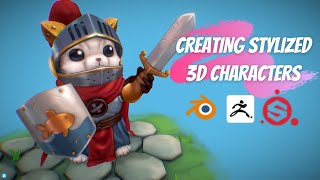
How to Create Stylized 3D Character Models in Blender, Pixologic ZBrush & Substance 3D
Comprehensive tutorial on creating stylized 3D character models using Blender, ZBrush, and Substance Painter, covering design analysis, blocking, modeling techniques, UV mapping, and painting.
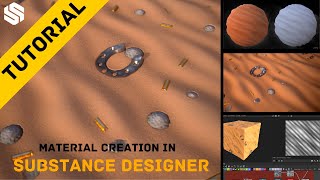
Easily Create Stylized Sand Material in Substance Designer
Learn to create stylized sand material in Substance Designer, covering pattern creation, rock scattering, non-organic elements, height blending, coloring, and parameter exposure in this comprehensive tutorial.
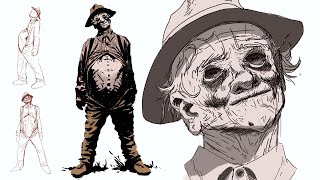
The First Witness - Horror Concept Art Process
Learn horror concept art techniques for creating "The First Witness," exploring character design, perspective, and rendering in this step-by-step tutorial.
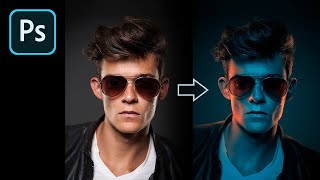
How to Fake Color-Gel Lighting in Photoshop
Learn to simulate multi-colored lighting in Photoshop using Gradient Maps. Master controlling brightness and color of light sources, creating dramatic highlights, and adding shine for stunning photo effects.
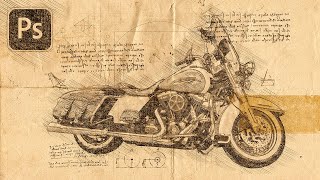
Turn Your Photo to a Sketch by Da Vinci - Photoshop Action Review
Transform photos into Da Vinci-style sketches using a Photoshop action. Learn installation, customization, and troubleshooting techniques to achieve Renaissance-inspired artwork from your images.
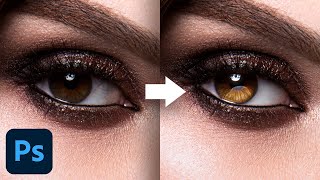
Advanced Techniques to Make Eyes Sparkle - Photoshop Tutorial
Learn advanced Photoshop techniques to enhance eye aesthetics, including light shaping, detail creation, reflection addition, and eye white cleanup. Master blending modes, curves, and masking for stunning results.

My Favorite Plug-In to Add Overlays in Photoshop
Discover the Infinite Texture Panel for Photoshop, featuring AI-powered texture selection and thousands of pre-masked overlays to enhance your images with high-quality effects and creative compositing.
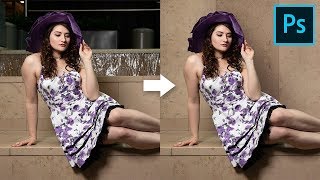
How to Cover Distracting Background in Photoshop
Learn to extend walls and cover distracting background elements using Content-Aware, Manual Selections, Cloning, and Curves in Photoshop. Create clean, natural-looking results with realistic shadows.
The Most Important Skin Retouching Trick in Photoshop
Learn a powerful Photoshop technique for skin retouching, including fixing discoloration, removing imperfections, and sculpting skin without affecting texture. Ideal for portrait photographers and retouchers.
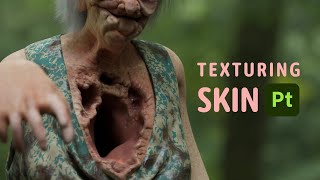
Texturing Skin of Horror Character in Substance
Learn advanced techniques for texturing realistic horror character skin in Substance, including normal map usage, layering, and detailing for a grotesque, lifelike appearance.
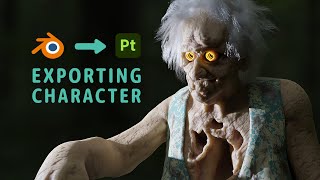
Blender to Substance - It Was a Journey
Explore the process of exporting a character from Blender to Substance Painter, including UV mapping, manual mesh export, texture baking, and troubleshooting common issues.
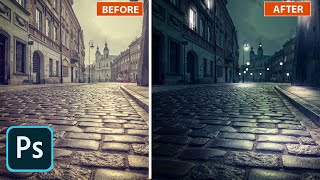
Lighting Photos in Adobe Camera Raw - Photoshop 2020
Enhance photos with lighting effects in Adobe Camera Raw. Learn to transform day to night, add dramatic illumination, and create eye-catching visual impact using Photoshop or Lightroom.
How to Use Color for Mood and Effect in Photoshop
Learn to enhance photos and composites with dramatic color effects in Photoshop. Master color theory, blending modes, and advanced techniques for impactful visual storytelling.
Photoshop 2020 - How to Move Your Presets to a New Version of Photoshop
Learn to manage, migrate, and sync presets in Photoshop 2020. Discover how to export, import, and manually transfer presets, as well as work with plugins and shared folders for efficient workflow.
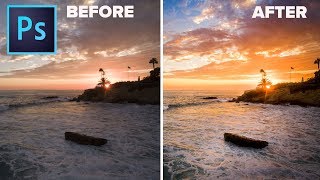
What You Should Do in Photoshop to Make Your Photos Look Better
Discover a proven 4-step process to enhance your photos: composition, luminosity, color, and finishing touches. Learn time-saving techniques for stunning results in photo editing.
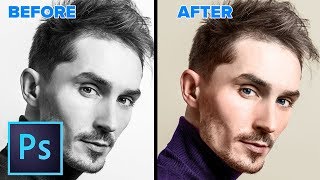
How to Change a Black and White Photo to Color in Photoshop
Learn to realistically colorize black and white photos in Photoshop with step-by-step techniques for skin, eyes, and clothing. Master this transformative skill in just 28 minutes.

How to Use 3D in Photoshop - Ultimate in Depth Tutorial
Comprehensive guide to Photoshop's 3D features, covering models, textures, lighting, rendering, and animation. Learn to create and manipulate 3D elements for stunning visual effects.
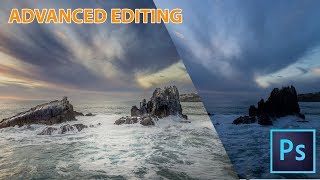
How to Make Landscape Photos Look a Lot Better in Photoshop
Comprehensive workflow for enhancing landscape photos using advanced Photoshop techniques, including exposure blending, dodge and burn, Camera Raw adjustments, and non-destructive sharpening.
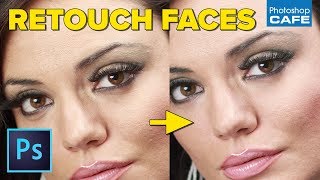
Pro Skin and Eye Retouching in Photoshop
Learn professional skin and eye retouching techniques in Photoshop for natural-looking results. Master dodge and burn, blemish removal, and eye whitening without relying on frequency separation or blurring.