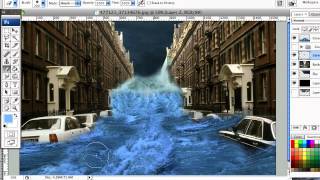
How to Create a Photo Manipulation of a Flooded City Scene
Learn techniques to transform a simple photo into a dramatic flooded cityscape using semi-realistic, stylized effects in this step-by-step digital manipulation tutorial.
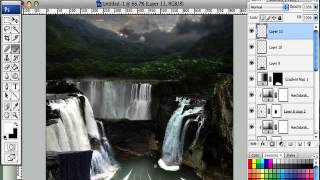
How to Create a Fantasy Landscape Photo Manipulation
Learn to craft enchanting fantasy landscapes using simple Photoshop techniques. Master stock selection and manipulation to bring imaginative scenes to life.
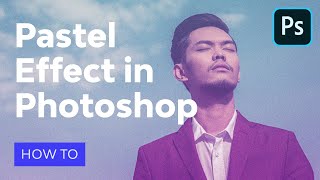
How to Make Pastel Effect in Photoshop - Aesthetic Edit Action
Learn to create aesthetic edits with soft pastel colors and vaporwave effects in Photoshop. Master action recording, text layers, smart objects, and achieve a faded look inspired by Windows 95 interface.
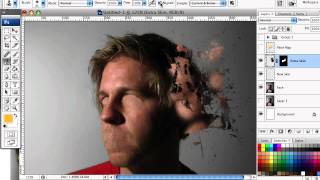
How to Mold Paint Splatter to a Face in Photoshop
Learn to apply splattered paint brushes to a model's face contours in Photoshop, creating artistic effects with a simple yet impactful technique.
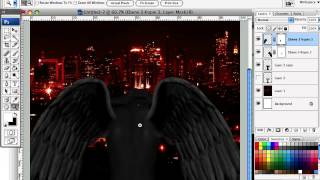
How to Create a Fiery Demon Montage in Photoshop
Learn to craft a striking photo montage of a demon wreaking havoc on a city using stock images and Photoshop techniques in this step-by-step tutorial.
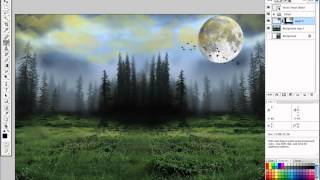
How to Create a Fantasy Photo Manipulation
Learn to craft captivating fantasy worlds through photo manipulation techniques, blending multiple images to create an enchanting visual narrative.
Compositing: The Perfect Integration - Day 1
Learn essential techniques for seamless visual integration in digital compositing, focusing on color matching, perspective, and lighting to create realistic and compelling imagery.

Creating the 20th Century Fox Logo in Adobe Photoshop - Part 1
Learn creative compositing techniques in Adobe Photoshop to recreate the iconic 20th Century Fox logo. Master advanced design skills and enhance your digital art capabilities.
OSX Wallpaper Creation Tutorial - Part 2
Create a stunning OSX-inspired wallpaper using advanced Photoshop techniques. Learn to blend textures, add depth, and achieve a professional finish in this intermediate-level tutorial.
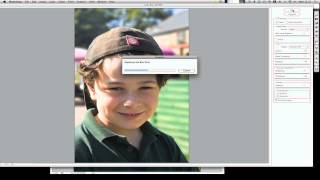
Emulating Depth of Field in Photoshop
Learn to enhance visual impact in photos by mastering selective focus techniques and creating depth of field effects using Photoshop's powerful tools.
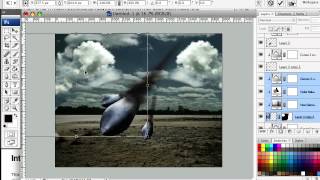
How to Create a Surreal Scene of Flying Bombs on Fire
Learn to craft a surreal digital scene with flaming bombs raining from the sky using Photoshop techniques suitable for beginners and advanced users alike.
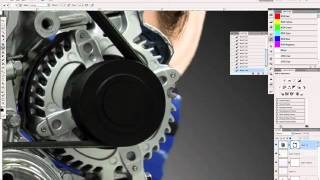
Create a Cybernetic Woman in Photoshop - Part 6
Learn advanced Photoshop techniques to transform a model photo into a stunning cybernetic woman using stock images and creative digital manipulation.
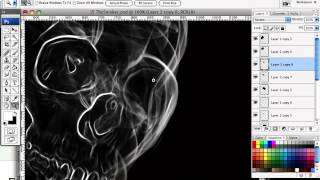
Manipulate Smoke to Create Hyper-Real Images - Photoshop Tutorial
Learn to transform smoke into realistic skull imagery using Photoshop's Warp Tool and advanced techniques. Applicable to various elements like water and clouds.
Matte Painting 101- Lighting Fires
Learn to create realistic fire and torch effects in digital matte paintings using Photoshop. Master image extraction, nighttime scene creation, mask painting, and highlight techniques.
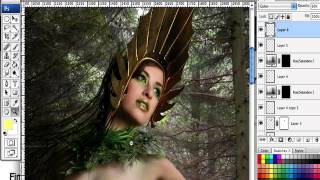
How to Create a Fantasy "Mother Nature" Scene in Photoshop
Create a captivating fantasy scene using Photoshop techniques, combining images and brushes to bring "Mother Nature" to life in a visually stunning composition.

How to Make an Enamel Pin Mockup
Learn to create realistic enamel pin mockups in Photoshop using smart objects, layer styles, and drop shadows. Master techniques for glossy 3D effects and professional-looking designs.

Creating a Split Water Effect in Photoshop - Book Cover Design Tutorial
Learn to create a stunning split water effect in Photoshop, perfect for book covers. Master techniques for blending above and below water elements, and create a reusable smart object template for future projects.

The Ultimate Guide to Photoshop Adjustment Presets
Unlock the power of Photoshop 2024's updated Adjustment Presets. Learn to create custom presets, understand limitations, and craft unique looks like Autumn, Urban Blue, and Schindler's List.

High-Resolution Generative Fill and Updates for PiXimperfect Photoshop Plugin
Explore new features in PiXimperfect's Photoshop plugin, including unlimited resolution Gen-Fill, improved navigation, smarter functions, and enhanced compositing tools for faster and easier image editing.
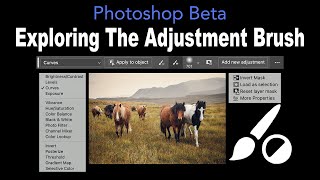
Exploring the Adjustment Brush in Photoshop Beta
Discover new features of the Adjustment Brush in Photoshop Beta. Learn useful tips and updates to enhance your photo editing skills in this concise, informative tutorial.

Firefly Image 3 in Photoshop Beta - Exploring Generative AI Advancements
Explore Adobe Firefly Image 3 in Photoshop Beta: Discover practical and innovative features of this generative AI update, revolutionizing image editing workflows.