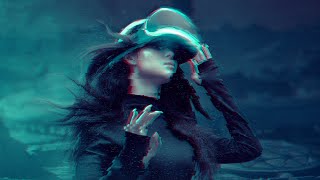
Add a Glitch Effect to Anything in Photoshop
Learn to create a versatile glitch effect in Photoshop using smart objects, filters, and layer techniques. Master this eye-catching digital distortion for any image or design project.
Stanford Seminar - Robotics in Our Everyday Lives - A Product Designer's Perspective
Explore the emergence of smart objects in daily life through a product designer's perspective, examining opportunities and challenges in creating meaningful, responsible, and innovative robotic entities.

Adobe Photoshop Tutorial - Basic Training for Beginners
Learn essential Photoshop tools and techniques, including layers, masks, shapes, smart objects, blending modes, pen tool, extraction, brush tool, text tool, and filters for image editing and manipulation.
Down the Rabbit Hole with Smart Objects in Photoshop
Explore advanced Smart Object techniques in Photoshop, from basic usage to nested animations and Lightroom integration, enhancing your image editing skills.
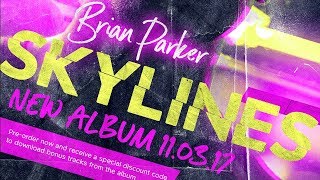
How to Design a Hip-Hop Flyer Design in Photoshop
Learn to create an edgy hip-hop flyer in Photoshop using fonts, stock photos, and brushes. Master techniques like smart objects, adjustment layers, blending modes, and layer styles for a modern album promotion design.
7 Design Techniques for Photoshop and Affinity Photo
Master seven essential design techniques that seamlessly work across both Photoshop and Affinity Photo, from perspective tools and auto-enhancement to smart objects and color modification.
How to Design eCommerce Graphics in Photoshop
Learn to design web graphics in various sizes using Adobe Photoshop, covering selection, masking, smart objects, text manipulation, and artboard resizing for effective eCommerce visuals.
Painterly Retouching in Photoshop with Deep Colors
Learn advanced Photoshop techniques for creating deep-colored painterly images, including retouching, masking, oil painting effects, and color correction. Enhance your digital art skills with professional tips.
Compositing Surreal Photos in Photoshop - Part 1
Learn advanced photo compositing techniques to create surreal urban and nature landscapes using Adobe Photoshop. Master masking, color matching, and photo manipulation to bring impossible worlds to life.
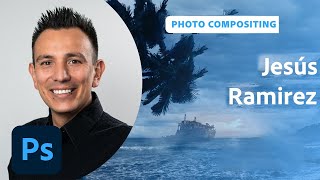
Designing Movie Posters in Photoshop - Part 1
Learn advanced Photoshop techniques for creating captivating movie posters with designer Jesús Ramirez. Master background removal, custom brush design, and seamless image integration in this interactive tutorial.
Photoshop Daily Creative Challenge - Photo Polishing
Learn photo polishing techniques using content-aware tools and adjustment layers in Photoshop. Master spot healing, smart objects, camera raw settings, masking, and more to enhance your images.
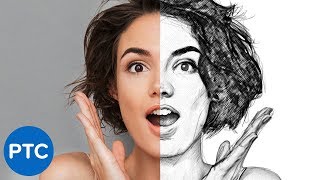
Easy Steps to Create a Realistic Line Drawing From a Photo in Photoshop
Learn to transform photos into realistic pencil drawings using Photoshop. Master techniques like smart objects, filters, and blending modes to create stunning line art effects in just 5 easy steps.
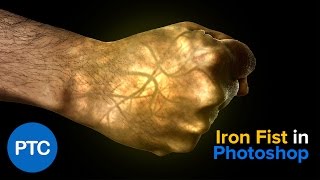
Iron Fist Effect - Glowing Hand - Photoshop Tutorial
Learn to create a glowing fist effect in Photoshop, mastering techniques like blending modes, filters, adjustment layers, and masks. Gain versatile skills applicable to various projects.
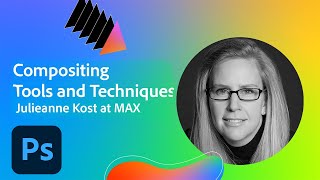
Photoshop Compositing Tools and Techniques
Discover advanced Photoshop compositing techniques with Julieanne Kost. Learn to select subjects, unify elements, and create impactful imagery using the latest tools and proven methods.
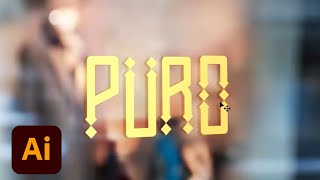
Creating Brand Identity for a Plant-Based Kitchen - Part 2
Graphic designer Anika Aggarwal demonstrates creating brand identity for a plant-based kitchen, focusing on logo design, typography, color selection, and brand collateral mockups using Adobe Illustrator and Photoshop.
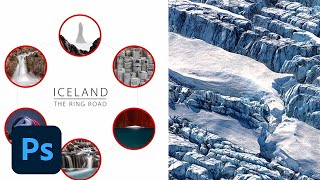
Photoshop Productivity Tips and Tricks - Advanced Techniques
Discover advanced Photoshop techniques to boost productivity, streamline workflows, and unleash creativity with expert tips on layers, smart objects, actions, and customization.
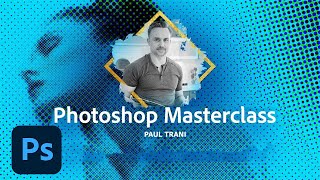
Photoshop Masterclass - Filters and Effects for Mind-Bending Results
Explore mind-bending Photoshop filters and effects with Paul Trani. Learn to create print effects, map images onto textures, bend pixels, and transform visuals in unexpected ways.
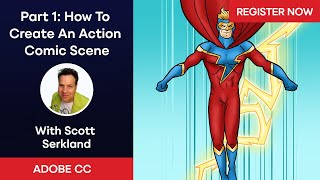
How to Create an Action Comic Scene with Scott Serkland
Learn to create dynamic action comic scenes in Photoshop and Illustrator with Scott Serkland. Master techniques for character design, perspective, and composition to bring your comic art to life.
Adobe Photoshop's New Generative Fill AI Feature - Tutorial and Demonstration
Explore Photoshop's revolutionary Generative Fill feature, an AI-powered tool that enhances image editing capabilities beyond traditional Content-Aware Fill, transforming your workflow and creative possibilities.

Create Easy Drag and Drop Mockup in Photoshop
Master easy drag & drop mockup creation in Photoshop. Learn to design realistic templates for t-shirts, mugs, and more using smart objects, blend modes, advanced masking, and layer styles.

The Secret to Creating a Realistic Mockup - Photoshop Tutorial
Learn advanced Photoshop techniques to create realistic bottle mockups, including warping, blending modes, and adding reflections. Master the art of wrapping designs around objects and enhancing them with professional finishes.