
AI Portrait - Flattering or Flawed? Fix It in Photoshop
Learn advanced Photoshop techniques to enhance and perfect AI-generated portraits, covering healing, cloning, colorizing, and fixing common flaws for professional-looking results.
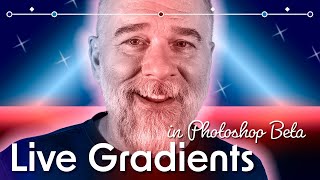
Make the Best Art of Your Life With Gradients
Explore advanced gradient techniques in Photoshop, including Live Gradients, new Methods, and pixel-based masks. Learn to create stunning visual effects and enhance your digital artwork.
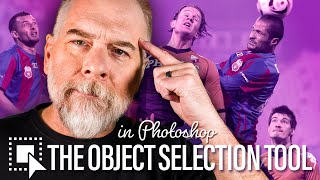
Just Select Stuff
Explore Photoshop's Object Selection tool to efficiently select and manipulate recognizable objects in photographs, with tips on various selection techniques and tool options.
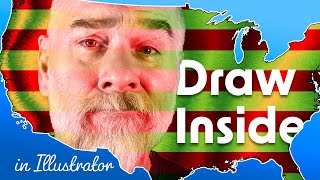
Draw Inside
Explore Illustrator's Drawing Modes, focusing on Draw Inside. Learn to create compound paths, custom blends, and use clipping masks for unique designs. Master advanced techniques for exceptional illustrations.
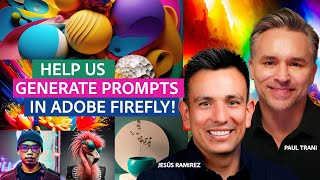
Compositing Competition Using Adobe Firefly and Photoshop
Watch a thrilling Photoshop compositing battle featuring Jesús Ramirez and Paul Trani, where audience-generated Adobe Firefly prompts fuel creative designs in real-time.
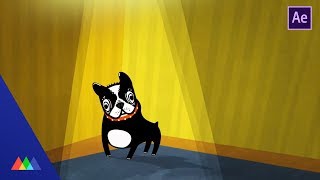
Create a 3D Room Using Cineware in After Effects
Learn to create a 3D room in After Effects using Cineware and Cinema 4D. Transform a 2D illustration into a dynamic 3D environment with perspective and depth, enhancing visual storytelling.
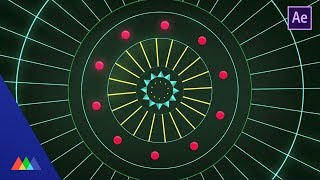
Create a Mograph Style Effect in After Effects
Learn to create dynamic mograph-style animations in After Effects using expressions and simple techniques. Replicate Cinema 4D's MoGraph functionality for eye-catching, easily tweakable motion graphics.
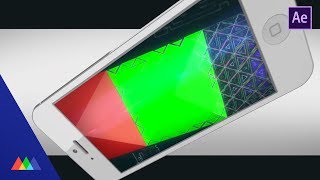
Compositing 3D Assets in After Effects
Learn to seamlessly integrate 3D assets from Cinema 4D into After Effects, mastering compositing techniques for realistic phone animations with advanced lighting and reflections.
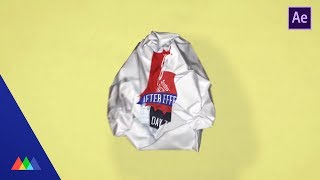
Stop Motion Animation in After Effects
Learn to create stop-motion paper crumpling transitions in After Effects using Dragonframe software, integrating real-world elements with digital compositing for unique visual effects.
Squash and Stretch in After Effects
Aprenda a aplicar o princípio de animação "squash and stretch" no After Effects para criar movimentos mais naturais e expressivos em suas animações.
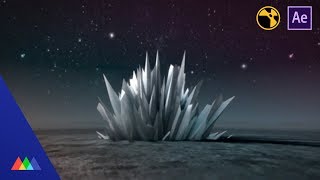
After Effects vs. Nuke for Compositing
Explore the differences between layer-based and node-based compositing using After Effects and Nuke. Learn the advantages of each approach for motion graphics and visual effects workflows.
Photoshop Animation Water Splash
Learn to create a hand-drawn water splash animation in Photoshop, focusing on timing, overlapping actions, and frame exposures to achieve fluid and visually interesting results.
Photoshop Animation Eases
Master frame-by-frame animation easing techniques in Photoshop to create smooth, realistic movements and bring your animations to life with professional-quality motion and timing.
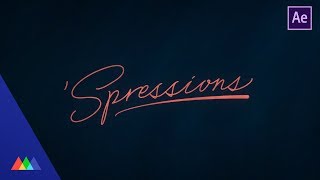
Create a Tapered Stroke in After Effects
Learn to create a tapered stroke effect in After Effects using expressions, enhancing your motion design skills with advanced techniques for custom line animations.
Photoshop Animation Compositing
Learn advanced Photoshop animation techniques, including rotoscoping octopus tentacles and compositing splash effects. Enhance your skills in cell animation and create dynamic, fluid motion graphics.
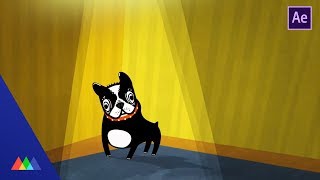
Working with Follow Through in After Effects
Learn to animate a dog character using follow-through techniques in After Effects. Master key animation principles, apply easing, and use expressions to bring your illustrations to life with realistic movement.
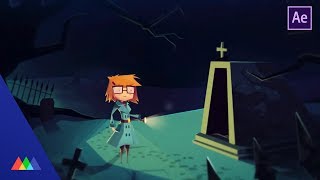
Walk Cycles in After Effects
Master the art of creating realistic walk cycles in After Effects. Learn essential character animation techniques, from rigging to keyframing, to bring your characters to life with fluid, natural movement.
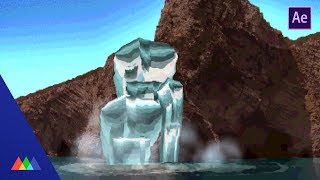
8-Bit Color Cycling in After Effects
Create retro 8-bit color cycling effects in After Effects. Learn problem-solving techniques for motion design while exploring this nostalgic visual style from classic computer games.
Color Tips in After Effects
Learn essential color tricks in After Effects to enhance motion graphics projects. Discover practical hacks for selecting harmonious color palettes and applying them effectively, even without formal design training.
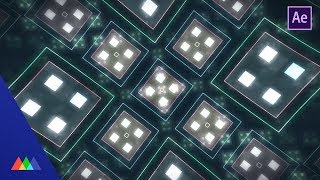
The Power of Precomps in After Effects
Unlock the power of precomps in After Effects to create complex animations efficiently. Learn techniques for building intricate visuals with fewer keyframes and streamlined workflows.
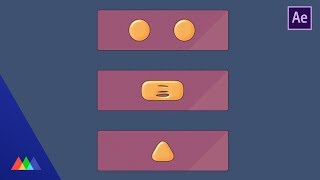
How to Create a Toon-Shaded Look in After Effects
Learn to create a gooey, toon-shaded effect in After Effects using composite techniques. Master tricks for achieving a cartoony look with complete control over the final image.