Can You Make AI Art Directly in Photoshop - Alpaca Plugin Beta Review
Explore Alpaca, a Photoshop plugin for AI-generated art. Learn its features, including image generation, fill, and transfer, with a hands-on demo and practical guide.
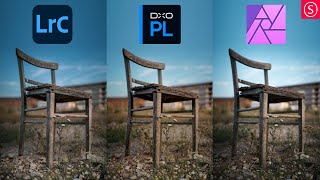
One Photo Edited in Lightroom Classic, DxO Photolab, and Affinity Photo
Comparative editing demonstration using Lightroom Classic, DxO Photolab, and Affinity Photo, showcasing techniques and results for a single image across these popular software tools.
Adobe Illustrator CC Tutorial - Creating a Recycling Logo
Learn to create a precise recycling logo in Adobe Illustrator CC while mastering essential tools and techniques for document setup, shape creation, layering, and precise art manipulation.
Layer Mask - Photoshop for Beginners
Learn Layer Masks in Photoshop: from basics to advanced techniques. Master non-destructive editing, feathering, density adjustment, and more. Enhance your photo editing skills with real-world examples.
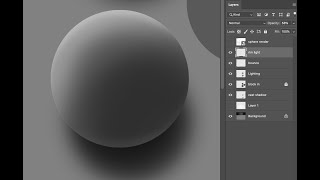
Basic Digital Workflow - Rendering Spheres
Learn to render spheres digitally using Photoshop, focusing on layer management and digital tools. Master silhouette, bounce, and rim lighting techniques for realistic 3D effects.
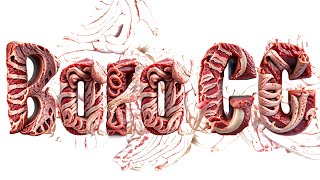
Adobe's New AI Tools
Exploring Adobe Firefly's AI capabilities for creative projects, showcasing its potential and limitations in generating and manipulating digital content.
Adobe Firefly AI Is Here - Stop Everything You're Doing and Watch This
Explore Adobe Firefly AI's revolutionary features for professional workflows, including vector generation, template creation, color transfer, image combination, and text generation, all commercially safe.

Adobe Firefly - AI for Professionals
Explore Adobe Firefly, a new generative AI tool competing with Stable Diffusion, DALL-E, and Midjourney. Learn about its features and potential impact on professional creative workflows.
Deke Demystifies Photoshop - Content Aware Fill Exposed
Demystifies Photoshop's Content-Aware Fill feature, explaining its functionality, settings, and applications through practical demonstrations and a comprehensive schematic diagram.
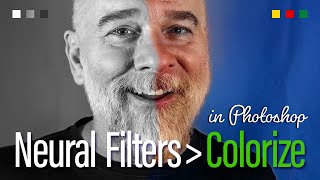
In the Old Days, There Was No Color - Check the Photos
Aprenda a colorir e restaurar fotos antigas em preto e branco usando os filtros neurais do Photoshop, incluindo Colorize e Photo Restoration, além de técnicas de edição não destrutiva.

Wrap City Buses with a Life-Size Dinosaur
Learn to create massive artwork in Adobe Illustrator, scaling designs beyond traditional limits. Discover techniques for expanding canvases and enlarging type for city-wide projects like bus wraps.
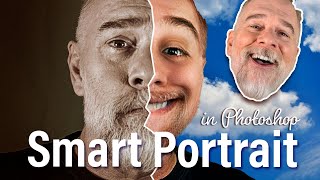
Try Smart Portrait
Explore Photoshop's Smart Portrait feature to enhance and manipulate portraits, including adjusting age, expressions, and lighting. Learn techniques for achieving realistic and creative results.
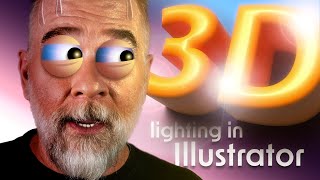
Let There Be Light and Shadows
Explore Adobe Illustrator's enhanced 3D lighting controls, including rotation, height, and softness. Learn to create realistic shadows and master the interplay of light in your digital designs.
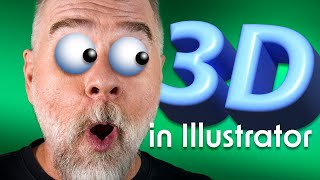
Illustrator 3D Never Went Away, But Now It’s Back
Explore Illustrator's enhanced 3D capabilities, including the 3D panel, on-screen widget, and bevel options. Learn to manipulate objects with pitch, yaw, roll, depth, and emboss for stunning visual effects.
Oil Paint - The Photoshop Filter That Will Not Die
Explore Photoshop's Oil Paint filter: GPU compatibility, brush options, and lighting values. Learn to create stunning effects and enhance your digital artwork with this versatile tool.
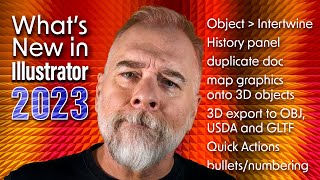
The Best of Illustrator 2023 - Intertwine Objects
Explore Illustrator 2023's Intertwine Objects feature to weave and interlock paths, with techniques for editing and manipulating overlapping objects for creative designs.
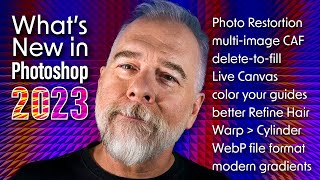
The Best of Photoshop 2023 - Photo Restoration
Discover Photoshop 2023's Photo Restoration feature to transform old, damaged photos. Learn techniques for enhancing faces, reducing scratches, and masking effects to breathe new life into cherished memories.
Photoshop Is Smarter Than You Are
Explore Photoshop's Neural Filters for advanced photo editing. Learn skin smoothing techniques, layer masking, and how to balance smoothness and blur for professional-looking results.
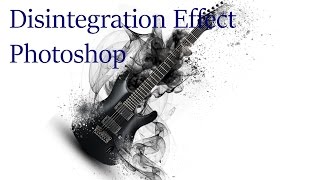
Photoshop Tutorial - Disintegration Effect
Learn to create a stunning disintegration effect in Photoshop with this step-by-step tutorial. Master particle brushes, ribbons, and ink drops to transform ordinary images into extraordinary visual art.

Designing a Portfolio Website with Adobe XD - The Desktop Layout
Learn to create a responsive desktop layout for a portfolio website using Adobe XD, focusing on typography, grids, and design elements to showcase your work effectively.

Creating Spooky Halloween Animations in Photoshop - Tutorial
Master spooky photo manipulation techniques in Photoshop by transforming daytime scenes into haunting nightscapes with animated elements, gradient maps, and eerie lighting effects.