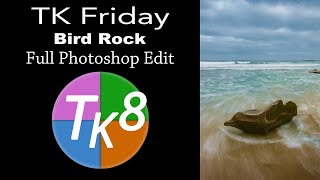
TK Friday - Full Edit of Bird Rock Image Using TK8 Plugin for Photoshop
Comprehensive Photoshop editing tutorial using TK8 plugin, featuring advanced techniques for enhancing a landscape image with step-by-step guidance and downloadable resources.
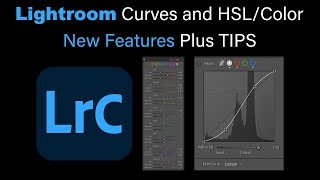
Lightroom Classic: New Features in Tone Curves and HSL/Color
Explore new features in Lightroom Classic's Tone Curves and HSL/Color panels, with expert tips for enhancing your photo editing workflow and achieving better results.
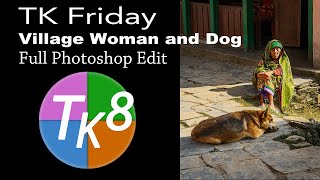
TK Friday: Full Edit of Village Woman and Dog Image
Comprehensive Photoshop editing tutorial using TK8 Plugin, focusing on enhancing a street photography image. Learn advanced techniques for improving composition, color, and overall impact.
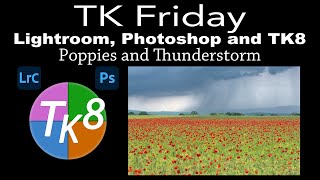
Lightroom Classic, Photoshop, and TK8 Editing Tutorial - Poppies and Thunderstorm Image
Comprehensive tutorial on enhancing a poppy and thunderstorm image using Lightroom Classic, Photoshop, and TK8 plugin, featuring advanced techniques like Saturation Painting for stunning results.
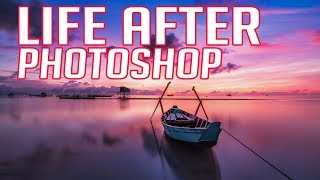
Life After Photoshop - Exploring Luminar 3 as an Alternative
Explore Luminar 3's new Digital Asset Management system and plugin capabilities as a powerful alternative to Photoshop for organizing and editing images.
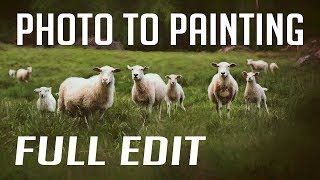
Photo to Painting Photoshop Tutorial
Transform photos into stunning paintings using Photoshop and Topaz plugins. Learn techniques to create artistic masterpieces from your images in this step-by-step tutorial.
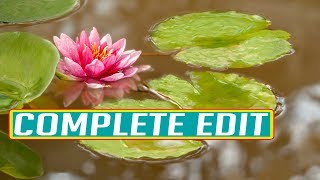
Water Lily Photo Editing - Lightroom and Photoshop Tutorial
Learn advanced photo editing techniques for enhancing water lily images using Lightroom, Photoshop, Topaz Impression, high frequency separation, and luminosity masks in this comprehensive tutorial.

How to Use the Photoshop Channel Mixer
Demystify Photoshop's Channel Mixer: Learn its purpose, applications, and practical usage through a step-by-step edit demonstration to enhance your photo editing workflow.
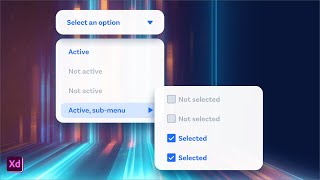
Multi-Level Nested Dropdown Menus in Adobe XD
Learn to design and prototype multi-level dropdown menus using nested Component States in Adobe XD, enhancing your UI design skills and streamlining your workflow.
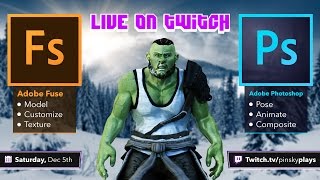
Adobe Fuse and Photoshop Integration - 3D Character Creation and Animation
Explore Adobe Fuse and Photoshop CC integration: customize 3D characters, texture, pose, animate, and composite. Learn to create and manipulate 3D models for graphic design projects.
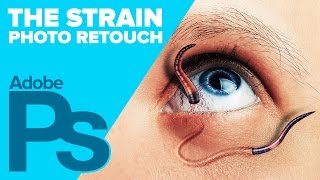
Creating The STRAIN Photo Retouch Effect in Photoshop
Learn to create a striking photo effect inspired by "The Strain" poster using Photoshop techniques like Puppet Warp, Layer Styles, and Filters. Master advanced image manipulation for eye-catching designs.
How to Draw Stewie Griffin from Family Guy in Photoshop
Learn to create Stewie Griffin's head in Photoshop with this step-by-step tutorial. Master digital illustration techniques and bring this iconic Family Guy character to life on your screen.
Introducing Photoshop - The Tools
Comprehensive introduction to Photoshop's essential tools, covering selection, editing, and creative functions for beginners and intermediate users seeking to enhance their graphic design skills.
Photoshop 101 - Basics for Beginners
Learn essential Photoshop skills in 50 minutes. Covers fundamental tools, techniques, and features for beginners to start editing images and creating designs effectively.
Photoshop 101 - Part 2
Learn essential Photoshop techniques in this concise tutorial. Master key tools and features to enhance your graphic design and photo editing skills.
Photoshop 101 - Part 1
Learn essential Photoshop basics in this 30-minute tutorial. Covers fundamental tools and techniques for graphic design and photo editing, perfect for beginners starting their creative journey.
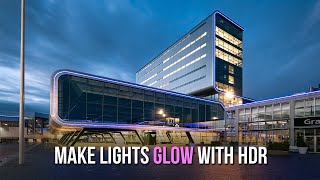
Make City Lights Glow With HDR in ACR
Learn to enhance city lights using Adobe Camera RAW's HDR capabilities, restoring full detail from RAW files for stunning nighttime photography.
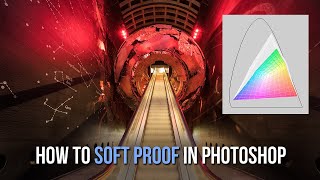
How to Soft Proof in Photoshop for Print and Web - Color Management Tutorial
Learn to soft proof in Photoshop to address "out of gamut" color issues before exporting images for print or web. Discover techniques using Web Sharp Pro and Lumenzia for optimal results.
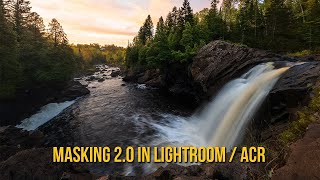
Mastering Lightroom and ACR Masking 2.0 - New Features and Techniques
Explore Adobe's Masking 2.0 update for Lightroom and ACR, learning new tools and techniques to enhance your RAW processing skills in this comprehensive tutorial.
Photoshop Channel Math: Add, Subtract, and Intersect for Advanced Luminosity Masking
Learn advanced luminosity masking techniques in Photoshop, including combining masks and channels through addition, subtraction, and intersection for enhanced image detail and precision.
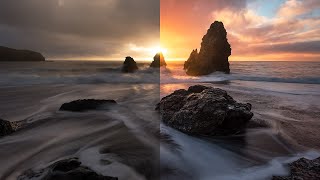
Color Grading in Lightroom and Adobe Camera Raw - New Features Tutorial
Explore advanced color grading techniques in Lightroom and ACR, including midtone control, luminosity adjustments, and blending options for enhanced photo editing.