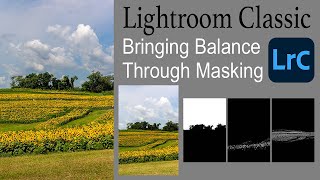
Lightroom Classic: Bringing Balance Through Masking
Learn to enhance image balance using Lightroom Classic's new masking tools. This tutorial demonstrates techniques to improve your photos through advanced editing features.
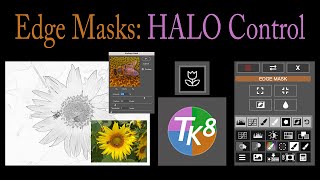
TK8 Plugin for Photoshop - Edge Masks and Halo Control
Learn advanced edge masking techniques in Photoshop using TK8 plugin to control halos and achieve precise sharpening effects. Enhance your photo editing skills with professional-grade tools and workflows.
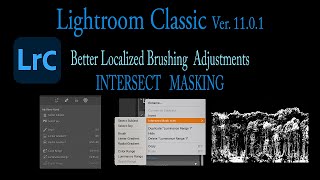
Lightroom Classic 11.0.1 - Precise Local Brushing with Intersect Masking
Learn precise local brushing adjustments in Lightroom Classic using intersect masking with luminance range, color range, and sky selection masks for enhanced photo editing capabilities.
Photoshop's Depth Blur Neural Filter - Achieving Realistic Results
Explore improved Photoshop Depth Blur Neural Filter for realistic bokeh effects. Learn tips and tricks to enhance your images with this powerful tool.
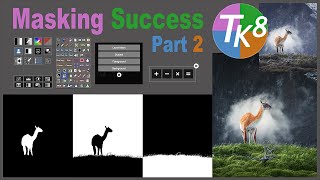
TK8 Multi-Mask Plugin for Photoshop: Masking Techniques - Part 2
Learn advanced masking techniques in Photoshop using TK8 MULTI-MASK plugin. Build on previous tutorial to enhance your photo editing skills and create stunning images with precision and control.

TK8 Plugin for Photoshop - Tone Grading: Balancing Shadows, Mid Tones and Highlights
Learn to balance shadows, mid-tones, and highlights using TK8 Color Grading Tool in Photoshop. Discover new techniques for enhancing image tone and color with this powerful plugin.
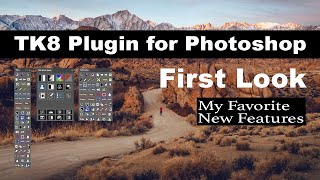
TK8 Plugin for Photoshop - First Look and Favorite New Features
Explore the latest features of TK8 Plugin for Photoshop, including color grading, luminosity masks, and color sketching techniques for enhanced photo editing.

Infinite Black & White - An Amazing Black & White Conversion Panel for Photoshop
Discover an efficient Photoshop panel for stunning black and white conversions, enhancing your photography workflow with just a click.
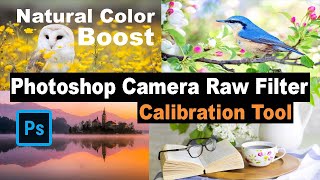
Photoshop Camera Raw Filter: Natural Color Boost Using Calibration Tool
Learn to enhance image colors naturally using Photoshop's Camera Raw Filter Calibration Tool. Discover techniques for vibrant, balanced results without over-processing.

Understanding Luminosity and Zone Masks via Gradients - TK7 Go Panel
Explore luminosity and zone masks using gradients in Photoshop. Learn to create custom gradient images for experimenting with advanced masking techniques in photo editing.
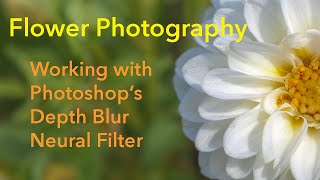
Flower Photography: Working with Photoshop's Depth Blur Neural Filter
Discover how Photoshop's Depth Blur Neural Filter enhances flower photography by creating beautiful out-of-focus backgrounds, elevating your images with professional-looking depth effects.

Working with Linear Profiles - Full RAW Edit Tips and Tricks
Comprehensive tutorial on using Linear Profiles in Lightroom Classic for RAW editing, offering tips and tricks to maximize their benefits for enhanced photo processing.
The LINEAR PROFILE - A New Beginning in Lightroom and Camera RAW
Discover the power of Linear Profiles in Lightroom and Camera RAW. Learn installation, usage, and benefits for enhancing your photo editing workflow and achieving superior results.
TK7 Panel - Vignettes and Spot Lights Techniques
Enhance image focus using vignetting and spot lighting techniques with TK7 Go Panel and Combo/CX Panel. Learn to guide viewer's attention effectively in photo editing.

Image Enlargement and Sky Replacement - Lightroom, Topaz AI, and Photoshop Tutorial
Aggressive image cropping, upsizing, and sky replacement using Lightroom, Topaz AI tools, and Photoshop for enhanced photo editing results.
Luminar 4 Tutorial - Clone Stamp and Erase Tools
Explore advanced photo editing techniques using Luminar 4's Clone Stamp and Erase tools to effectively remove unwanted objects from images, enhancing your photo manipulation skills.

Introduction to Luminosity Masks in Photoshop Using TK7 RapidMask Panel
Discover powerful Photoshop techniques using luminosity masks for tonal balancing and selective editing. Learn to enhance images with the TK7 RapidMask Panel in this hands-on tutorial.
Photoshop Tutorial: Adding Selective Detail with Camera Raw Filter
Learn to enhance image details using Photoshop's Camera Raw Filter. Master local adjustments, selective texturing, and various selection techniques to create visually striking and attention-grabbing photographs.
Lightroom, Photoshop, and Luminar 4 Workflow Tutorial - Sky Replacement in Cityscape Photography
Comprehensive photo editing workflow using Lightroom, Photoshop, and Luminar 4, featuring sky replacement techniques for cityscape images and tips for achieving optimal results.
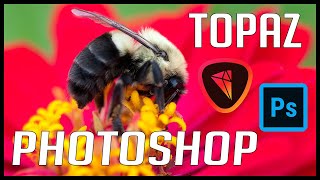
Photoshop and Topaz Photo Editing Tutorial: Full Edit of a Bee on Flower
Comprehensive macro photo editing tutorial using Lightroom, Photoshop, and Topaz plugins to enhance a bee on flower image, featuring noise reduction, sharpening, and vignette techniques.
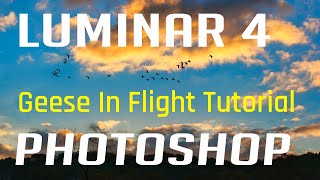
Luminar 4 and Photoshop Tutorial - Editing Geese in Flight Image
Learn to enhance a "Geese in Flight" photo using Luminar 4 as a Photoshop plugin. Master tools, techniques, and luminosity layer masking for stunning wildlife imagery.