iClone 7.2 Tutorial - Getting Started with PopcornFX Texture Emitter - Part 1
Explore PopcornFX Texture Emitter in iClone: learn folder structure, change particle textures, adjust distribution, spread, volume, and emit position for enhanced visual effects.

iClone 7.2 Tutorial - PopcornFX Text Emitter Super Tool
Learn to create dynamic text effects using PopcornFX Super Tools in iClone 7.2. Master input modes, line display, text styling, animation, and font changes for professional-looking visual enhancements.

iClone 7.2 Tutorial - PopcornFX Particle Types
Explore different particle effect types in PopcornFX for iClone 7.2, including texture emitters, ribbon particles, and mesh particles. Learn to create stunning visual effects for your 3D animations.
CrazyTalk Animator 2 Tutorial - iProp Action Menu and Sprite Library
Learn to create and animate iProps in CrazyTalk Animator 2, including sprite animations, motion clips, action menus, and sound effects for enhanced 2D animations.
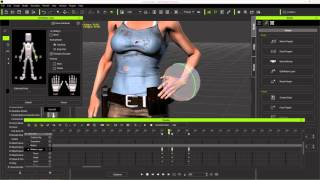
Character Creator to Unreal - Body Animation in iClone - Part 2
Learn to create and customize character animations in iClone, including idle poses, walk cycles, and root motions. Explore tools like Direct Puppet, Motion Layer editing, and constraints for game-ready animations.
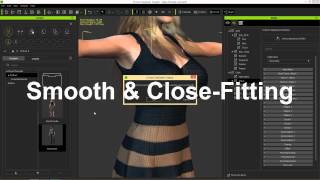
iClone Character Creator Tutorial - Conforming and Layering Clothing
Learn techniques to fix mesh overlap issues when applying clothing to different body shapes in Character Creator, including collision settings, opacity maps, and layering.
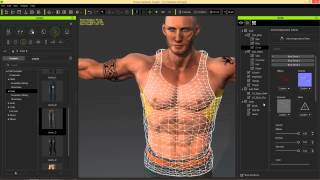
iClone Character Creator Tutorial - Adding Custom Decals
Learn to add custom decals like scars, tattoos, and logos to characters in iClone Character Creator. Master techniques for enhancing skin and clothing with realistic details.
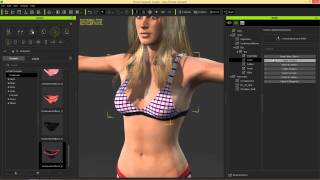
iClone Character Creator Tutorial - Clothing Design and Structure
Learn to customize clothing in iClone Character Creator using Appearance Editor. Explore RGB maps, patterns, decals, and aging effects. Master clothing overlaps and export iAvatars for realistic character designs.

iClone Character Creator Tutorial - Basics, UI, and Character Customization
Learn to create custom 3D characters using Character Creator: UI basics, morphing, skin texturing, aging effects, clothing customization, and exporting to iClone for animation and game development.
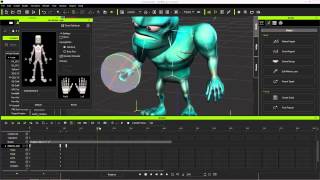
Exporting iClone Content to Unreal - Custom and Embedded Content
Learn to export custom animations, character models, and embedded motions from iClone to Unreal Engine using 3DXchange 6 Pipeline. Covers motion creation, editing, and exporting techniques for game development.
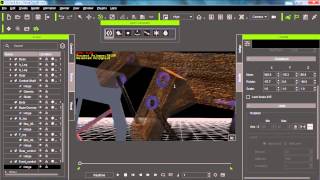
iClone 6 Tutorial - Advanced Physics Constraint Machines - Part 2
Learn advanced constraint techniques in iClone 6 for creating complex machines, including power sources, multiple constraints, dummy objects, balancing, and support mechanisms.
Applying 2D Talking Avatar to 3D Head in CrazyTalk and Unity
Learn to create, animate, and apply 2D talking avatar faces to 3D models using CrazyTalk 7 and Unity. Master exporting custom characters and animations for interactive projects.
Creating Realistic Terrain for iClone 8 Using Blender - Sculpting, Painting, and Material Application
Learn to create realistic terrains for iClone 8 using Blender's free tools. Master sculpting, texture painting, and FBX export techniques for seamless integration with 3D avatars and motion directors.
Creating Terrain in Blender 3.6 - Material, Sculpting, and Painting Tutorial
Learn to create realistic terrains in Blender 3.6 using sculpting, texture painting, and material techniques. Export as FBX for use in various 3D projects and game engines.
Cloth Design for Blender 3.6 3D Avatars - Skeleton Binding and Skin Weight Tutorial
Learn to create and bind custom clothing for 3D avatars in Blender 3.6 without addons. Master cloth design, skeleton binding, and skin weight techniques for realistic character animation.
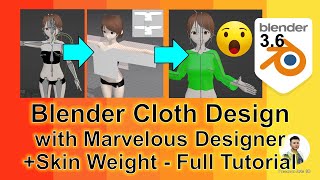
Cloth Design to Blender 3D Avatars with Marvelous Designer - Skin Weight Full Tutorial
Learn to design 3D avatar clothing using Marvelous Designer, import into Blender 3.6, and apply correct skin weights for seamless integration with your character models.
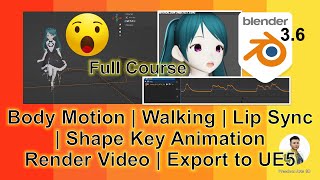
Blender 3.6 Animation - Lip Sync, Rendering, and Exporting to Unreal Engine 5
Learn to create animations with lip sync in Blender 3.6, render videos, and seamlessly export to Unreal Engine 5 while preserving motion and lip sync in this comprehensive silent tutorial.
3D House Modeling Time Lapse in Maya - FBX Export Tutorial
Time-lapse tutorial demonstrating 3D house modeling in Maya, with step-by-step process and FBX export. Includes free downloadable model for game development and architectural design.
Buildify to iClone 8 Tutorial - Streamlining 3D Building Creation and Animation Workflow
Learn to integrate Buildify with iClone 8 for efficient 3D building creation and animation. Explore seamless workflows, import techniques, material application, and animation tools to enhance architectural visualization and storytelling.
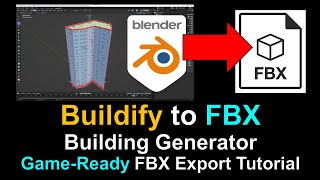
Easy 3D Building Creation with Buildify - Game-Ready FBX Export Tutorial for Blender
Learn to create and export game-ready 3D buildings using Buildify in Blender. Master geometry nodes, building techniques, and FBX export for seamless integration into game engines and 3D pipelines.
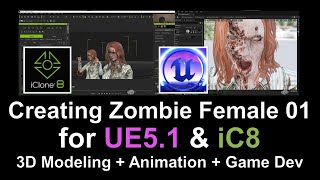
Create and Animate a 3D Female Zombie Character Using Multiple Software Tools
Learn to design, rig, and animate a 3D female zombie character using multiple software platforms, from initial creation to final testing in game engines and animation tools.