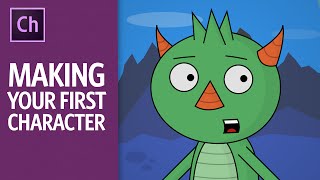
Making Your First Character - 2016 Version - Adobe Character Animator Tutorial
Comprehensive tutorial on creating animated characters using Adobe Character Animator, covering drawing, setup, animation techniques, and exporting. Learn to bring your illustrations to life with webcam-based performance capture.
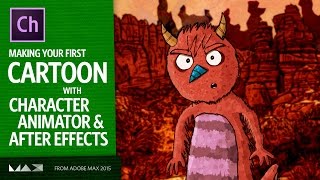
Making Your First Cartoon - Adobe Character Animator and After Effects Tutorial
Learn to create animated cartoons using Adobe Character Animator and After Effects. From character setup to recording performances and adding finishing touches, this tutorial covers the entire animation process.
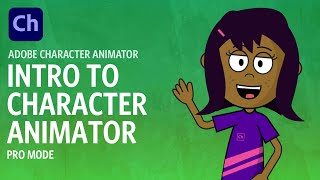
Intro to Adobe Character Animator
Learn to create animated characters using Adobe Character Animator. Covers setup, puppet control, recording, editing, and exporting. Perfect for beginners looking to explore performance capture animation.

Body Tracking - Adobe Character Animator
Learn body tracking in Adobe Character Animator: performance basics, troubleshooting, recording, editing, and rigging characters. Master this game-changing feature for faster, more enjoyable animation creation.
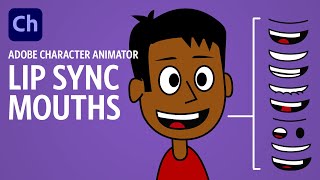
Creating Lip Sync Mouths - Adobe Character Animator Tutorial
Learn to create effective lip sync animations in Adobe Character Animator, from basic mouth rigging to custom mouth designs. Master techniques for realistic and expressive character speech.
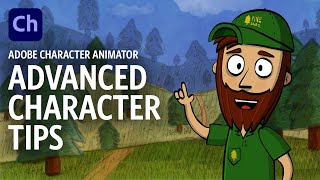
Advanced Character Tips - Adobe Character Animator Tutorial
Learn advanced Character Animator techniques: custom pupils, jaw movements, head rotation, eyebrow controls, and efficient recording. Elevate your character animations with professional touches.
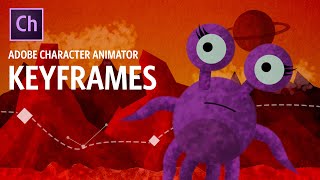
Keyframes - Adobe Character Animator Tutorial
Learn to use keyframes in Adobe Character Animator 2020 for enhanced control over parameters like position, scale, and rotation. Explore basics, editing, and practical applications with a free downloadable puppet.

Advanced Rigging - Monster Camp - Adobe Character Animator Tutorial
Learn advanced rigging techniques in Adobe Character Animator using a free puppet. Explore unique arm structures, deep triggers, texturing, glowing effects, pose systems, and custom controls to enhance your character animations.
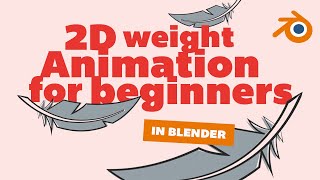
2D Weight Animation for Beginners - Blender Grease Pencil Tutorial
Master realistic gravity animation in Blender Grease Pencil. Learn to animate falling feathers, pencils, and stones with proper weight, air resistance, and bounce effects for captivating 2D animations.
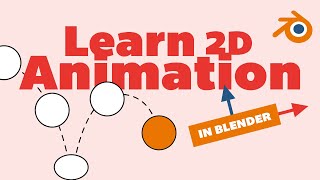
Learn 2D Animation in Blender With Grease Pencil - Drawing Tutorial
Master 2D animation in Blender using Grease Pencil. Create a bouncing ball animation, learn drawing tools, coloring techniques, and keyframe animation. Perfect for beginners exploring Blender's 2D capabilities.

CRT Effect in After Effects
Learn to create authentic CRT TV and VHS tape effects in After Effects, from quick overlays to building from scratch. Master retro visual techniques for your video projects.

CapCut Video Editing Tutorial for Beginners - 2024
Master video editing fundamentals with CapCut through hands-on instruction covering interface navigation, basic editing techniques, audio enhancement, visual effects, and professional export settings.
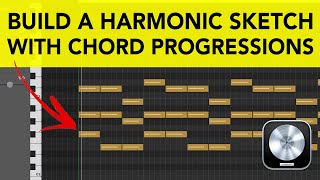
Building Harmonic Sketches - A Guide to Chord Progressions with Basic Music Theory
Learn to create song foundations by building harmonic sketches using three beginner-friendly techniques, from choosing scales to crafting chord progressions and adding bass lines - all with minimal music theory required.
Portrait Rendering Techniques in Daz Studio - Masterclass 42
Master portrait rendering in Daz Studio through hands-on demonstration of outfit selection, posing, lighting, and Iray rendering techniques. Learn essential steps from character customization to final image production.
How to Make Anime in Blender Using Goo Engine - Cel-Shading Tutorial
Master cel-shaded anime creation in Blender using Goo Engine, exploring specialized toon shaders, character setup, and advanced techniques for achieving authentic anime-style 3D renders.
Game Character Modeling - Creating Hair and Clothing Folds - Part 4
Master the creation of stylized low-poly hair and add realistic folds to tech suits in this character modeling tutorial focused on enhancing game character details and aesthetics.
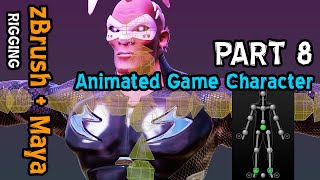
Game Character Rigging and Weight Painting - Part 8
Master character rigging techniques and Paint Weights Tools to perfect your 3D model's movement and animation, ensuring smooth and professional-looking results in Maya.
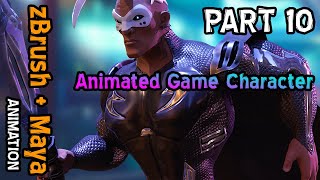
Game Character Animation: Running with a Sword - Part 10
Master game character animation techniques for implementing running motions with sword and cape dynamics in Maya using motion capture data.
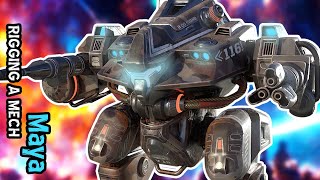
Rigging a Mech in Maya for Animation
Master the art of rigging mechanical characters in Maya with step-by-step techniques for creating flexible, animation-ready mech rigs using professional workflows and best practices.
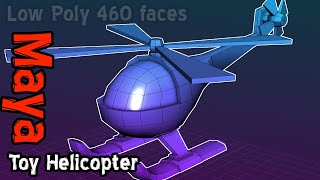
Toy Helicopter Modeling, Rigging and Animation in Maya
Master the creation of a low-poly toy helicopter in Maya, from modeling through rigging to animation, perfect for mobile game development and 3D asset creation.
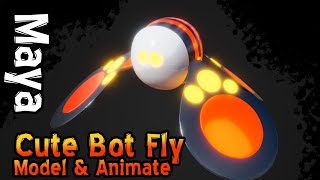
3D Modeling and Animation for Beginners - Maya Tutorial
Master Maya's essential tools to create, rig, and animate a charming character while learning modeling, Arnold materials, lighting setup, and rendering fundamentals.