
The Secret Workflow for Animating Dialogue
Comprehensive 5-step guide to animating lip sync acting shots, covering audio selection, sound breakdown, workflow, and polishing techniques for professional-quality character animation.
7 Tips for Animating Digital Humans in iClone
Expert tips for creating realistic digital humans with iClone 7, covering lip sync, facial expressions, eye animation, lighting, and Unreal Engine integration for cinematic game design.
Character Animator Beginner Lessons
Tutorials about Adobe Character Animator, the app that lets you animate characters with your voice and a webcam. This is essentially a CH101 online class!
Lip Sync and ARKit Facial Motion Capture Tips and Techniques
Learn advanced facial animation techniques using iClone 7, including ARKit motion capture, AI-driven lip-sync, and real-time integration with Unreal Engine for creating lifelike character dialogues.
Using Custom Mocap and ActorCore Motions with Unreal Live Link
Explore advanced animation techniques in iClone 7, including ActorCore motions, facial mocap, and real-time integration with Unreal Engine using Live Link for efficient 3D character animation workflows.
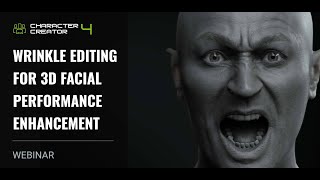
Wrinkle Editing for 3D Facial Performance Enhancement
Learn to enhance 3D facial animations with realistic wrinkles using Character Creator 4.2. Master wrinkle feature basics, customization, and application in various scenarios to add depth and emotion to facial performances.
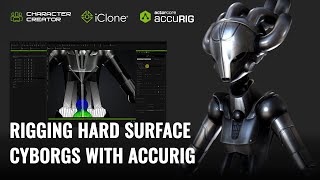
Rigging Hard Surface Cyborgs with AccuRIG - Character Creator and iClone Tutorial
Learn advanced techniques for rigging and animating cyborg characters, including rigid armor, mixed structures, and robotic systems, using Character Creator 4 and iClone 8 for realistic and distortion-free results.
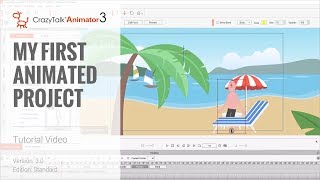
Cartoon Animator 4 Tutorial - Creating Your First Animated Project
Learn to create animated projects using Cartoon Animator 4, covering prop assembly, 3D positioning, character animation, lip syncing, and camera movement in this comprehensive tutorial.
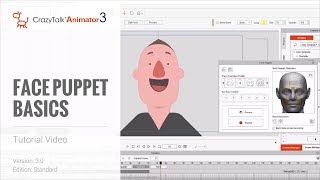
CrazyTalk Animator 3 Tutorial - Face Puppet Basics
Learn to animate character expressions quickly using CrazyTalk Animator 3's Face Puppet tool. Master profiles, solo features, layer blending, advanced settings, and integration with lip sync for efficient facial animation workflows.
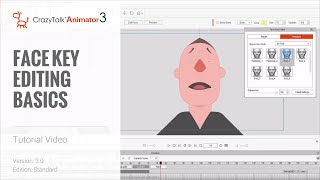
CrazyTalk Animator 3 - Face Key Editing Basics
Learn to create detailed facial animations using the Face Key Editor tool, covering solo feature editing, expression templates, blending expressions with lip sync, and advanced settings.

3DXchange 6.5 Tutorial - Importing Daz Genesis 3 Characters to iClone
Learn to import and customize Daz Genesis 3 characters in iClone using 3DXchange 6.5. Master material refinement, foot contact adjustments, and facial expressions for enhanced 3D character animation.
Facial Motion Capture Tips and Techniques for iClone 7
Explore facial motion capture techniques using iClone 7, from setup to refinement. Learn to create, customize, and reuse facial animations for character monologues and lip-sync.
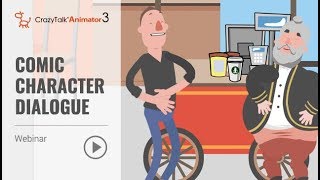
Animate Your Story - Comic Character Dialogue with CrazyTalk Animator 3 - Part 2
Learn to create dynamic comic character animations with CrazyTalk Animator 3. Master prop handling, camera work, facial expressions, lip-sync, and interactive character animations for engaging storytelling.
iClone 7 Facial Motion Capture Tips and Techniques
Explore facial motion capture techniques in iClone 7, from setup to refinement. Learn to create, customize, and reuse facial animations for character monologues and lip-sync, using Faceware and iPhone X Face LIVE.
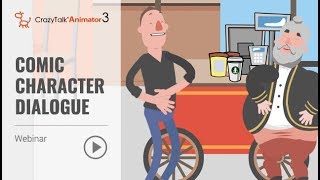
Animate Your Story - Comic Character Dialogue Using CrazyTalk Animator 3
Learn to create dynamic comic character dialogues using CrazyTalk Animator 3. Master prop handling, camera animation, facial expressions, lip-sync, and interactive character animations for engaging storytelling.
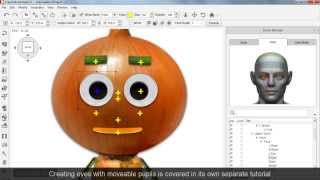
CrazyTalk Animator 2 - Basic Character Head Creation
Learn to create expressive character heads in CrazyTalk Animator 2. Master sprite-based and morph-based techniques for crafting unique facial animations and automatic lip-sync.
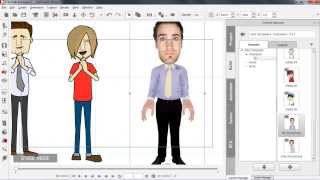
CrazyTalk Animator 2 Tutorial - Creating Re-usable Perform Motions
Learn to create reusable perform motions in CrazyTalk Animator 2, including body movements, facial expressions, and voice performances. Master techniques for 3D motion editing, lip-syncing, and facial animation.
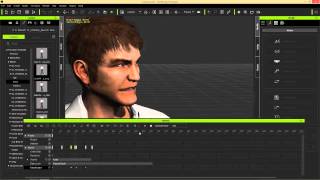
iClone Basics - Timeline for Character Animation - Part 2
Explore iClone 6's timeline for character animation, including motion tools, facial expressions, lip-sync, and keyframe editing to create dynamic and customized animations.

Webcam Facial Motion Capture for Blender 3.6 - Lip Sync, Facial Expressions, and Body Motion Tutorial
Learn to create facial expressions, lip sync, and body motion capture in Blender 3.6 using a webcam. Master retargeting techniques for seamless animation transfer to 3D avatars.
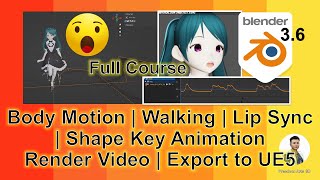
Blender 3.6 3D Animation Tutorial - Lip Sync, Rendering, and UE5 Export
Comprehensive guide to creating 3D animations in Blender, including avatar creation, body and facial animations, lip syncing, rendering, and exporting to Unreal Engine 5 for game development.
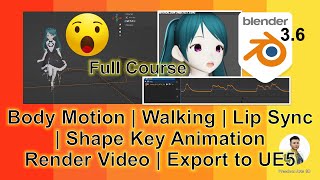
Blender 3.6 Animation - Lip Sync, Rendering, and Exporting to Unreal Engine 5
Learn to create animations with lip sync in Blender 3.6, render videos, and seamlessly export to Unreal Engine 5 while preserving motion and lip sync in this comprehensive silent tutorial.