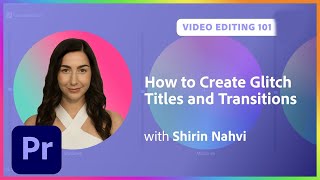
Creating Glitch Titles and Transitions in Premiere Pro
Master glitch titles and transitions in Premiere Pro. Learn custom effects, motion graphic templates, and essential techniques for creating eye-catching video edits with professional-looking results.
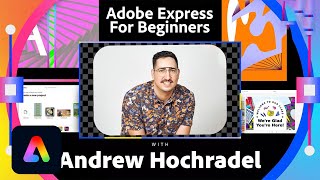
Adobe Express for Beginners - Adobe Creative Cloud
Learn to create stunning designs with Adobe Express. Explore templates, customize layouts, add text and images, and publish your work effortlessly. Perfect for beginners seeking to enhance their visual content.
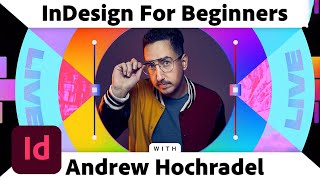
InDesign for Beginners - Creating Publications with Adobe Creative Cloud
Learn to create eye-catching publications with Adobe InDesign's basic tools. Master layout design, work with images and text, and discover essential features for stunning visual compositions.
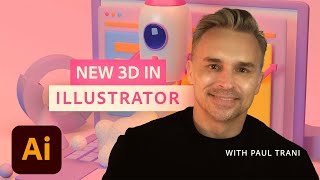
New 3D Design Techniques in Adobe Illustrator - Masterclass
Explore advanced 3D techniques in Illustrator to transform logos and text into textured, rendered 3D objects. Learn to map art onto models and create stunning visual effects.
Color Grading Techniques in Adobe Lightroom
Master color grading in Adobe Lightroom with expert techniques for creating signature styles and trendy aesthetics. Learn professional editing tools, AI masks, and subtle color adjustments to elevate your photo editing skills.
Fine Art Photo Retouching and Editing in Photoshop - Tutorial Part 2
Learn advanced Photoshop techniques for fine art retouching with photographer Elena Paraskeva. Master high-end photo editing, including hair refinement, frequency separation, dodge and burn, color grading, and texture addition.
Adobe Illustrator Printing Tips - Document Preparation and Export
Essential Adobe Illustrator printing tips: Learn about bleeds, margins, and proper document preparation for optimal print results. Includes hands-on tutorial and expert guidance.
Designing Logos and Packaging with Illustrator and Photoshop - Efficient Design Tutorial Part 2
Learn to design logos and packaging using Illustrator and Photoshop. Covers branding strategy, typography, mockups, custom illustrations, and color experimentation for a plant-based cake-pop company.
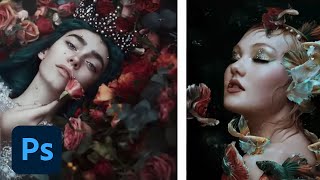
Editorial and Fantasy Photo Editing with Bella Kotak - Part 2
Explore advanced photo editing techniques with Bella Kotak, focusing on compositing, retouching, and color toning for editorial fantasy pieces using Adobe tools.
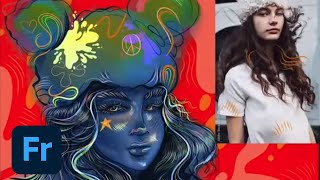
Designing Characters in Adobe Fresco - Part 1
Learn to create unique characters in Adobe Fresco with Melissa Showers. From sketches to vector and pencil techniques, explore the full creative process of character design, including colors, backgrounds, and animation tools.
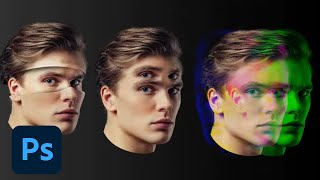
Photoshop Masterclass: Photomanipulation Ideas and Techniques
Explore surreal photo manipulations using advanced Photoshop techniques. Learn to create bizarre and fun effects beyond simple filters, unleashing limitless creative possibilities for any image.
Editing TikTok Videos in Premiere Pro - Part 2
Master TikTok video editing with Premiere Pro: Learn stabilization, color grading, transitions, and expert tips for creating engaging content. Gain insights from professionals to enhance your editing skills.
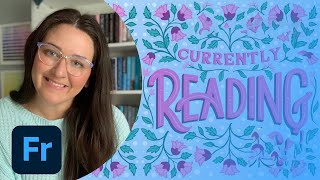
Designing a Custom Book Cover - Part 1
Designer Casey Moses demonstrates hand lettering and illustration techniques to create unique book covers using Adobe Fresco, InDesign, and Photoshop, offering insights on composition, layout, and typography for aspiring book cover designers.
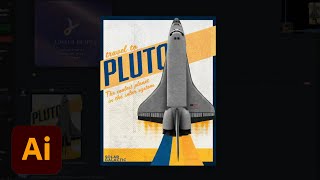
Creating a Poster in Adobe Illustrator - Creative Basics 201
Learn to design a poster in Adobe Illustrator with expert tips on color palettes, typography, gradients, and special effects. Gain practical skills for creating eye-catching designs from professional brand identity designers.
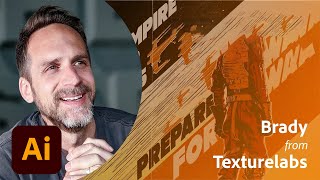
Designing Star Wars Themed Propaganda Posters in Photoshop - Part 2
Learn to design Star Wars-themed propaganda posters in Photoshop with Brady from Texturelabs. Master techniques for silhouettes, textures, typography, and color to create impactful designs with a vintage feel.
Creating Custom Patterns in Adobe Illustrator - Foundations Challenge
Learn to create custom brand patterns in Illustrator using pathfinder tools, color palettes, and various techniques. Explore squiggly lines, random shapes, clipping masks, and logo integration for unique designs.
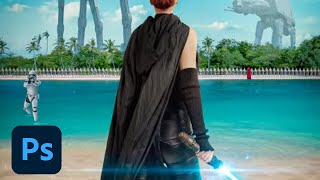
Creating a Sci-Fi Movie Poster in Photoshop - Professional Techniques
Learn to create a professional Sci-Fi movie poster in Photoshop using Adobe Stock images, advanced compositing techniques, and industry-standard design practices with expert guidance from Jesús Ramirez.
Designing Packaging Dielines in Illustrator - Marketing Challenge
Learn to design product packaging using Illustrator. Create dielines, set up layers, add flaps and glue tabs, and color-code folding lines in this hands-on tutorial for marketers and designers.
Advanced Vector Design Techniques in Adobe Illustrator - Creative Basics 201
Enhance vector design skills with advanced Adobe Illustrator techniques. Learn Pathfinder tools, Shape Builder, compound paths, and type manipulation for maximizing creative potential.
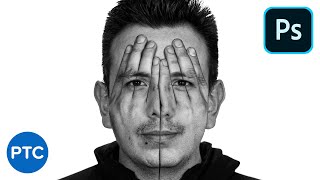
Amazing Photoshop Double Exposure Hand Face Effect
Learn to create a stunning double exposure effect in Photoshop, combining hands and face images for a unique visual impact. Master advanced techniques like vector masks, blending modes, and selective adjustments.
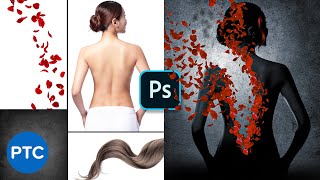
Recreate the "Perfume" Poster in Photoshop - Copycat
Learn advanced Photoshop techniques to recreate the "Perfume" movie poster, including masking, adjustment layers, and compositing. Perfect for enhancing photo manipulation skills.