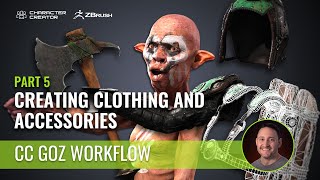
Low-Resolution Asset Creation for Clothing and Accessories - Character Creator ZBrush Pipeline - Part 5
Learn to create low-res game assets from high-res ZBrush sculpts, including clean bakes, polypaint for masking, decimation, retopology, UV unwrapping, and preparation for texturing and Character Creator integration.
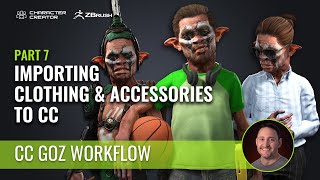
Importing Clothing and Accessories into Character Creator from ZBrush - Part 7
Learn to import and customize ZBrush-created clothing and accessories in Character Creator. Master skin weight transfer, pivot setting, PBR texturing, and asset customization for personalized character creation.
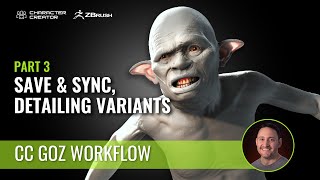
Re-linking Files and Adding Detail to Characters - Character Creator ZBrush Pipeline - Part 3
Learn to save, relink, and detail characters in ZBrush, synchronize with Character Creator, manage subtools, and create character variants efficiently in this comprehensive workflow tutorial.
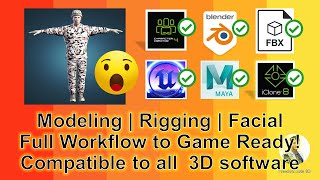
3D Modeling, Rigging, and Facial Animation - Full Workflow for Game-Ready FBX Models
Learn to create game-ready 3D avatars with full workflow: modeling, rigging, facial setup, and FBX export. Compatible with various 3D software like Blender, iClone, Unreal Engine, and Maya.
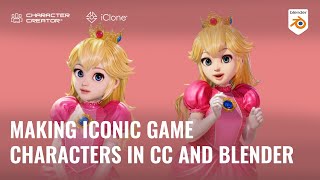
Creating Princess Peach from Super Mario with Character Creator and Blender
Learn to create Princess Peach using Character Creator and Blender. Explore 3D modeling, facial editing, cloth import, mesh fixing, and animation techniques for iconic character design.
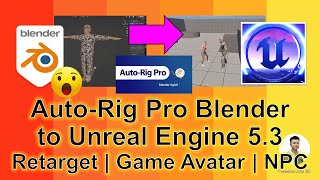
Auto-Rig Pro: Blender 3.6 to Unreal Engine 5.3 - Retargeting, Player Avatar, and NPC Creation
Learn to rig 3D models using Auto-Rig Pro in Blender 3.6 and import them into Unreal Engine 5.3 as player avatars and NPCs. Step-by-step guide for 3D animation and game development.
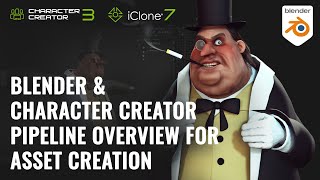
Modeling Clothing for Blender Rigged Actors - Character Pipeline Tutorial 3
Learn to model and refine clothing for Blender-rigged characters using Character Creator. Explore asset refinement, weight map adjustments, and Eevee rendering setup in this Blender-to-CC pipeline tutorial.
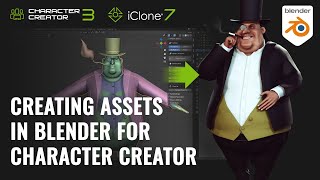
Creating Clothing and Accessories in Blender for Character Creator - 3D Character Pipeline Part 2
Learn to create 3D clothing and accessories in Blender, integrate them with Character Creator, and prepare characters for Eevee rendering in this comprehensive tutorial on 3D character asset creation.
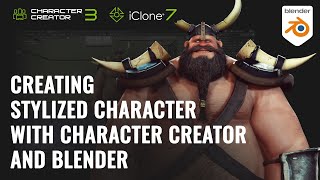
Creating Stylized Characters with Blender and Character Creator - 3D Character Pipeline Part 1
Learn to create exaggerated cartoon characters using Character Creator and Blender. Master mesh manipulation, SkinGen detailing, and seamless export-import between software for high-quality Eevee rendering.
Lip Sync and ARKit Facial Motion Capture Tips and Techniques
Learn advanced facial animation techniques using iClone 7, including ARKit motion capture, AI-driven lip-sync, and real-time integration with Unreal Engine for creating lifelike character dialogues.
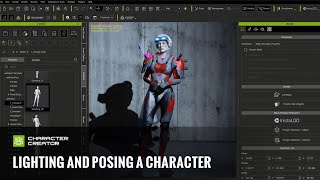
Lighting and Posing a Character in Character Creator for Concept Art
Learn to light and pose characters in Character Creator for concept art, covering scene setup, prop addition, posing techniques, and render optimization.
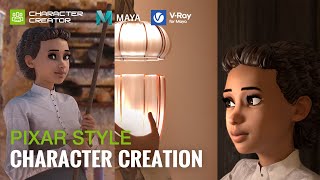
Pixar Style Character Creation with Character Creator, Maya and V-Ray - by José Tijerín
Learn to create Pixar-style 3D characters using Character Creator, Maya, and V-Ray. Master techniques for realistic skin, hair, eyes, and materials to achieve high-quality, stylized renderings.
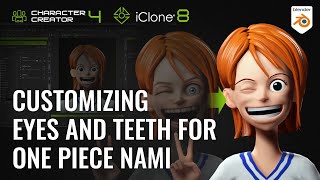
Customizing Eyes and Teeth for One Piece Nami in Blender and Character Creator
Learn to transform realistic avatars into stylized characters using Blender and Character Creator. Master customizing eyes, teeth, and facial features for unique, reusable assets in 3D character design.
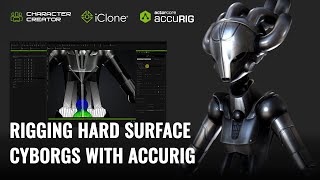
Rigging Hard Surface Cyborgs with AccuRIG - Character Creator and iClone Tutorial
Learn advanced techniques for rigging and animating cyborg characters, including rigid armor, mixed structures, and robotic systems, using Character Creator 4 and iClone 8 for realistic and distortion-free results.
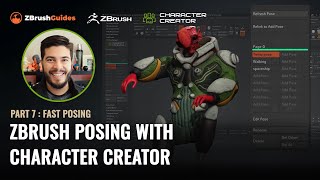
ZBrush Posing with Character Creator - Fast Posing Techniques - Part 7
Learn to create and manage multiple character poses quickly in ZBrush using the CC Pose Manager plugin. Discover techniques for tweaking poses, adding details, and efficiently managing your character's various poses.
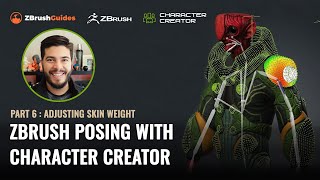
ZBrush Posing with Character Creator - Adjusting Skin Weight and Hard Surface Details - Part 6
Learn advanced techniques for refining character poses in ZBrush, including skin-weight painting, hard surface adjustments, and motion fine-tuning. Enhance your 3D character creation skills.
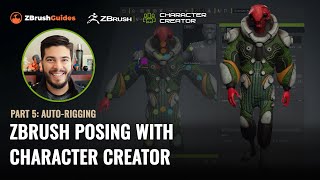
ZBrush Posing with Character Creator - Auto-Rigging and Texturing - Part 5
Master rigging and posing in ZBrush with Character Creator 4. Learn seamless GoZ round-trip process, texture handling, and advanced rigging techniques to transform 3D sculpts into animated characters.
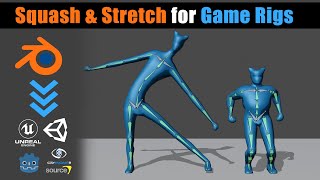
Blender - Game Ready Rigs - Squash & Stretch Solutions
Learn techniques for implementing squash and stretch in game character rigs using Blender, including flat hierarchy and bone offset methods. Discover solutions to avoid distortion and create more dynamic animations.
Quick and Fun 2D Hand Mocap Animation in Cartoon Animator 4
Explore advanced 2D hand animation techniques in Cartoon Animator 4, including bone-based manipulation, hand pose editing, and motion capture using Leap Motion for quick and expressive character animations.
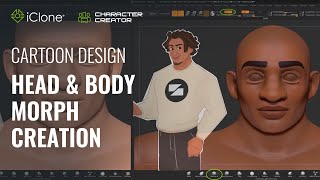
Fast Cartoon Design - Head and Body Morph Creation in Character Creator 3
Learn to create stylized cartoon characters using Character Creator and ZBrush. Master prototyping, sculpting, texturing, and morph creation for efficient 3D character design workflows.
Cartoon Animator 4: Advanced Facial Animation, Character Interaction, and Rendering - Day 3
Explore advanced facial animation, body motion, character interaction, and rendering in Cartoon Animator 4. Master techniques like sprite switching, morphing, and motion capture for creating dynamic 2D animations.