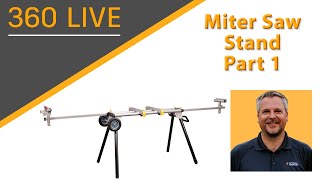
Miter Saw Stand
Learn to design and build a functional miter saw stand using Autodesk software in this comprehensive, hands-on project spanning five detailed sessions.
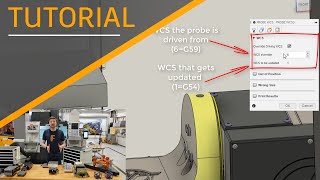
Inspection
Learn advanced inspection techniques in Fusion 360, including automated setup, surface inspection, and live connection with Haas machines for improved efficiency and precision.
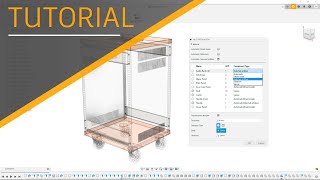
Nesting and Fabrication Extension
Master efficient design preparation, material management, and nesting techniques for optimized fabrication. Learn to create, edit, and compare nests, generate reports, and utilize advanced features in this comprehensive tutorial series.
Pencil Sharpener Project
Learn to design a multi-part pencil sharpener assembly using advanced techniques like top-down design, edit-in-place, in-context design, and motion links in this comprehensive 10-part series.

Laser Projector Project
Learn to design and assemble a laser projector using Fusion 360, covering techniques like edit-in-place, McMaster-Carr import, and creating exploded views and drawings.

Machining Fundamentals
Comprehensive introduction to machining concepts, tools, and techniques, covering mills, lathes, toolpaths, NC-code, and advanced features in Autodesk Fusion 360 with Sandvik Coromant integration.
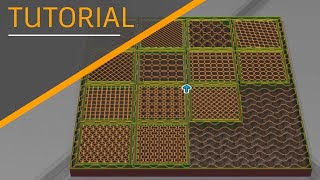
Additive Manufacturing
Explore 3D printing capabilities in Fusion 360, covering FFF settings, support structures, lattices, process simulation, and integration with various printers and platforms.
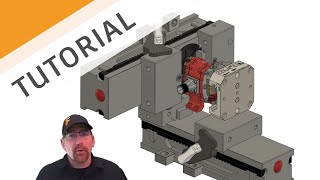
Introduction to CAM Using Fusion 360
Learn the fundamentals of Fusion 360 for manufacturing, including design-manufacturing separation, intent understanding, modeling basics, and CAD/CAM integration.
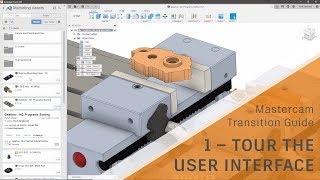
Mastercam Transition Guide
Transition from Mastercam to Fusion 360 with this comprehensive guide covering UI, data management, setups, adaptive clearing, toolpath basics, post processors, and productivity tips.
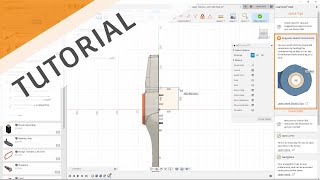
Solidworks Transition Guide
Comprehensive guide for SolidWorks users transitioning to Autodesk software, covering UI, modeling techniques, data management, collaboration, and advanced features.
Design to Make Series
Explore design-to-manufacturing workflow, tool path programming, collaboration, and quality management in Fusion 360 through practical projects and expert insights.
Generative
Explore generative design in Fusion 360: Learn techniques, features, and best practices for creating innovative, optimized designs using advanced computational tools.
System of Differential Equations by the Elimination Method
Learn to solve systems of differential equations using the elimination method, covering D notation, undetermined coefficients, and various examples with different complexities.

FreeCAD - The Complete Beginners Guide to Part Design
Comprehensive guide to FreeCAD's Part Design workbench, covering essential 3D modeling techniques from basic sketching to advanced multi-body modeling and Boolean operations.
FreeCAD Beginners Guide Chapter 2 - Part, Surfacing, Analysis, CNC and More
Comprehensive guide to FreeCAD 2022, covering Part, Surface, Path, Sheet Metal, FEM Analysis, and Assembly workbenches. Learn advanced 3D modeling techniques and practical applications.
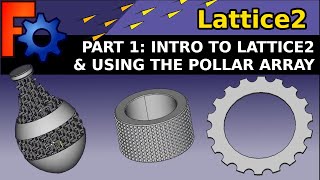
FreeCAD- Lattice2 Workbench
Learn to create complex 3D structures using FreeCAD's Lattice2 workbench, including polar arrays, text on paths, custom finishes, matrix lattices, and spiral wrapping techniques.
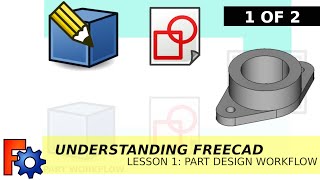
Understanding FreeCAD - Beginners Course
Learn FreeCAD's Part Design Workbench through practical projects, from basic parts to complex assemblies. Master parametric modeling, multi-body designs, and advanced features for 3D printing and mechanical engineering.
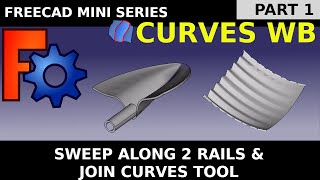
FreeCAD Curves Workbench
Master advanced curved and NURBS surfaces in FreeCAD Curves Workbench. From beginner-friendly basics to practical applications like boat hulls, architectural elements, and 3D-printable designs.
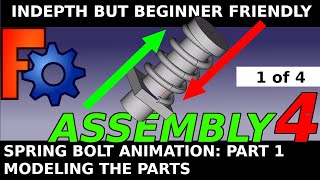
FreeCAD- Mechanical Animation Series
Learn to create mechanical animations in FreeCAD, covering spring movements, assembly techniques, and kinematic skeletons. Ideal for beginners interested in 3D modeling and animation.
FreeCAD Tips and Tricks - Beginners & Expert Guides and Tutorials
Comprehensive guide to FreeCAD techniques, from beginner to expert level, covering various workbenches, Python scripting, and practical applications for 3D modeling and design.
FreeCAD - Learn Python - Beginners Guide
Automate, animate, and control FreeCAD objects using Python. Mini-tutorials cover setup, input, data types, operators, loops, and GUI programming for beginners.