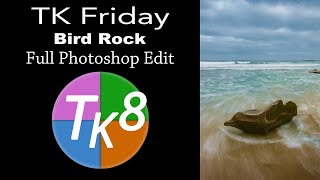
TK Friday - Full Edit of Bird Rock Image Using TK8 Plugin for Photoshop
Comprehensive Photoshop editing tutorial using TK8 plugin, featuring advanced techniques for enhancing a landscape image with step-by-step guidance and downloadable resources.
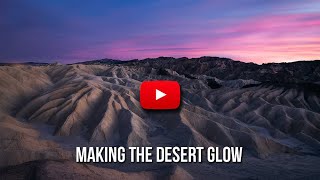
Making the Desert Glow - Enhancing RAW Images with Lightroom and Luminosity Masks
Discover techniques to transform a dull desert RAW image into a vibrant masterpiece using Lightroom and luminosity masks, enhancing sky, light, and overall atmosphere.

Barbie Movie Poster Photoshop Tutorial
Learn to recreate Barbie movie character posters using Photoshop. Master selections, gradients, fibers, and noise techniques while creating eye-catching designs quickly and efficiently.

How to Create Depth in Photoshop - Tutorial
Learn techniques for creating depth in Photoshop using focal depth, atmosphere, and color. Includes three hands-on projects to practice applying these concepts for more visually engaging and realistic images.

How to Use "Blend If" in Photoshop - Recreating the "OLD" Movie Poster
Learn to recreate the "OLD" movie poster using Photoshop's "Blend If" feature, along with techniques for curves, color, gradients, and masks to achieve professional-level design results.
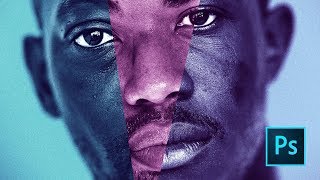
Moonlight Movie Poster Photoshop Tutorial
Learn to recreate the Moonlight movie poster using advanced Photoshop techniques like gradient maps, liquify tool, and blur gallery. Master compositing skills applicable to various design projects.
TOPAZ Mask AI Photoshop Workflow
Learn to enhance photos using Topaz Mask AI in Photoshop. Discover a powerful workflow and secret weapon for creating stunning image edits efficiently.

Topaz JPEG to RAW AI Software Review
Explore JPEG to RAW AI software for enhanced image quality, artifact removal, and color depth improvement. Includes side-by-side comparisons of original and converted images.
Luminar 4 Tutorial - Creative Color Effects for Images
Explore creative color effects in Luminar 4 to enhance your images. Learn techniques for adding vibrant and unique color adjustments to transform your photography.

Creating Epic Seascapes in Photoshop - Blending Waves Tutorial
Learn to blend multiple wave exposures in Photoshop to create stunning seascape images. Master techniques for aligning, manually adjusting, and combining exposures for epic ocean photography.
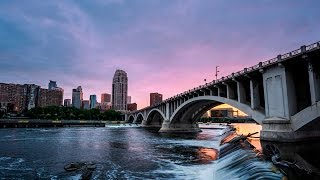
Restoring Sunset Colors with Luminosity Masks in Photoshop
Enhance dull sunset photos using luminosity masks in Photoshop. Learn techniques to add vibrant colors, control intensity, and create natural-looking results for stunning sky transformations.
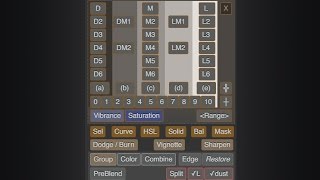
Lumenzia - Luminosity Masking Panel for Photoshop
Simplify luminosity masking in Photoshop with Lumenzia panel. Create custom masks, select zones visually, and achieve professional results effortlessly. Includes tools for vignettes and sharpening.

The Power of the Pixel - How Photos Are Changing Communication
Explore the impact of photography in the digital age with Instagram's co-founder and WSJ's photography director, discussing how images are created, shared, and consumed across generations.

Adobe Photoshop CC - Beginner to Advanced Training Course
Comprehensive Adobe Photoshop CC tutorial covering essential tools, techniques, and advanced features. Learn to create, edit, and manipulate images from beginner to expert level.

Dune Part Two Style Poster Creation in Photoshop
Learn to recreate the Dune Part Two movie poster in Photoshop, mastering techniques like gradient maps, film grain, skin smoothing, and dodge and burn for a professional cinematic look.
How to Create Realistic Architectural Visualization Renders - Day 2
Learn techniques for creating lifelike architectural visualization renders, focusing on achieving realism in your designs and presentations.

How to Create a Spiral Engraving in Photoshop
Learn to create a unique spiral engraving effect in Photoshop using illustrator-generated spirals, Hard Mix blend mode, gradient maps, and paper textures for a realistic vintage look.
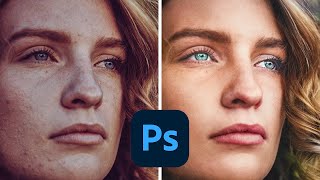
How to Make Colors Pop in Photoshop
Learn advanced Photoshop techniques to enhance colors, adjust skin tones, and create vibrant images. Master tools like Curves, Selective Color, and Neural Filters for stunning photo edits.
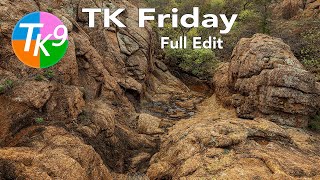
TK Friday: Full Edit of Rugged Rockscape Landscape Image
Comprehensive tutorial on editing a rugged rockscape image using TK9 plugin for Photoshop. Learn advanced techniques for enhancing landscape photography with step-by-step guidance.

Creating a Shogun-Style Poster in Photoshop - Western Twist
Learn to design a Shogun-inspired poster with a Western twist using Photoshop. Master compositing, gradient maps, blending techniques, and layer styles to create a striking visual with gold titling and red oil splotch effects.

AI vs. Human Retouching Comparison - Photoshop Techniques and AI Apps
Compares AI and manual retouching techniques for various photo editing tasks, exploring their effectiveness, efficiency, and artistic value in professional image enhancement.