How to Make the Back to the Future Logo in Adobe Illustrator
Master Adobe Illustrator techniques to recreate the iconic 80s-style Back to the Future logo, enhancing your design skills for future projects in just 20 minutes.
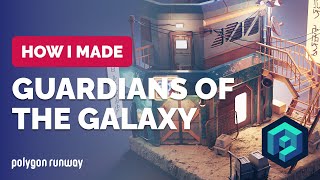
Guardians' Knowhere Street in Blender - 3D Modeling Process - Polygon Runway
Learn to create a 3D model inspired by Guardians of the Galaxy's Knowhere streets using Blender. Follow along with this detailed modeling process to enhance your 3D illustration skills.
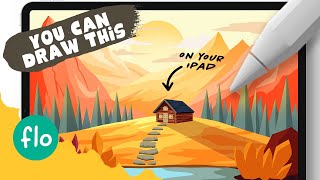
Draw a Mountain Landscape with a Cabin in Procreate - Step by Step Tutorial
Learn to create a stunning mountain landscape with a cozy cabin in Procreate. Master techniques like clipping masks, Alpha lock, and perspective grid while unleashing your creativity step-by-step.
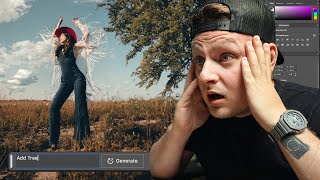
AI Generative Fill on Portraits - Adobe Photoshop Beta
Explore Adobe Photoshop Beta's AI Generative Fill feature for portraits, showcasing its capabilities and potential impact on photo editing workflows.
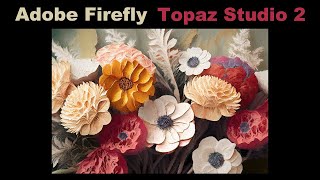
Adobe Firefly and Topaz Studio 2 - Floral Painterly Image
Transform floral images into painterly creations using Adobe Firefly and Topaz Studio 2. Learn techniques to enhance and stylize your photos for unique, artistic results.
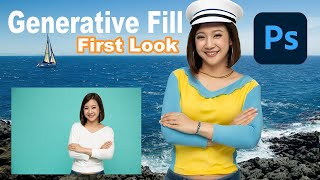
Embrace the Future - Discover Photoshop Beta's Groundbreaking Generative Fill Feature
Explore PHOTOSHOP Beta's revolutionary Generative Fill feature, a mind-blowing AI-powered tool that transforms image editing with unprecedented ease and creativity.
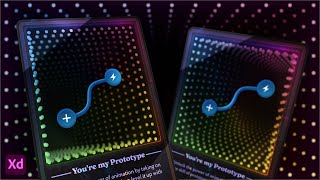
Designing a 3D NFT Card Using Adobe XD
Explore 3D Transforms in Adobe XD to design and animate an NFT-style card with an infinity mirror effect. Learn techniques for creating depth, applying masks, and adding visual elements to enhance your digital artwork.
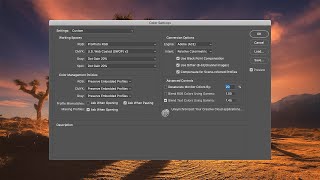
How to Optimize Photoshop Color Settings
Learn to optimize Photoshop color settings for consistent, high-quality images. Covers ICC profiles, RGB spaces, profile mismatches, conversion options, and advanced techniques for accurate color management.
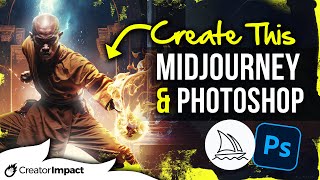
Using AI Art and Photoshop for Unique Digital Art
Learn to combine AI-generated art with Photoshop techniques to create unique digital compositions. Master photobashing, image blending, and advanced editing for stunning visual results.
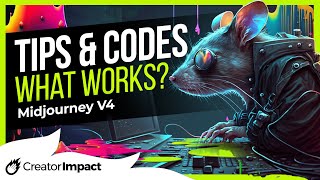
Midjourney Prompt Tips- Codes & Tricks - What Still Works?
Discover effective Midjourney prompt tips, codes, and tricks for AI art creation. Learn what still works in Version 4 and how to enhance your AI-generated images.
Creating the Perfect Mask with TK7 Go Panel - Tutorial
Mastering TK7 GO PANEL for perfect masks: Learn color masking, infinity color, overlay blending, painting techniques, and zone masking to enhance your photo editing skills.
Topaz Studio 2 - Creating Wolf Painting with Impression Filter - Episode 35
Learn to create a stunning wolf painting using Topaz Studio 2's Impression Filter, with additional techniques in Photoshop for enhanced artistic effects.
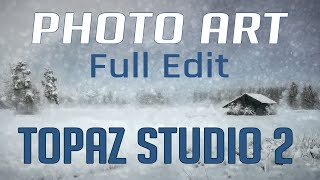
Topaz Studio 2 and Photoshop Tutorial - Creating a Winter Cabin Digital Painting
Transform a winter cabin photo using Topaz Studio 2 and Photoshop. Learn color correction, filters, vignettes, and digital painting techniques to create a stunning winter scene.
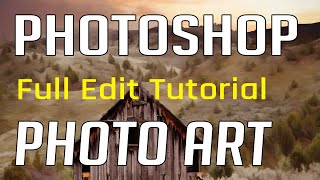
Photoshop Photo Art Tutorial - Using Topaz Plugins
Transform photos into stunning digital paintings using Topaz plugins in Photoshop. Learn sky replacement, masking, and artistic effects to create unique composite images from ordinary photographs.
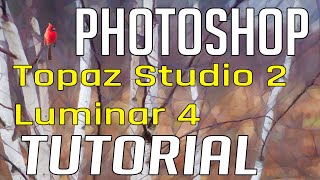
Photo Painting Tutorial - Photoshop, Topaz Studio 2, and Luminar 4
Transform photos into stunning paintings using Photoshop, Topaz Studio 2, and Luminar 4. Learn advanced techniques like AI enhancement, object selection, and blending multiple filters for unique artistic results.
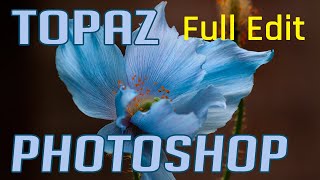
Photoshop and Topaz Labs Tutorial - Blue Flower Full Edit Workflow
Comprehensive Photoshop and Topaz Labs workflow for enhancing a blue flower image, covering noise reduction, healing, camera raw adjustments, and advanced editing techniques.
Photo Art Tutorial - Using Photoshop and Topaz Studio 2
Transform photos into art using Photoshop and Topaz Studio 2. Learn techniques like layer masking, texture application, and AI-powered effects to create stunning digital artwork from your photographs.
Topaz Studio 2 - The Impression Filter Tutorial
Transform photos into digital art with the Impression Filter in Topaz Studio 2. Learn techniques inspired by Bob Ross to create expressive, painterly effects and unleash your creativity.
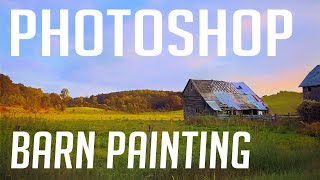
Barn Photo to Digital Painting Tutorial - Photoshop and Topaz Studio
Transform a barn photo into a digital painting using Photoshop and Topaz Studio. Learn techniques for adding detail, adjusting colors, and creating artistic effects in this step-by-step tutorial.

How to Make a Faceless Minimal Vector Portrait with Adobe Illustrator
Learn to create minimal vector portraits in Adobe Illustrator. Master a marketable skill for freelancing on platforms like Etsy and Fiverr. Step-by-step guide for beginners, including finding free photos and portfolio tips.
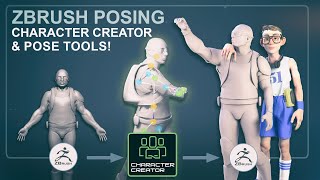
Using the ZBrush Pose Tools Plugin and Character Creator to Animate, Pose, and Organize Poses
Learn to animate, pose, and organize characters using ZBrush Pose Tools Plugin and Character Creator. Master techniques for rigging, skinning, and transferring poses between software for efficient 3D character creation.