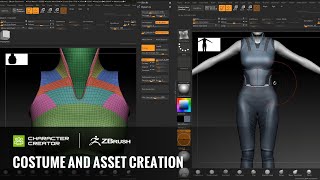
Concept Art - Costume and Asset Creation in ZBrush
Learn to create detailed costume and asset designs in ZBrush, including techniques for layering, mesh slicing, dynamics, and using alphas for intricate details in character concept art.
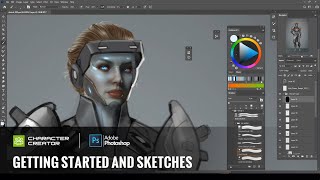
Concept Art - Getting Started and Sketches with Character Creator and Photoshop
Learn to create concept art using Character Creator and Photoshop. Explore sketching, color concepts, and digital techniques to transform 3D avatars into unique character designs.
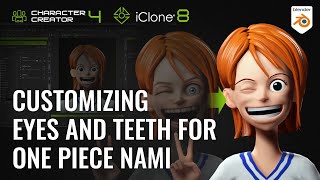
Customizing Eyes and Teeth for One Piece Nami in Blender and Character Creator
Learn to transform realistic avatars into stylized characters using Blender and Character Creator. Master customizing eyes, teeth, and facial features for unique, reusable assets in 3D character design.
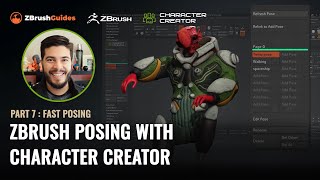
ZBrush Posing with Character Creator - Fast Posing Techniques - Part 7
Learn to create and manage multiple character poses quickly in ZBrush using the CC Pose Manager plugin. Discover techniques for tweaking poses, adding details, and efficiently managing your character's various poses.
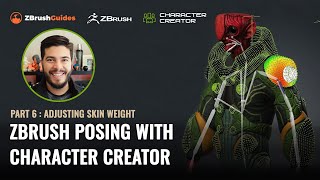
ZBrush Posing with Character Creator - Adjusting Skin Weight and Hard Surface Details - Part 6
Learn advanced techniques for refining character poses in ZBrush, including skin-weight painting, hard surface adjustments, and motion fine-tuning. Enhance your 3D character creation skills.
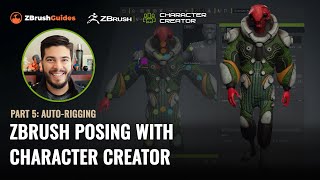
ZBrush Posing with Character Creator - Auto-Rigging and Texturing - Part 5
Master rigging and posing in ZBrush with Character Creator 4. Learn seamless GoZ round-trip process, texture handling, and advanced rigging techniques to transform 3D sculpts into animated characters.
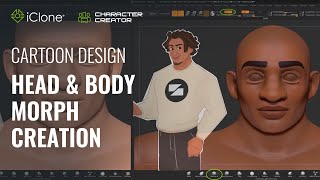
Fast Cartoon Design - Head and Body Morph Creation in Character Creator 3
Learn to create stylized cartoon characters using Character Creator and ZBrush. Master prototyping, sculpting, texturing, and morph creation for efficient 3D character design workflows.
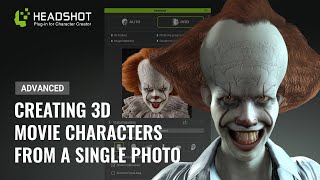
Generating a 3D Animated Pennywise from a Photo - Advanced Headshot Guide
Learn to transform a 2D Pennywise photo into a detailed 3D model using Headshot, ZBrush, and Blender. Master advanced techniques for photo preparation, mesh editing, sculpting, symmetry fixing, and hair creation.
Cartoon Animator from A-Z - Character Creation and Customization - Day 2
Learn character creation in Cartoon Animator 4, from free-bone actors to custom designs using Photoshop Pipeline. Master 360-degree heads, motion application, and animation templates for impressive results.

Creative Hand Lettering - Adobe Fresco Tutorial
Learn hand lettering with pro illustrator Chris Piascik using Adobe Fresco. Master sketching, refining, coloring, and texturing techniques to create stunning lettering designs on your iPad or preferred setup.
New Blender Addons for Summer 2024
Explore 60+ innovative Blender addons for 3D modeling, texturing, simulation, and more. Enhance your workflow with cutting-edge tools for various creative tasks.
ZBrush Plugins for Faster Sculpting - Tools to Enhance Workflow
Discover essential ZBrush plugins to enhance sculpting efficiency, including camera control, shape manipulation, masking, and more. Boost your 3D modeling workflow with these powerful tools.

Graphics Tablet - A Game Changing PC Upgrade?
Explore the benefits and setup of graphics tablets for enhanced computing experience, focusing on the One by Wacom entry-level tablet and its compatibility with various operating systems.
Control Your AI Art with Blender - Stable Diffusion ControlNet Tutorial 2024
Harness Blender's 3D modeling to guide AI image generation with Stable Diffusion ControlNet, enhancing creative control and achieving precise visual outcomes.
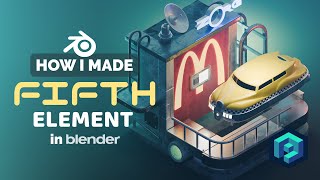
Fifth Element Diorama in Blender - 3D Modeling Process
Learn to create a cyberpunk-inspired Fifth Element diorama in Blender. Master 3D modeling techniques, scene composition, and rendering to bring this iconic sci-fi world to life in a visually stunning low-poly illustration.

Creepy Mad Hatter Sculpture Tutorial - Polymer Clay Sculpting
Sculpt a creepy Mad Hatter using polymer clay, wire armature, and acrylic paints. Learn full process from wire frame to final painted sculpture in this detailed tutorial.
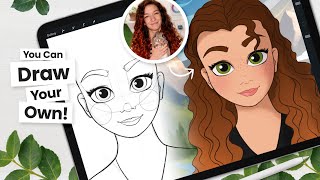
Draw Like Disney - Step by Step Tutorial, for All Drawing Tools
Learn to draw Disney-style characters with step-by-step guidance on sketching, line art, coloring, and shading. Master digital art techniques and Procreate tricks for creating stunning illustrations.
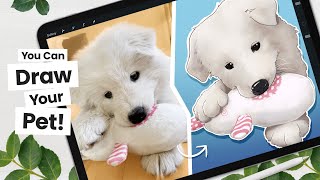
How to Cartoon Your Pet From a Picture - Procreate Tutorial
Learn to transform pet photos into cartoons using Procreate. Master line art, coloring, shading, and digital art techniques. Create unique illustrations with professional tips and tricks for a polished finish.
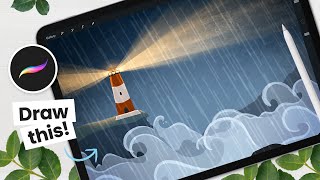
Draw and Animate a Lighthouse - Procreate Tutorial
Learn to draw and animate a stormy lighthouse scene in Procreate with step-by-step instructions. Master background creation, lighthouse drawing, special effects, and animation techniques for stunning digital art.
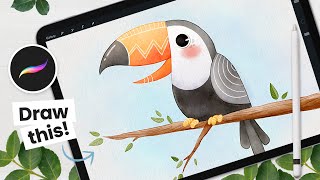
How to Draw a Watercolor Toucan - Procreate Tutorial
Step-by-step tutorial for creating a charming watercolor toucan illustration using Procreate on iPad. Learn digital art techniques, color selection, and finishing touches to bring your artwork to life.
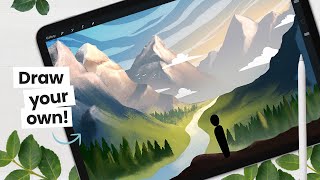
Let's Paint a Valley Background
Learn to paint a valley background with mountains and decorative elements. Covers sketching, coloring, and detailing techniques for creating captivating digital landscapes in Procreate.