Every Rigid Body Constraint in Blender - 10 Minute Tutorial
Comprehensive guide to Blender's rigid body constraints, covering various types and settings in a concise, time-stamped format for easy reference and practical application.
Ogre Rig - Creating Muscle Bones for Improved Deformation
Improve elbow deformation and simulate flesh squashing with automated bones in Rigify. Advanced techniques for customizing and extending rigs beyond default metarigs.
Auto-Rig Pro Face Rig In-Depth Tutorial
Comprehensive tutorial on Auto-Rig Pro's face rigging features, covering smart rigging, customization options for eyes and mouth, and advanced tips for efficient character animation in Blender.
Ogre Rig - Muscle Bones Practice
Aprenda técnicas avançadas de rigging para criar ossos musculares personalizados em um ogro de duas cabeças usando Rigify no Blender.
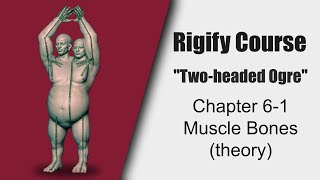
Rigify Course: Creating Muscle Bones for Ogre Rig - Theory and Raw Copy
Aprenda técnicas avançadas de rigging com Rigify, incluindo ossos musculares e cópia bruta, para melhorar as deformações de personagens e criar rigs personalizados.
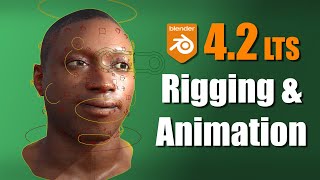
New Rigging and Animation Features in Blender 4.2
Explore new rigging and animation features in Blender 4.2, including improved armatures, widgets, pose library, and animation editors. Learn about bone subdivide, motion paths, and more enhancements.
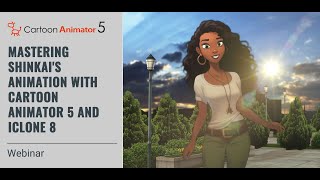
Mastering Shinkai's Aesthetic - Craft Inspiring Animation with Cartoon Animator 5 and iClone 8
Learn to create stunning Shinkai-style animations using CTA5 and iClone8. Master 2D character motion, HDR effects, lens flare, and seamless integration of both software for captivating animated scenes.
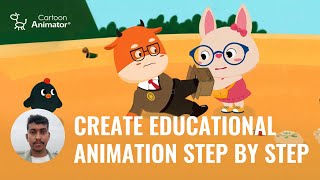
How to Create Kid-Friendly Educational Animation - Step-by-Step Guide
Comprehensive guide to creating educational cartoons: from ideation and scripting to character design, animation techniques, and post-production using Cartoon Animator software.
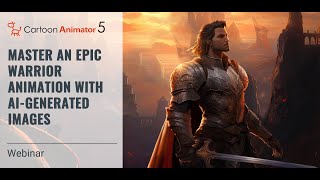
Master an Epic Warrior Animation with AI-generated Images
Learn to create epic warrior animations using AI-generated images, combining cutting-edge technology with animation techniques. Explore image AI, character rigging, and movement design for stunning 2D animations.
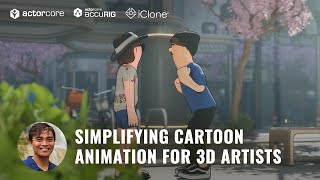
Simplifying Cartoon Animation for 3D Artists - AccuRIG and ActorCore Workflow
Learn to create 3D cartoons efficiently using AccuRIG for rigging, ActorCore for motion, iClone for editing, and Blender for rendering. Streamline your workflow and produce high-quality animations.
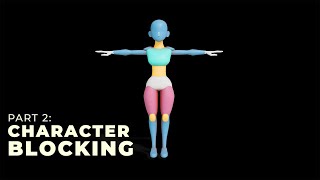
The Ultimate Guide to Character Modeling - Character Blocking - Part 2
Learn advanced 3D character blocking techniques in Blender for film and animation. Dive into the blockout phase with expert guidance and practical tips for creating compelling characters.
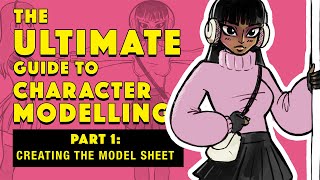
The Ultimate Guide to Character Modeling - Creating the Model Sheet - Part 1
Learn to create a model sheet, the essential first step in 3D character design for films and animation. Master this crucial skill to set the foundation for high-quality character modeling.
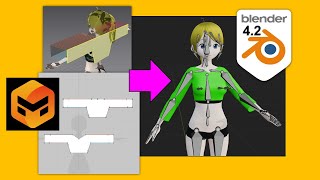
Marvelous Designer to Blender 4.2 Tutorial - Cloth Making Guide 2024
Step-by-step guide for transferring cloth designs from Marvelous Designer to Blender 4.2, covering modeling, skin weighting, and binding techniques for 3D animation and game development.
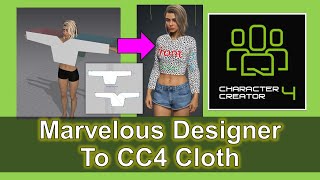
Marvelous Designer to Character Creator 4 Cloth Design Tutorial
Step-by-step guide for designing clothes in Marvelous Designer and importing them into Character Creator 4, enhancing 3D character creation for animation and game development.
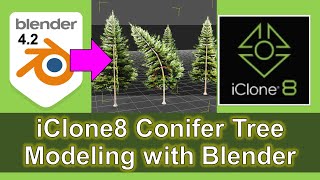
iClone 8 Conifer Tree Modeling with Blender - Tutorial
Learn to model realistic conifer trees using Blender and iClone 8. Master 3D techniques for creating detailed, natural-looking vegetation for animations and game development.
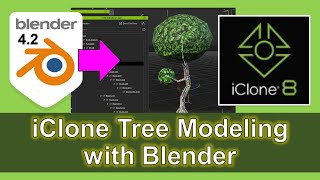
iClone 8 Tree Modeling with Blender - Full Tutorial
Comprehensive tutorial on creating realistic tree models using Blender and importing them into iClone 8, enhancing 3D animation and game development skills.
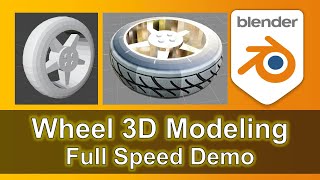
3D Modeling a Car Tire with Rim in Blender - Step-by-Step Silent Demo
Learn to create a detailed 3D model of a car tire with rim in Blender. Follow a step-by-step silent demonstration with music, covering base shape, tread pattern, rim design, and final touches.
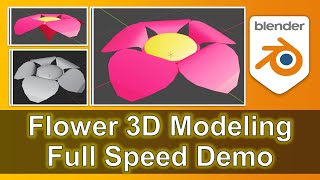
Flower 3D Modeling in Blender - Full Speed Demo
Step-by-step demonstration of 3D flower modeling in Blender, showcasing techniques for creating realistic floral designs. Perfect for aspiring 3D artists and game developers.
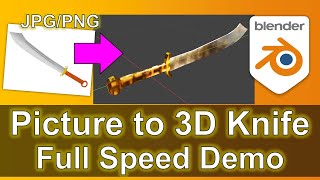
Knife 3D Modeling in Blender - Full Speed Demo from Picture to 3D
Step-by-step demonstration of 3D knife modeling in Blender, transforming a picture into a detailed 3D model. Ideal for aspiring 3D artists and game developers looking to enhance their modeling skills.
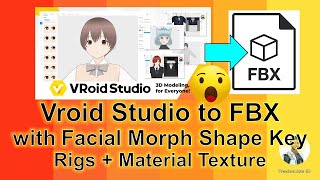
Vroid Studio to FBX Export Tutorial - Facial, Material, and Bone Rigging
Step-by-step guide for exporting Vroid Studio manga avatars as FBX files with full skeleton rigs, facial morphs, and embedded textures, compatible with various 3D software.
Character Creator 4 Export to GLB and GLTF with Blender - CC4 Pipeline Tutorial
Step-by-step guide for exporting Character Creator 4 models to GLB and GLTF formats using Blender, enhancing 3D modeling and game development workflows.