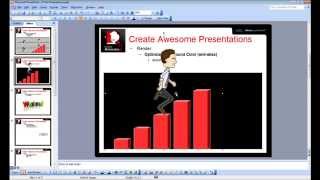
CrazyTalk Animator 2 Tutorial - Capture PNG and AniGIF for PowerPoint-Keynote
Learn to capture and export transparent PNGs and animated GIFs in CrazyTalk Animator 2 for use in presentations. Covers Windows and Mac environments, export range adjustment, and image quality optimization.
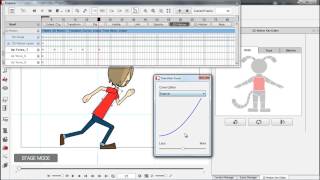
CrazyTalk Animator 2 Tutorial - 2D Motion Key Editor
Learn advanced 2D animation techniques like squash and stretch, easing, and body deformation to add cartoon-like touches to your animations using CrazyTalk Animator 2's Motion Key Editor.
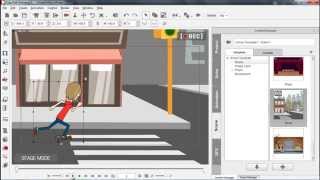
CrazyTalk Animator 2 Tutorial - 3D Motion Key Editor
Learn to create custom 2D character animations using HumanIK technology and 3D character rigging. Master motion blending, 3D clip manipulation, and advanced techniques for realistic movement and sprite refinement.

CrazyTalk Animator 2 Tutorial - Motion Clip Blending
Learn to blend motion clips in CrazyTalk Animator 2, including smooth transitions between angles, layer refinement, and using transition curves for cartoon-like effects. Master 3D motion editing techniques.
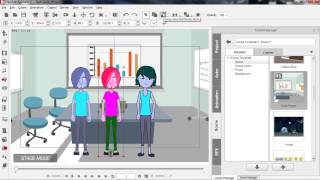
CrazyTalk Animator 2 Tutorial - Intro to Render Style
Learn to enhance scene moods using color schemes in CrazyTalk Animator 2. Explore Render Style features, advanced customization, and the Vector Grouping Tool for prop color categorization.

Create Talking Characters from Photos - CrazyTalk Animator Tutorial
Learn to create animated talking characters from photos using CrazyTalk Animator 2. Master face fitting, adding virtual features, background removal, and voice integration for lifelike 2D animations.
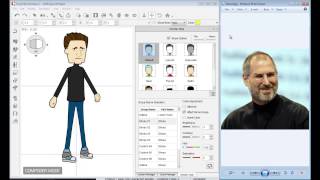
CrazyTalk Animator 2 Tutorial - Character Composer
Learn to create unique sprite characters using CrazyTalk Animator's Character Composer. Mix & match body parts, customize colors, and apply animations to bring your creations to life.
CrazyTalk Animator 2 Tutorial - iProp Action Menu and Sprite Library
Learn to create and animate iProps in CrazyTalk Animator 2, including sprite animations, motion clips, action menus, and sound effects for enhanced 2D animations.

CrazyTalk Animator 2 Tutorial - Advanced Timeline Editing
Learn advanced timeline editing techniques in CrazyTalk Animator 2, including motion clips, transition curves, time warps, prop replacement, clip editing, sound effects, and camera movement.

CrazyTalk Animator 2 Tutorial - Basic Timeline Editing
Learn essential timeline editing techniques in CrazyTalk Animator 2, including keyframe animation, motion clips, facial animation, and more. Master the tools to create dynamic and customized animations.
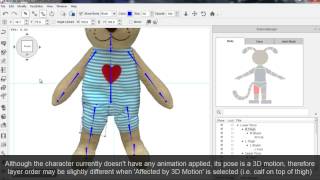
CrazyTalk Animator 2 Tutorial - Creating a Character from a 2D Image
Learn to create animated characters from 2D images using CrazyTalk Animator 2. Master sprite replacement, joint masking, multi-angle profiles, and motion refinement techniques.
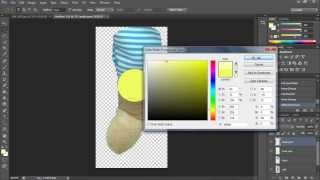
Creating a Character from a 2D Image
Learn to transform a 2D image into an animated character using Photoshop. Master techniques for extracting and preparing body parts for animation in CrazyTalk Animator 2, starting with a stuffed bear image.

CrazyTalk Animator 2 Tutorial - 2D Body Motion Puppeteering
Learn 2D body motion puppeteering techniques in CrazyTalk Animator 2, including animation profiles, slider controls, masking, mouse control, and movement tools for creating unique character animations.
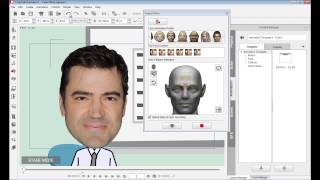
CrazyTalk Animator 2 Tutorial - Face - Basic Facial Puppeteering
Learn basic facial puppeteering in CrazyTalk Animator 2: choose profiles, use face controls, layer animations, and understand differences between image and sprite-based characters.
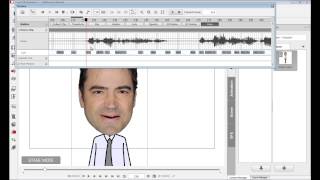
CrazyTalk Animator 2 Tutorial - Face - Audio Lip-Sync
Learn automatic lip-syncing techniques in CrazyTalk Animator 2, including audio recording, text-to-speech, phoneme mapping, and custom lip-sync creation for efficient character animation.
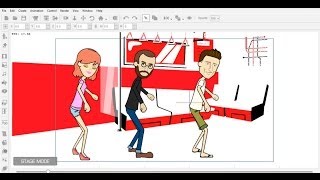
Importing External 3D Motions to CrazyTalk Animator
Learn to import, convert, and edit 3D motions for 2D characters in CrazyTalk Animator, enhancing animation possibilities and creative freedom for your projects.
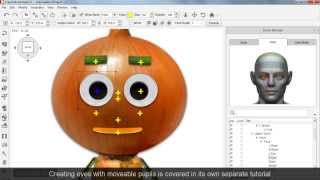
CrazyTalk Animator 2 - Basic Character Head Creation
Learn to create expressive character heads in CrazyTalk Animator 2. Master sprite-based and morph-based techniques for crafting unique facial animations and automatic lip-sync.
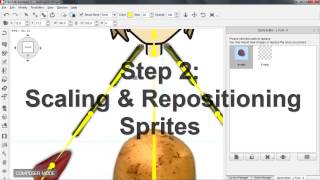
CrazyTalk Animator 2 Tutorial - Basic Character Body Creation
Learn to create basic character bodies in CrazyTalk Animator 2, covering sprite replacement, scaling, bone transformation, and angle copying for 3-profile characters compatible with front-facing animations.

Importing iClone Motions to CrazyTalk Animator 2
Learn to import and customize iClone motions in CrazyTalk Animator 2, enhancing 2D characters with 3D animations. Master sprite refinement, layer adjustments, and motion editing for optimal results.
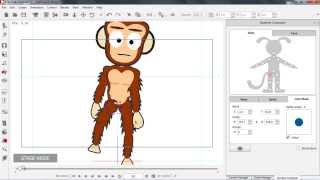
CrazyTalk Animator 2 Tutorial - 3D Performance with the Runtime Composer
Learn to modify 2D characters for 3D motions using CrazyTalk Animator 2's Runtime Composer. Master joint masks, bone transforms, sprite replacement, and custom character creation for enhanced animations.
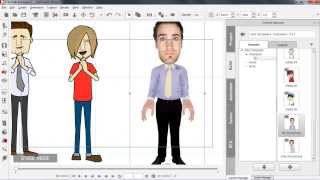
CrazyTalk Animator 2 Tutorial - Creating Re-usable Perform Motions
Learn to create reusable perform motions in CrazyTalk Animator 2, including body movements, facial expressions, and voice performances. Master techniques for 3D motion editing, lip-syncing, and facial animation.