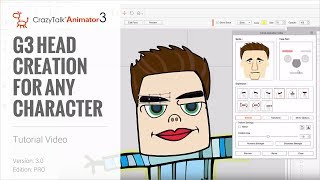
CrazyTalk Animator 3 Tutorial - G3 Head Creation for Any Character
Learn to create dynamic G2+ heads in CrazyTalk Animator 3, including importing templates, converting heads, customizing features, and setting up facial animations for smoother, more expressive characters.
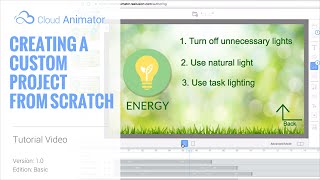
Cloud Animator Tutorial - Creating a Custom Project from Scratch
Learn to create interactive animated projects using Cloud Animator. Upload custom materials, add motion effects, and use text-to-speech for quick audio generation in this hands-on tutorial.
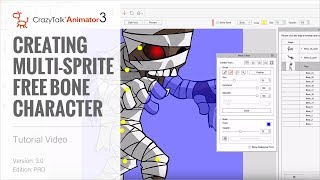
CrazyTalk Animator 3 Tutorial - Creating Multi-Sprite Free Bone Characters
Learn to create animated characters from single images using CrazyTalk Animator 3. Master sprite separation, masking, layer adjustment, and basic animation techniques for unique character designs.
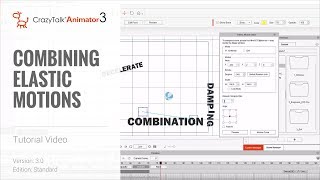
CrazyTalk Animator 3 Tutorial - Combining Elastic Motions
Learn to combine elastic motions in CrazyTalk Animator 3 for dynamic, polished animations. Master clip editing, alignment, motion key editing, and timing adjustments for props and camera.
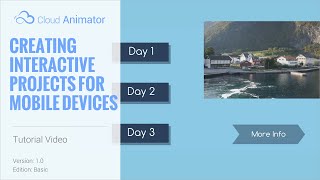
Cloud Animator Tutorial - Creating Interactive Projects
Learn to create interactive animated projects for promotions, invitations, and more using Reallusion's free web-based Cloud Animator service. Discover how to set up hyperlinks, select viewing paths, and share across devices.
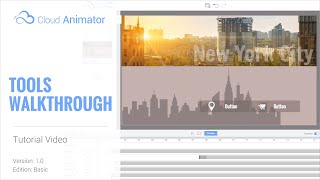
Cloud Animator Tutorial - Walkthrough of Tools and Features
Explore Reallusion's Cloud Animator: create interactive animations for promotions, invitations, and more. Learn about scenes, assets, and features in this comprehensive walkthrough.

Cloud Animator Tutorial - Create an Animated Holiday Greeting Card
Learn to create interactive animated holiday greetings using Cloud Animator. Customize templates, add images, edit text, and apply motion effects for engaging, shareable projects across multiple devices.
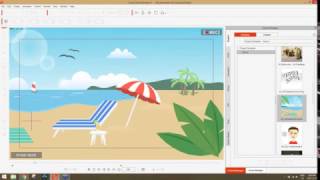
Exploring New Features in CrazyTalk Animator 3 - Dec. 2016
Discover innovative tools for 2D animation in CrazyTalk Animator 3. Learn character customization, scene assembly, prop creation, and dynamic animation techniques like Elastic Motion in this practical webinar.
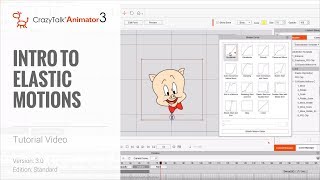
CrazyTalk Animator 3 - Intro to Elastic Motions
Learn to add dynamic animations to images, logos, and props using Elastic Motions in CrazyTalk Animator 3. Master customization techniques with the Elastic Motion Editor and Motion Curve Editing for powerful, energetic animations.
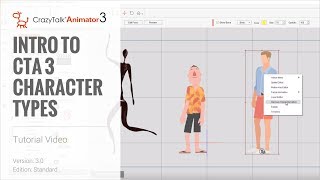
Cartoon Animator 4 Tutorial - Introduction to Character Types
Explore different character types in Cartoon Animator 4, from G1 & G2 to advanced G3 free bone characters. Learn their unique features and applications in animation projects.
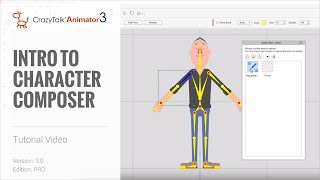
Cartoon Animator 4 Tutorial - Introduction to Character Composer
Learn to create and customize characters using Cartoon Animator 4's Character Composer. Explore bone structure, sprite editing, facial animation, and more in this comprehensive tutorial.
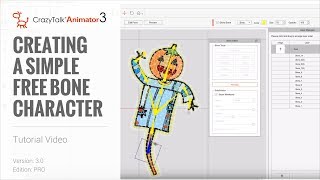
CrazyTalk Animator 3 Tutorial - Creating a Simple Free Bone Character
Learn to create custom bone structures for characters in CrazyTalk Animator 3. Master the Bone Editor to design unique animations for diverse character types, enhancing your animation capabilities.

3DXchange 6.5 Tutorial - Importing Daz Genesis 3 Characters to iClone
Learn to import and customize Daz Genesis 3 characters in iClone using 3DXchange 6.5. Master material refinement, foot contact adjustments, and facial expressions for enhanced 3D character animation.
iClone 6.5 Tutorial - Converting iProps to iAvatars
Learn to convert iProps to iAvatars in iClone 6.5, enabling custom motions, bone scaling, and physics properties. Enhance your 3D animations with advanced dinosaur model techniques.
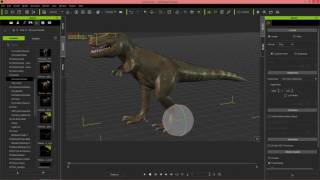
iClone 6.5 Tutorial - Animating Dinosaurs
Learn to animate dinosaur herds in iClone 6.5, from creating models to customizing motions. Master techniques for realistic prehistoric scenes with efficient workflow and high-quality results.
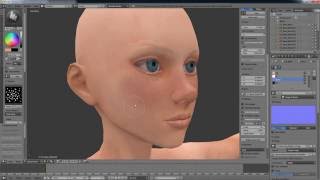
Character Creator Master Series - Pirate Creation - Customizing 3D Body in ZBrush and Blender - Part 2
Learn to customize 3D character bodies using ZBrush and Blender, from low-res editing to high-poly sculpting, UV mapping, and texture creation. Apply changes in Character Creator for animation.
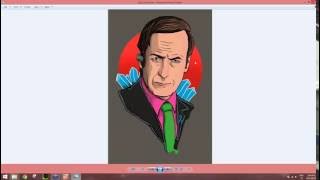
CrazyTalk 8 - Easy to Create a Talking Avatars
Learn to create and animate 2D and 3D talking avatars using CrazyTalk 8. Master face-fitting technology, eye and teeth customization, and facial animation techniques for realistic character animations.
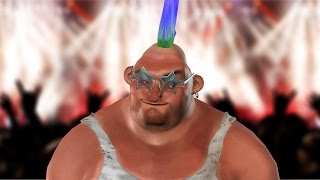
CrazyTalk 8.1 Tutorial - Importing iAvatars and Accessories
Learn to import and customize iAvatars and accessories in CrazyTalk 8.1. Explore new features for enhancing character appearance, including material settings and saving options.
CrazyTalk 8.1 Tutorial - Advanced Accessory Import
Learn advanced techniques for importing custom accessories in CrazyTalk 8.1, including using Google Sketchup files and preserving spring effects from iClone, to enhance character customization.
CrazyTalk 8.1 Tutorial - Creating Unique Characters
Learn to customize iAvatar characters in CrazyTalk 8.1 with accessories, material values, and custom face textures. Step-by-step guide for creating unique animated characters.
iClone 6.5 Tutorial - Walking and Changing Direction
Learn various methods for character locomotion in iClone 6.5, including path following, direction changes, and combining motion clips for natural movement in 3D scenes.