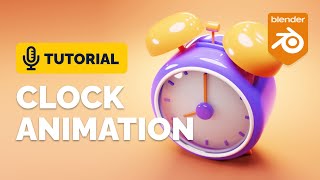
Alarm Clock Animation Blender Tutorial
Create a stylized alarm clock icon animation using Blender's animation modifiers. Learn techniques for 3D modeling, rendering, and low poly illustration in this hands-on tutorial.
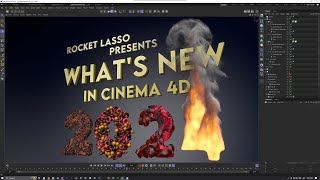
Cinema 4D 2024 - Full Feature Breakdown and New Functionality
Comprehensive breakdown of Cinema 4D 2024's new features, including speed improvements, asset browser updates, modeling enhancements, and advancements in nodes, Pyro, and rigid bodies.
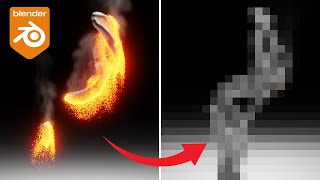
Blender Tutorial - Particle Reveal Effect Animation
Learn to create a particle reveal effect animation in Blender using Geometry Nodes, Dynamic Paint, Particle Systems, and Materials. Master advanced techniques for stunning visual effects in 3D animation.

Countdown Timer with Geometry Nodes - Blender 3.2
Learn to create a dynamic countdown timer using Blender's Geometry Nodes. Master string manipulation, time conversion, and customization for versatile 3D animations and visual effects.
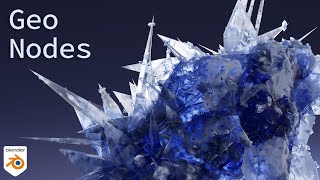
Grow Crystals with Blender Geometry Nodes
Learn to create stunning crystal formations using Blender's Geometry Nodes. Master techniques for random rotation, scaling, and distortion to achieve realistic and visually appealing crystal structures.
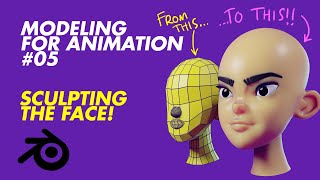
Modeling for Animation - Sculpting the Face - Lecture 5
Learn face sculpting techniques for 3D animation, from basic blocking to detailed refinement. Master eye sockets, eyelids, lips, and ears. Includes remeshing, eyebrow modeling, and rendering tips.
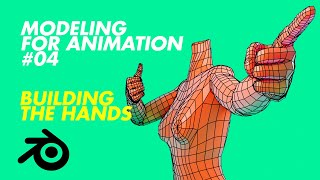
Modeling for Animation - Building the Hands - Part 4
Learn to model realistic hands for animation, from palm and finger construction to thumb modeling and rigging. Includes testing with Rigify and integration with Mixamo.
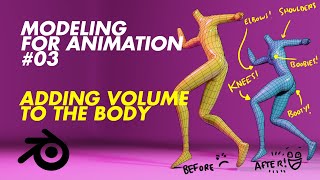
Modeling for Animation - Adding Volume to the Body
Enhance 3D character models by adding volume to key body parts, improving deformation for smoother animations. Learn techniques for shoulders, buttocks, elbows, knees, and breasts.
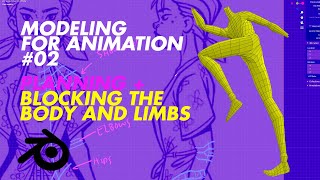
Modeling for Animation: Planning and Blocking the Body and Limbs - Part 2
Learn to block and articulate 3D character models for animation, from planning and scaling to testing with Mixamo. Master key techniques for creating flexible, animation-ready character meshes.

Modeling for Animation - Top 5 Features of Good Animation Models
Discover top 5 features for creating exceptional animation models, including modeling with intention, scale, flow, compression/elongation, and center line. Gain insights to enhance your 3D character design skills.
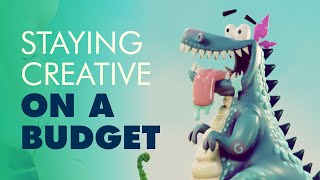
Staying Creative on a Budget - Free Software Alternatives for Digital Artists
Discover budget-friendly alternatives to expensive software for digital artists, covering pre-production, production, and post-production tools to keep your creativity flowing without breaking the bank.
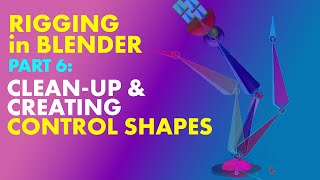
Introduction to Rigging - Part 6: Cleanup and Creating Control Shapes
Learn to finalize your rig by cleaning up and creating control shapes, completing the rigging process for 3D character animation.
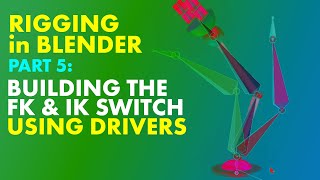
Rigging in Blender - Building the FK and IK Switch Using Drivers - Part 5
Learn to create an FK/IK switch using drivers in Blender, connecting deformation bones and building a control bone for seamless animation mode transitions.
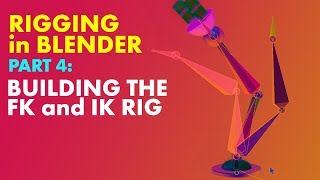
Building FK and IK Rig in Blender - Part 4
Learn to construct and implement FK and IK rig layouts in Blender, focusing on creating functional IK controls for character animation.
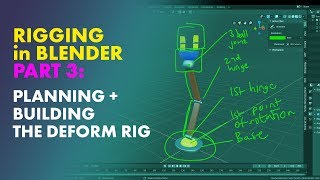
Rigging in Blender - Planning and Building the Deform Rig - Part 3
Learn to plan and construct deformation bones, bind mesh to rig, and gain in-depth understanding of rigging techniques in Blender with this comprehensive tutorial.
Beginners Guide to Rigging in Blender - The Armature Object
Learn the fundamentals of creating an armature object for character rigging in Blender, including essential techniques and best practices for beginners.
How to Spiderversify Your Animations II - Camera Stuff
Learn advanced camera techniques for mixed frame rate animations, focusing on the Spiderverse style and enhancing your animated scenes with dynamic visual effects.
How to Spiderversify Your Animations!
Learn a simple technique to transform smooth animations into a frame-by-frame style reminiscent of the popular Spider-Man animated film, adding a unique visual flair to your work.
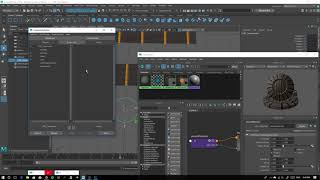
How to Animate Textures on Simple Objects in Maya 2018
Learn to animate textures on simple objects in Maya 2018 using a control curve, enhancing your 3D animation skills and adding dynamic visual effects to your projects.
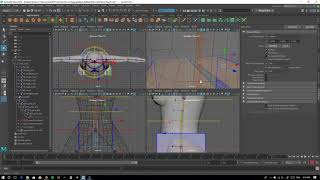
Maya 2018 - Using a Low Resolution Mesh to Skin a High-Res Model
Learn efficient character rigging in Maya 2018 using low-res mesh for high-res model skinning. Master joint setup, skin binding, weight painting, and mirroring techniques for improved workflow.
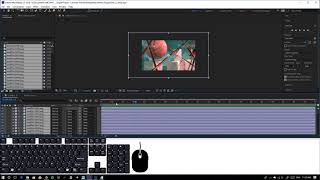
Turning Your Rendered Frames into a Video with Adobe After Effects
Learn to transform rendered frames into polished videos using Adobe After Effects. Master techniques for seamless frame sequencing, timing adjustments, and professional output.