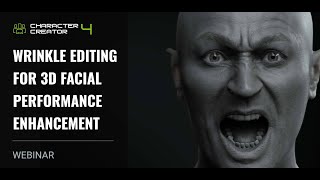
Wrinkle Editing for 3D Facial Performance Enhancement
Learn to enhance 3D facial animations with realistic wrinkles using Character Creator 4.2. Master wrinkle feature basics, customization, and application in various scenarios to add depth and emotion to facial performances.
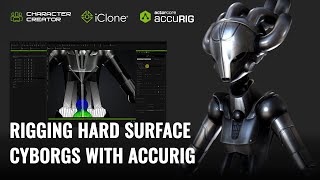
Rigging Hard Surface Cyborgs with AccuRIG - Character Creator and iClone Tutorial
Learn advanced techniques for rigging and animating cyborg characters, including rigid armor, mixed structures, and robotic systems, using Character Creator 4 and iClone 8 for realistic and distortion-free results.
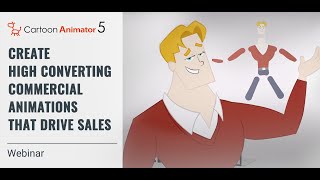
Create High Converting Commercial Animations that Drive Sales
Learn to create impactful animated commercial trailers using Cartoon Animator 5. Discover planning strategies, basic functions, concept visualization, and advanced animation techniques to boost sales and engagement.
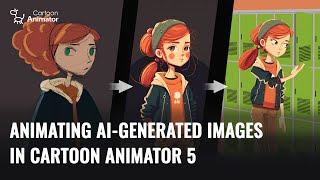
Animating AI-Generated Images in Cartoon Animator 5
Learn to create and animate AI-generated 2D characters using Cartoon Animator 5. Explore techniques for optimizing sketches, enhancing designs, and bringing characters to life with 3D motion conversion.
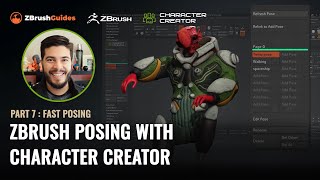
ZBrush Posing with Character Creator - Fast Posing Techniques - Part 7
Learn to create and manage multiple character poses quickly in ZBrush using the CC Pose Manager plugin. Discover techniques for tweaking poses, adding details, and efficiently managing your character's various poses.
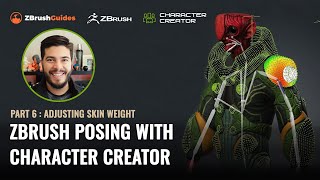
ZBrush Posing with Character Creator - Adjusting Skin Weight and Hard Surface Details - Part 6
Learn advanced techniques for refining character poses in ZBrush, including skin-weight painting, hard surface adjustments, and motion fine-tuning. Enhance your 3D character creation skills.
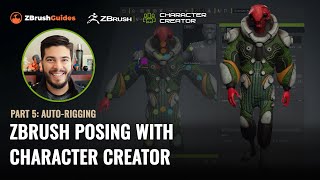
ZBrush Posing with Character Creator - Auto-Rigging and Texturing - Part 5
Master rigging and posing in ZBrush with Character Creator 4. Learn seamless GoZ round-trip process, texture handling, and advanced rigging techniques to transform 3D sculpts into animated characters.
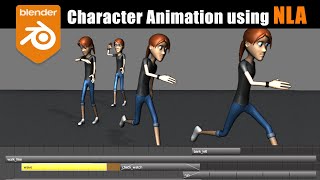
Blender Character Animation Using NLA - Nonlinear Animation
Learn character animation in Blender using the Nonlinear Animation Editor. Master complex techniques like smooth transitions, mixing IK/FK actions, and additive animations for creating dynamic and fluid character movements.
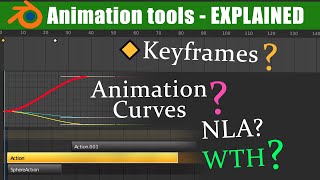
The Nuts and Bolts of Blender's Animation System
Explore Blender's animation fundamentals, including transforms, keyframes, interpolation, actions, and key editors. Gain essential knowledge for mastering the NLA editor in future lessons.
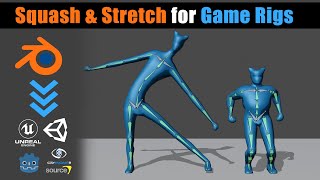
Blender - Game Ready Rigs - Squash & Stretch Solutions
Learn techniques for implementing squash and stretch in game character rigs using Blender, including flat hierarchy and bone offset methods. Discover solutions to avoid distortion and create more dynamic animations.
Quick and Fun 2D Hand Mocap Animation in Cartoon Animator 4
Explore advanced 2D hand animation techniques in Cartoon Animator 4, including bone-based manipulation, hand pose editing, and motion capture using Leap Motion for quick and expressive character animations.
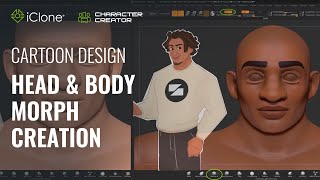
Fast Cartoon Design - Head and Body Morph Creation in Character Creator 3
Learn to create stylized cartoon characters using Character Creator and ZBrush. Master prototyping, sculpting, texturing, and morph creation for efficient 3D character design workflows.
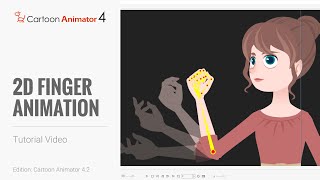
Cartoon Animator 4 Tutorial - Hand Pose Key Editor for 2D Finger Animation
Learn to create detailed hand animations using Cartoon Animator 4's Hand Pose Editor. Master bone-enabled hands, save and export animations, and enhance your 2D character animations with realistic finger movements.
Cartoon Animator 4: Advanced Facial Animation, Character Interaction, and Rendering - Day 3
Explore advanced facial animation, body motion, character interaction, and rendering in Cartoon Animator 4. Master techniques like sprite switching, morphing, and motion capture for creating dynamic 2D animations.
Cartoon Animator from A-Z - Character Creation and Customization - Day 2
Learn character creation in Cartoon Animator 4, from free-bone actors to custom designs using Photoshop Pipeline. Master 360-degree heads, motion application, and animation templates for impressive results.
Cartoon Animator from A-Z - Setting the Scene - Day 1
Learn Cartoon Animator 4 basics: UI, scene setup, prop importing/editing, animation, and adding music/sound effects. Hands-on demo covers background creation, custom props, and simple animations.
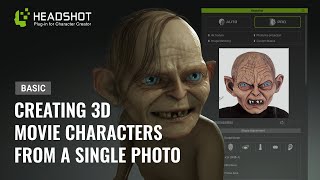
Generating a 3D Animated Gollum from a Photo - Basic Headshot Guide
Learn to create a 3D animated Gollum-like character from a photo using Headshot for Character Creator 3. Master techniques for sculpting, texturing, and customizing fantasy characters with expert tips and tools.
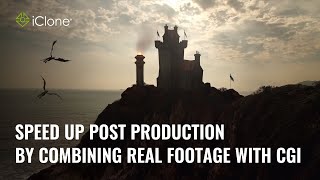
Speed up Post Production by Combining Real Footage with CGI - Master Class
Learn to combine real footage with CGI in iClone to enhance realism and efficiency. Techniques include using videos as textures, integrating transparent elements, and mimicking camera motion for seamless compositing.
New Blender Addons for Summer 2024
Explore 60+ innovative Blender addons for 3D modeling, texturing, simulation, and more. Enhance your workflow with cutting-edge tools for various creative tasks.
Everything in 3D Animation Was Discovered Before 2000? - Key Concepts and History
Explores the evolution of 3D animation and VFX, highlighting key concepts established before 2000 that still form the foundation of modern techniques in rendering, modeling, and animation.
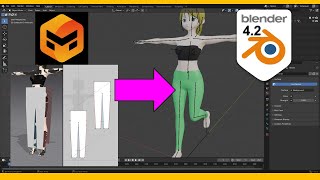
Make Pants for Blender 4.2 with Marvelous Designer - Tutorial
Step-by-step guide for creating realistic pants in Blender 4.2 using Marvelous Designer, covering 3D modeling techniques, cloth simulation, and weight painting for game development.