Premiere Pro Basics: Your First Edit Masterclass - Part 1
Learn Premiere Pro basics: importing, assembling sequences, using timeline tools, and exporting. Perfect for beginners starting their editing journey with step-by-step guidance on essential features and techniques.
Getting Started with Adobe Fonts in Any App, Anywhere
Comprehensive guide to using Adobe Fonts across various Creative Cloud apps, including tips for customization and integration with Adobe Stock templates.
Adobe XD Masterclass - Tips and Tricks for Improved Design Workflows - Episode 18
Learn essential Adobe XD tips and tricks for designing email templates, animated buttons, infographics, and mobile device frames. Improve your workflow with plug-ins and advanced techniques.
Adobe XD Masterclass - Designing and Animating a Health Potion Bottle - Episode 16
Learn advanced Adobe XD techniques for designing and animating a health potion bottle, including texturing, highlighting, liquid effects, particle creation, reflections, and background integration.
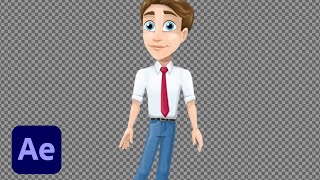
Introduction to Animation Using Adobe After Effects - Part 1
Learn essential animation techniques using Adobe tools, from frame animation in Photoshop to advanced features in After Effects and Character Animator. Gain pro tips for bringing static graphics to life.

Creating Animated Titles in Adobe After Effects - Part 2
Learn to create animated titles and Motion Graphics Templates in After Effects. Master essential techniques for text animation, logo integration, and custom color pickers with expert guidance.
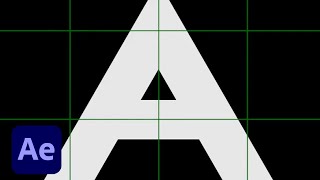
Getting Started in Adobe After Effects - Shape Layers and Animation Basics
Learn to create abstract geometric animations using shape layers in Adobe After Effects. Explore animation principles, creative techniques, and essential workflows for bringing simple shapes to life in motion design.

Prototyping Trendy Internet Designs in Adobe XD - Part 1
Learn UI/UX design techniques and trends with experts Brandon Groce and Howard Pinsky as they recreate engaging, animated interfaces using Adobe XD's prototyping and animation features.
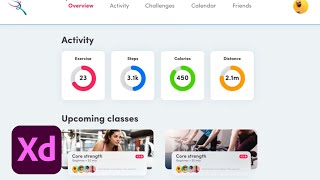
Adobe XD Masterclass - Tips and Tricks for Improved Design Workflows - Episode 13
Enhance your Adobe XD skills with expert tips on map integration, button design, path animation, and responsive layouts for improved workflow and design capabilities.
Getting Started in Adobe XD - UI/UX Design and Prototyping - Part 2
Learn essential Adobe XD skills for UI/UX design with Howard Pinsky. Master components, masks, Content Aware Layout, and animation techniques to create impressive prototypes.
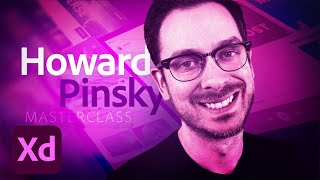
Adobe XD Masterclass - Tips and Tricks for Improved Design Workflows - Episode 12
Adobe XD tips and tricks to enhance design skills and streamline workflows. Learn about text, color, masking, animation, and more to improve your creative process and efficiency.
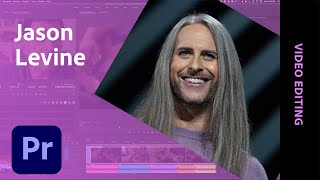
Creating a Documentary Trailer in Adobe Premiere Pro - Part 1
Learn to create a compelling documentary trailer with Adobe expert Jason Levine. Master timeline building, audio synchronization, motion graphics integration, and sound finalization for YouTube in this comprehensive video editing tutorial.
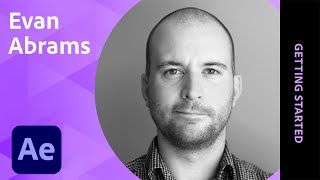
Getting Started in Motion Design with After Effects - Part 1
Learn After Effects basics with Evan Abrams: UI, compositions, grids, anchor points, and easing. Gain pro-tips on text animation, procedural backgrounds, patterns, loops, and effects for motion design.
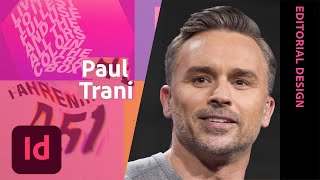
Designing Augmented Reality Posters - Part 2
Learn to create interactive AR posters using Adobe tools. Explore Illustrator, InDesign, and Aero to design engaging visuals with augmented reality elements, guided by expert Paul Trani.

Adobe XD Masterclass - Tips and Tricks for Improved Design Workflows
Learn advanced Adobe XD techniques, including Content-Aware Layout, to enhance your design workflow and efficiency with expert tips from Adobe Evangelist Howard Pinsky.
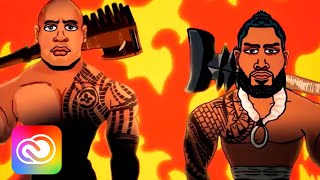
Character Animation - Making Characters Walk and Talk
Learn to animate characters using Adobe tools. Explore rigging, movement, and speech techniques. Create engaging stories with Creative Cloud apps and share them on social media platforms.
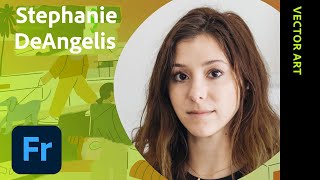
Animating Fresco Illustrations - Part 1
Learn to animate Fresco illustrations with Stephanie DeAngelis. Transform a scenic storyboard into an animated GIF using Adobe Fresco and Photoshop. Gain insights on sketching, coloring, and animation techniques.
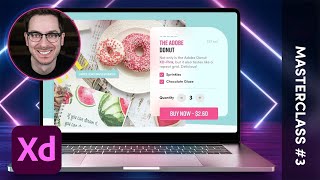
Adobe XD Masterclass - Creating a Landing Page with Hover Effects and Animations
Learn to create an engaging landing page with hover effects and animated elements using Adobe XD. Master layout techniques and design principles in this hands-on tutorial.
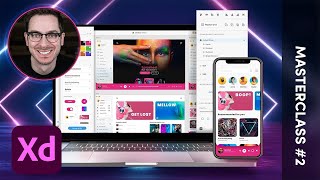
Adobe XD Masterclass - Creating Advanced Micro-Interactions with Component States - Episode 2
Learn advanced micro-interactions in Adobe XD with Howard Pinsky. Master component states, hover effects, and animated elements to enhance your UI/UX design skills.

Simplifying Motion Graphics for Editorial - FOX Sports NASCAR Workflow
Learn how FOX Sports streamlined NASCAR graphics using Motion Graphics templates in Adobe Premiere Pro, featuring insights on workflow optimization and the role of After Effects Expressions.
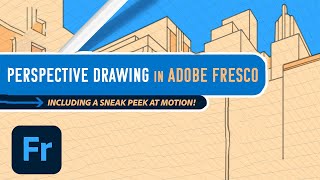
Adobe Fresco: Perspective Drawing and Motion Features Tutorial
Explore new Fresco features: guided perspective drawing and motion. Learn to create dynamic illustrations using grids, frames, timelines, and path animations for enhanced digital art.