iClone Character Creator Tutorial - Conforming and Layering Clothing
Learn techniques to fix mesh overlap issues when applying clothing to different body shapes in Character Creator, including collision settings, opacity maps, and layering.
iClone Basics - Prop Movement and Manipulation
Learn essential prop manipulation techniques in iClone 6, including movement, rotation, scaling, pivot points, and alignment. Enhance your 3D animation workflow and speed up production.
3DXchange 6 Tutorial - Rendering Sketchup Interiors in Indigo - Part 2
Learn to enhance Sketchup interiors in Indigo using 3DXchange 6. Master lighting, shaders, and materials to create stunning architectural renders with iClone and Indigo integration.
3DXchange 6 Tutorial - Optimizing Sketchup Models for Architectural Rendering
Learn to optimize Sketchup models for rendering in iClone and Indigo. Covers techniques like excluding back faces, smoothing normals, creating sub-props, merging identical meshes, and setting pivot points for efficient customization.
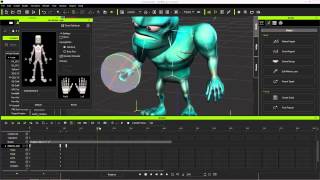
Exporting iClone Content to Unreal - Custom and Embedded Content
Learn to export custom animations, character models, and embedded motions from iClone to Unreal Engine using 3DXchange 6 Pipeline. Covers motion creation, editing, and exporting techniques for game development.
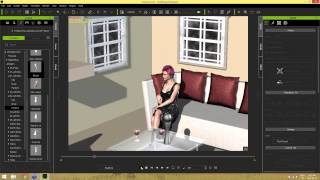
iClone 6 Scene Creation for Moviemaking
Learn essential scene creation techniques for iClone6, including navigation, prop manipulation, material application, and lighting. Enhance your moviemaking skills and create visually appealing scenes for polished productions.
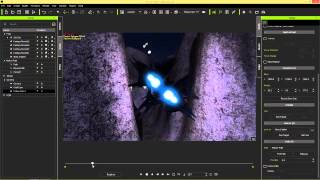
iClone 6 Tutorial - Camera Control for Star Wars Shots Using Paths - Part 2
Learn to create Star Wars-inspired camera shots in iClone 6 using paths and dummies. Master path templates, follow cams, and camera dummies for enhanced scene control and cinematic movement.
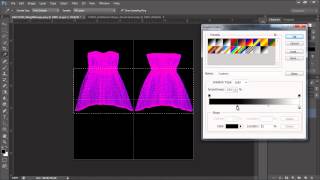
Daz to iClone 6 Tutorial - Soft Cloth for Daz Characters
Learn to animate Daz characters in iClone with realistic physics for hair, accessories, and clothing. Covers weight maps, simulation, and character hair options.
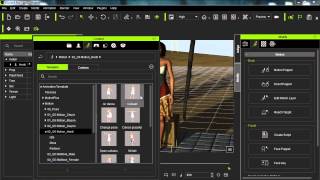
iClone Beginner's Guide: Animating with Motion Clips
Learn to animate characters in iClone using motion clips. Explore persona menus, motion libraries, and tools like Motion Puppet. Discover techniques for blending, breaking, and adjusting clips to create custom animations.
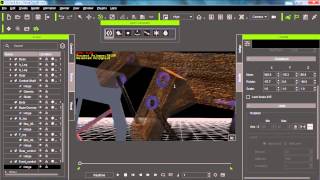
iClone 6 Tutorial - Advanced Physics Constraint Machines - Part 2
Learn advanced constraint techniques in iClone 6 for creating complex machines, including power sources, multiple constraints, dummy objects, balancing, and support mechanisms.
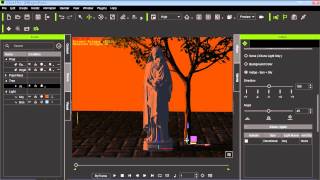
Types of Lighting in iClone 6 Indigo Renderer
Explore three main lighting types in Indigo: iClone-only, background color, and sun & sky. Learn their unique effects and applications for enhancing your 3D scenes and animations.
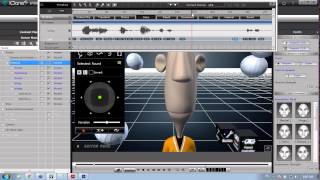
Create Your Pixar-Style Movie with iClone Toon Maker
Learn to create and animate custom cartoon characters using iClone's Toonmaker pack. Explore character design, real-time animation tools, and techniques for bringing unique personalities to life in your 3D animations.
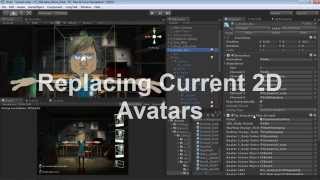
Applying 2D Talking Avatar to 3D Head in CrazyTalk and Unity
Learn to create, animate, and apply 2D talking avatar faces to 3D models using CrazyTalk 7 and Unity. Master exporting custom characters and animations for interactive projects.

Blender Tutorial - Spiral Tower With Rolling Balls Animation
Create a captivating spiral tower animation with rolling balls in Blender. Master techniques for dynamic motion, texturing, and lighting to bring your 3D scene to life in this step-by-step tutorial.
After Effects Masterclass for Beginners - Full Tutorial in 60 Minutes
Comprehensive masterclass covering essential After Effects tools, techniques, and workflows. From basic interface to advanced 3D tracking and expressions, learn to create professional motion graphics and visual effects.
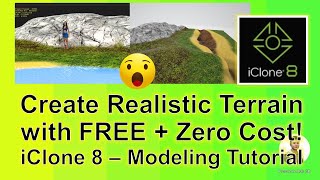
Creating Realistic Terrain for iClone 8 Using Blender - Sculpting, Painting, and Material Application
Learn to create realistic terrains for iClone 8 using Blender's free tools. Master sculpting, texture painting, and FBX export techniques for seamless integration with 3D avatars and motion directors.

Webcam Facial Motion Capture for Blender 3.6 - Lip Sync, Facial Expressions, and Body Motion Tutorial
Learn to create facial expressions, lip sync, and body motion capture in Blender 3.6 using a webcam. Master retargeting techniques for seamless animation transfer to 3D avatars.
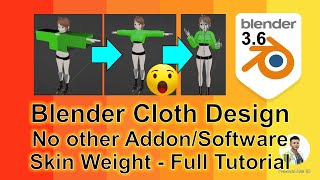
Cloth Design for Blender 3.6 3D Avatars - Skeleton Binding and Skin Weight Tutorial
Learn to create and bind custom clothing for 3D avatars in Blender 3.6 without addons. Master cloth design, skeleton binding, and skin weight techniques for realistic character animation.
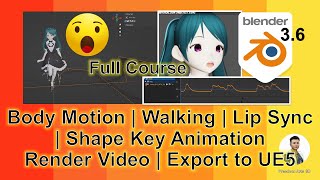
Blender 3.6 3D Animation Tutorial - Lip Sync, Rendering, and UE5 Export
Comprehensive guide to creating 3D animations in Blender, including avatar creation, body and facial animations, lip syncing, rendering, and exporting to Unreal Engine 5 for game development.
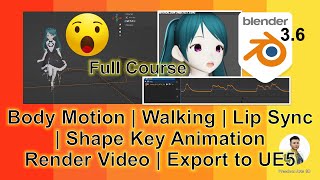
Blender 3.6 Animation - Lip Sync, Rendering, and Exporting to Unreal Engine 5
Learn to create animations with lip sync in Blender 3.6, render videos, and seamlessly export to Unreal Engine 5 while preserving motion and lip sync in this comprehensive silent tutorial.
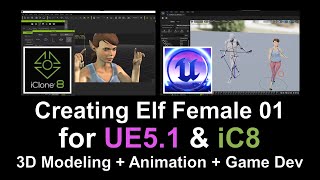
Creating an Interactive Elf Female Avatar - From Fuse to Unreal Engine 5.1 and iClone 8
Learn to create an interactive Elf Female Avatar using Fuse, Maya, Mixamo, Unreal Engine 5.1, and iClone 8. Master character design, rigging, facial morphing, and animation setup for game development.