
iClone 7.2 Tutorial - Creating Floating Dust and God Rays with PopcornFX Super Tools
Learn to create realistic floating dust and heavenly god rays using iClone 7.2's PopcornFX Super Tools. Master texture emitter techniques for stunning visual effects in your 3D animations.
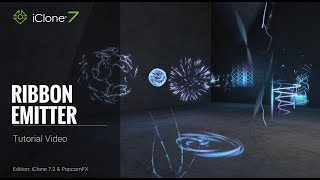
iClone 7.2 Tutorial - PopcornFX Super Tools Ribbon Emitter
Explore the Ribbon Emitter in iClone's PopcornFX, covering basic settings, circulation, appearance, and forces. Master this tool to create stunning particle effects for your 3D animations.
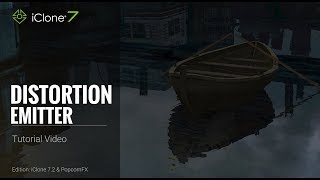
iClone 7.2 Tutorial - PopcornFX Super Tools: Distortion Emitter
Learn to create realistic water ripples, wave effects, boat wakes, and heat waves using iClone's PopcornFX Distortion Emitter. Master professional-level visual effects for enhancing your 3D animation projects.

iClone 7.2 Tutorial - Controlling Particle Appearance with Texture in PopcornFX Super Tools
Learn to customize particle effects in iClone using PopcornFX Super Tools. Master mesh sampling, color mapping, lifetime control, and texture-based emission for enhanced visual production.
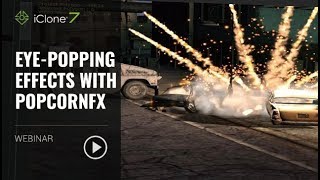
Eye-popping Effects with PopcornFX - January 23, 2018
Learn to create stunning visual effects using PopcornFX plugin for iClone 7. Master customization techniques, explore sample libraries, and integrate effects into your projects for professional-looking results.
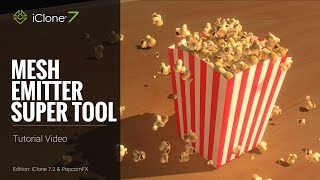
iClone 7.2 Tutorial - PopcornFX Super Tools - Mesh Emitter
Explore iClone's PopcornFX Mesh Emitter tool to enhance 3D projects with dynamic particle effects. Learn UI, mesh replacement, material settings, physics, color, rotation, and environmental forces.

iClone 7.2 Tutorial - PopcornFX Super Tools: Texture Emitter Advanced Techniques - Part 2
Explore advanced PopcornFX particle effects in iClone, including initial speed, particle life, rotation, and color changes, to enhance visual appeal in 3D projects.
iClone 7.2 Tutorial - Getting Started with PopcornFX Texture Emitter - Part 1
Explore PopcornFX Texture Emitter in iClone: learn folder structure, change particle textures, adjust distribution, spread, volume, and emit position for enhanced visual effects.
Creating an Action Movie Sequence with iClone 7
Learn to create action movie previsualization using iClone 7's motion tools and special effects. Discover techniques for efficient production planning and budget optimization in filmmaking.

iClone 7.2 Tutorial - PopcornFX Text Emitter Super Tool
Learn to create dynamic text effects using PopcornFX Super Tools in iClone 7.2. Master input modes, line display, text styling, animation, and font changes for professional-looking visual enhancements.
iClone 7.1 Curve Editor Tutorial - Animating Props and Characters
Learn to animate props and fine-tune character motions using iClone 7's curve editor. Practical examples demonstrate creating traps, choreographing movements, and combining timeline features for precise animation control.
iClone 7.1 Curve Editor Tutorial - Animating Props and Characters
Explore iClone 7's curve editor for precise motion control. Learn to animate props, fine-tune characters, and combine timeline features for enhanced 3D animations.

iClone 7.2 Tutorial - PopcornFX Particle Types
Explore different particle effect types in PopcornFX for iClone 7.2, including texture emitters, ribbon particles, and mesh particles. Learn to create stunning visual effects for your 3D animations.
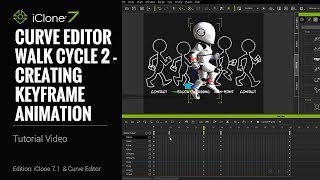
iClone 7.1 Tutorial - Creating a Walk Cycle Using Curve Editor
Learn to create a realistic walk cycle animation using iClone 7.1's Curve Editor. Master key techniques like torso twisting, mirroring poses, and adjusting body parts for smooth, natural-looking character movement.
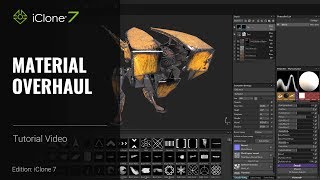
iClone 7 and Substance Painter Tutorial - Material Overhaul
Learn to modify textures and materials in iClone using Substance Painter. This beginner-friendly tutorial covers painting techniques, creating decals, emissive materials, and exporting textures for enhanced 3D visuals.

CrazyTalk Animator 2 Tutorial - Basic Timeline Editing
Learn essential timeline editing techniques in CrazyTalk Animator 2, including keyframe animation, motion clips, facial animation, and more. Master the tools to create dynamic and customized animations.
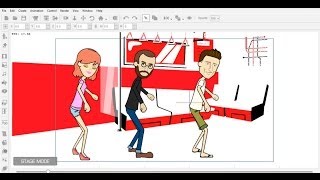
Importing External 3D Motions to CrazyTalk Animator
Learn to import, convert, and edit 3D motions for 2D characters in CrazyTalk Animator, enhancing animation possibilities and creative freedom for your projects.
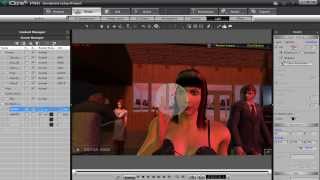
Creating Storyboards with iClone - Tutorial for Previsualization
Learn to create storyboards using iClone 6, covering scene construction, lighting, camera work, character customization, and more. Perfect for filmmakers and animators looking to streamline their pre-production process.
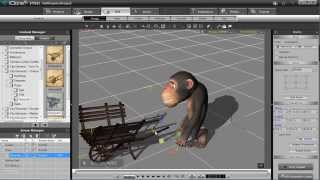
iClone 5 Tutorial - Human IK and Path Constraint in MotionPlus
Learn to create path animations with HIK constraints in iClone 5's MotionPlus, and export them as FBX animations using 3DXchange for versatile character animation workflows.
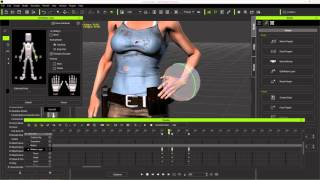
Character Creator to Unreal - Body Animation in iClone - Part 2
Learn to create and customize character animations in iClone, including idle poses, walk cycles, and root motions. Explore tools like Direct Puppet, Motion Layer editing, and constraints for game-ready animations.
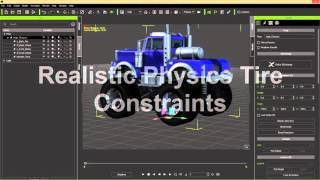
iClone Basics - Transform vs. Physics Wheel Animation
Learn techniques for animating wheels in iClone, including creating custom animation clips, using physics-based constraints, and applying realistic movements over obstacles. Explore different methods for prop animation.