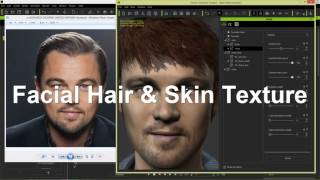
CrazyTalk 8 – 3D Kopf in andere 3D Programme exportieren & bearbeiten
Detaillierte Anleitung zum Export und zur Bearbeitung von 3D-Köpfen aus CrazyTalk 8 in verschiedenen 3D-Programmen, einschließlich Character Creator, iClone und Sculptris.

3DXchange 6.5 Tutorial - Importing Daz Genesis 3 Characters to iClone
Learn to import and customize Daz Genesis 3 characters in iClone using 3DXchange 6.5. Master material refinement, foot contact adjustments, and facial expressions for enhanced 3D character animation.
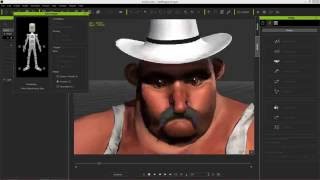
CrazyTalk 8.1 Tutorial - Advanced Accessory Import
Learn advanced techniques for importing custom accessories in CrazyTalk 8.1, including using Google Sketchup files and preserving spring effects from iClone, to enhance character customization.
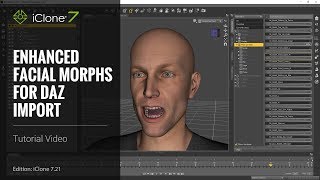
iClone 7 Tutorial - Daz Genesis Pipeline: Enhanced Facial Expression Import - Part 1
Learn to import and animate Daz Genesis characters in iClone 7.21 using the Daz Genesis Extension. Covers DUF file application, character export, and iClone's animation tools for enhanced facial expressions.
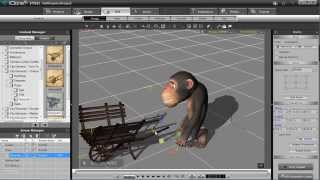
iClone 5 Tutorial - Human IK and Path Constraint in MotionPlus
Learn to create path animations with HIK constraints in iClone 5's MotionPlus, and export them as FBX animations using 3DXchange for versatile character animation workflows.
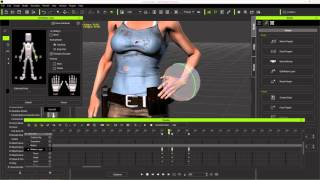
Character Creator to Unreal - Body Animation in iClone - Part 2
Learn to create and customize character animations in iClone, including idle poses, walk cycles, and root motions. Explore tools like Direct Puppet, Motion Layer editing, and constraints for game-ready animations.
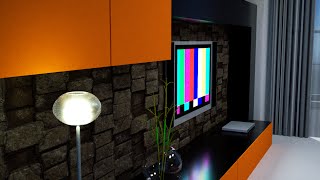
3DXchange 6 Tutorial - Rendering Sketchup Interiors in Indigo - Part 2
Learn to enhance Sketchup interiors in Indigo using 3DXchange 6. Master lighting, shaders, and materials to create stunning architectural renders with iClone and Indigo integration.

3DXchange 6 Tutorial - Optimizing Sketchup Models for Architectural Rendering
Learn to optimize Sketchup models for rendering in iClone and Indigo. Covers techniques like excluding back faces, smoothing normals, creating sub-props, merging identical meshes, and setting pivot points for efficient customization.
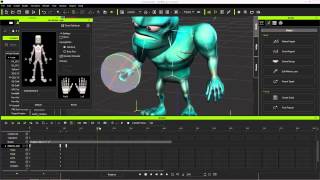
Exporting iClone Content to Unreal - Custom and Embedded Content
Learn to export custom animations, character models, and embedded motions from iClone to Unreal Engine using 3DXchange 6 Pipeline. Covers motion creation, editing, and exporting techniques for game development.
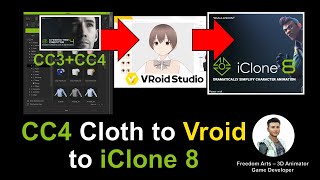
Vroid Studio Avatar with CC3/CC4 Clothes to iClone iAvatar - Full Tutorial
Learn to create a Vroid Studio avatar with CC3/CC4 clothing, export to Maya for rigging, and import into iClone as a fully-functional iAvatar with facial expressions and lip sync capabilities.
Maya 3D Avatar to Unreal Engine Game Character - Full Tutorial
Learn to export Maya 3D avatars to Unreal Engine, creating playable game characters. Master rigging, animation retargeting, and integration for custom 3D game avatars and NPCs.
Wearing CC3 Clothes on FBX Avatars - Character Creator, iClone, and Maya Tutorial
Step-by-step guide to applying Character Creator 3.4 clothes to third-party FBX avatars, animating in iClone 7, and using Maya for custom fitting. Ideal for 3D animators and game developers.
Google Map Terrain to iClone and Blender
Learn to extract 3D terrain from Google Maps and import it into iClone and Blender for 3D animation and game development. Step-by-step guide with real-time demonstrations using the Grand Canyon Skywalk.
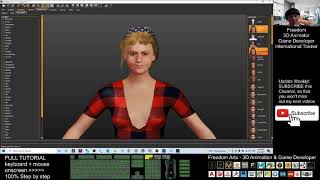
Makehuman to Unreal Engine 4.26 - Character Creation with Facial and Mouth Morphs
Learn to create custom avatars with facial expressions and mouth movements, then export them from MakeHuman to iClone 7 and finally to Unreal Engine 4.26 for use in games or animations.
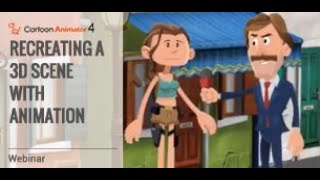
Recreating a 3D Scene with Animation in Cartoon Animator
Learn to recreate 3D scenes in Cartoon Animator 4, using Motion Link, 3D Motion Converter, and 2D motion tools. Explore 3D character motions, camera movements, and scene assembly in a 2D environment.
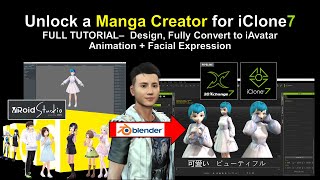
Vroid Studio to Blender and iClone - Manga Character Creation and Animation
Learn to create manga characters in Vroid Studio and import them into iClone for 3D animation, including step-by-step guidance on design, conversion, and adding facial expressions.
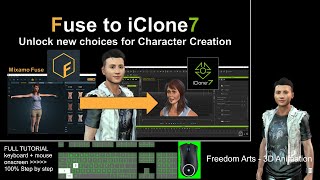
Exporting Mixamo Fuse Characters to iClone - Rigging and Animation Tutorial
Step-by-step guide for exporting Mixamo Fuse character creations to iClone with full rigging, facial animation, expressions, and morphs. Learn to utilize multiple 3D software tools for seamless character integration.

Importing Vroid Characters into iClone - Episode 1
Step-by-step guide for importing Vroid characters into iClone, covering essential software and techniques for creating and animating manga-style characters in 3D animation projects.
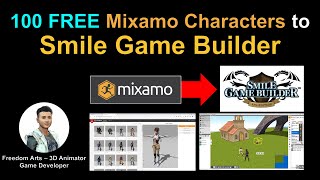
Importing 100 Mixamo Characters into Smile Game Builder
Learn to import 100 free Mixamo characters into Smile Game Builder using 3DXchange and Simplygon. Step-by-step tutorial covers workflow and software integration for game development.
Importing 3D Models from 3D Warehouse to Smile Game Builder
Learn to import free 3D models from 3D Warehouse into Smile Game Builder for creating games without coding. Covers SketchUp Pro, 3DXchange, and Simplygon to prepare models for game development.
Blender 3D Avatar to Unreal Engine Game Character - Full Tutorial
Learn to create and integrate a custom 3D avatar from Blender into Unreal Engine as a playable game character, covering rigging, animation retargeting, and character setup for game development.