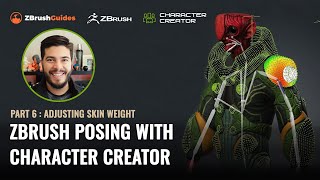
ZBrush Posing with Character Creator - Adjusting Skin Weight and Hard Surface Details - Part 6
Learn advanced techniques for refining character poses in ZBrush, including skin-weight painting, hard surface adjustments, and motion fine-tuning. Enhance your 3D character creation skills.
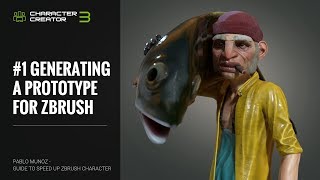
ZBrush Pipeline: Generating a Prototype with Character Creator 3 - Part 1
Learn to speed up ZBrush character creation using Character Creator's morph and pose system. Create prototypes, refine in ZBrush, and utilize GoZ for seamless workflow between software.
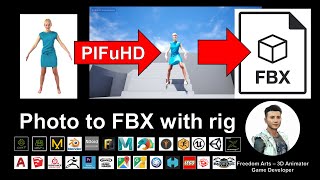
Photo to FBX with Rig - 3D Modeling Animation and Game Dev Tutorial Using PIFuHD
Generate 3D human avatars from photos using PIFuHD and export as rigged FBX files for use in various 3D software. Learn to create unlimited characters for animation and game development projects.

Importing and Auto-rigging 3D Characters with Advanced AccuRIG in Character Creator 4
Learn to import and auto-rig 3D characters using AccuRIG in Character Creator 4. Master efficient workflows for Maya HumanIK, Blender MetaRig, and custom meshes, then animate in iClone 8 for streamlined 3D character creation.
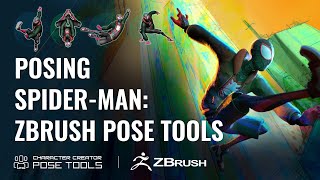
Efficient Character Posing in ZBrush - Pose Tools and Character Creator Integration
Learn efficient character posing in ZBrush using Pose Tools and Character Creator 4. Master techniques for creating, storing, and managing poses, enhancing your 3D character design workflow.
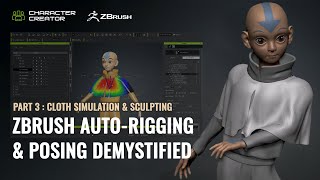
ZBrush Auto-Rigging and Posing - Part 3: Cloth Simulation and Character Creator Pose Tools
Learn advanced techniques for auto-rigging, posing, and cloth simulation in ZBrush and Character Creator. Master the motion library, GoZ workflow, and create dynamic character designs efficiently.
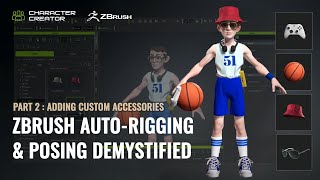
ZBrush Auto-Rigging and Posing - Custom Accessories and Character Creator Tools - Part 2
Learn advanced techniques for custom accessory creation, rigging, and posing in ZBrush and Character Creator. Master polycount optimization, texture transfer, AccuRig, and the ZBrush Pose Link plugin for enhanced 3D character design workflows.
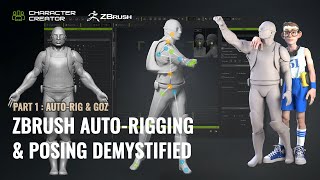
ZBrush Auto-Rigging and Posing with Character Creator - Part 1: Auto-Rig and GoZ
Learn to auto-rig and pose 3D characters using ZBrush and Character Creator. Master essential techniques like resizing, AccuRIG, and GoZ for seamless workflow between software.
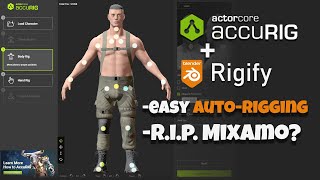
AccuRig - Easy Auto-Rigging
Learn to auto-rig characters using AccuRig, export to Blender, convert to Rigify, and retarget animations. Covers custom character setup, joint tweaking, texture reassignment, and weight painting.
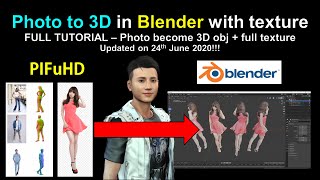
PIFuHD - Photo to 3D Mesh in Blender with Texture
Learn to convert photos into textured 3D meshes using PIFuHD and Blender. Master techniques for importing, texturing, and exporting 3D models for use in various software applications.
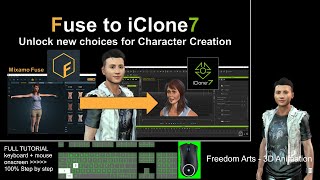
Exporting Mixamo Fuse Characters to iClone - Rigging and Animation Tutorial
Step-by-step guide for exporting Mixamo Fuse character creations to iClone with full rigging, facial animation, expressions, and morphs. Learn to utilize multiple 3D software tools for seamless character integration.
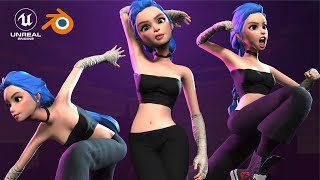
How to Easily Animate Characters - Blender & UE5
Learn to create and animate 3D characters using free tools like Cascadeur, Blender, and Unreal Engine 5. Covers rigging, keyframing, exporting, and adding mocap data to your animations.
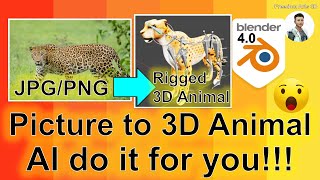
AI-Generated 3D Animal Models from Pictures - Blender Tutorial
Generate fully-rigged, game-ready 3D animal models from images using AI. Learn to create versatile assets for 3D animation and game development projects quickly and efficiently.
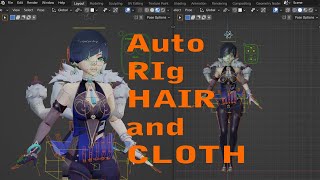
AUTO Hair and Cloth for Blender - Yelan from Genshin Impact
Learn to create dynamic hair and cloth simulations in Blender using Yelan from Genshin Impact as a model. Master advanced techniques for realistic character animation.
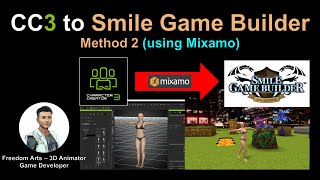
CC3 to Smile Game Builder Using Mixamo Autorig - Method 2
Step-by-step tutorial on exporting CC3 characters to Smile Game Builder using Mixamo autorig, with real-time demonstrations and detailed instructions for seamless integration into game development.
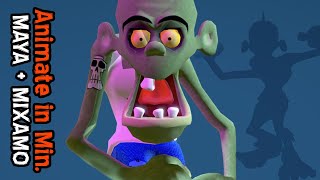
Quick 3D Character Animation in Maya - Beginner Tutorial
Master rapid 3D character animation techniques using auto-rigging and auto-skinning in Maya, plus learn to clean up motion capture files with Animation Layers for efficient workflow.
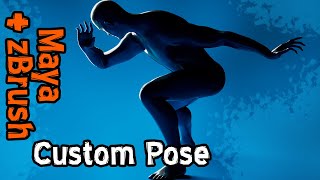
Creating Dynamic Poses in Maya for ZBrush Integration
Master Maya's auto rig tools to transform generic poses into dynamic, eye-catching compositions for zBrush sculpting, enhancing your 3D character design workflow.