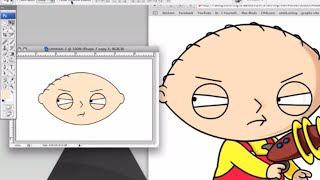
How to Draw Stewie Griffin from Family Guy in Photoshop
Learn to create Stewie Griffin's head in Photoshop with this step-by-step tutorial. Master digital illustration techniques and bring this iconic Family Guy character to life on your screen.

Easy 2D Image to 3D Render Workflow Using Open Source Software
Learn to transform 2D images into high-quality 3D renders using open-source software. Master vector conversion, lighting, texturing, and rendering techniques for efficient 3D scene creation.

Adobe Photoshop CC - Beginner to Advanced Training Course
Comprehensive Adobe Photoshop CC tutorial covering essential tools, techniques, and advanced features. Learn to create, edit, and manipulate images from beginner to expert level.

Figma Tutorial - Beginners' Quick Start Guide
Comprehensive guide covering Figma basics to advanced features. Learn interface, design elements, auto layout, components, and prototyping in under an hour. Perfect for beginners seeking quick proficiency.
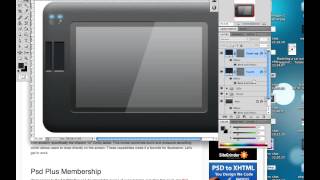
Creating a Set of Digital Painting Icons: Digital Tablet Icon - Part 4
Learn to design a realistic Wacom Cintiq tablet icon using digital illustration techniques, enhancing your icon creation skills for professional-quality graphics.
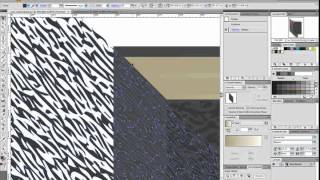
How to Create a Customizable Vector Sketchbook
Create a customizable vector sketchbook using basic shapes, Shear transforms, and Effects to achieve a leather texture in this intermediate-level tutorial.
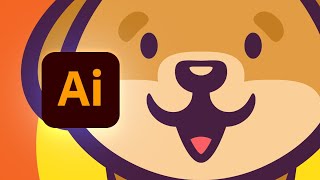
How to Create a Dog Logo Design in Illustrator
Master Illustrator techniques to design a stylish dog logo using vector shapes, art brushes, and effects. Learn step-by-step creation of body, head, and background elements.
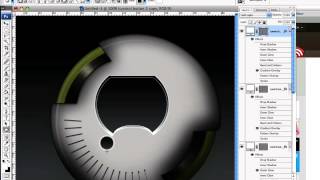
How to Create a Detailed Audio Player in Photoshop
Learn to design a realistic, vector-based audio player GUI in Photoshop using Shape Tools and Layer Styles. Master techniques for creating resizable, detailed interface elements from scratch.
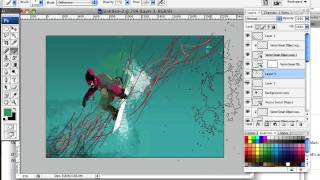
Create a High Flying Snowboard Illustration Using Motion Lines and Paint Splatters
Learn to craft dynamic snowboard illustrations using wavy lines for motion and paint splatters for snow, giving a fresh twist to the classic airborne snowboarder image.
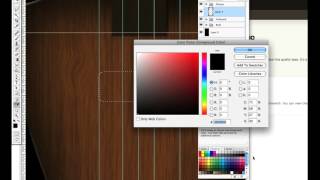
Design a Shiny Bass Guitar Illustration Using Photoshop - Part 1
Learn to create a detailed bass guitar illustration in Photoshop, focusing on shape creation and assembly techniques for a high-quality, realistic design.
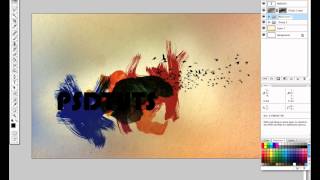
Dynamic Recessed Watercolor Typography Effect in Photoshop
Create a stunning design by blending vector elements and watercolor effects with text, focusing on image and color selection techniques in Photoshop.

Spirograph Tutorial - Creating Geometric Patterns with Digital Tools
Create beautiful geometric patterns using the classic Spirograph toy in Adobe Illustrator. Learn techniques for precision, color, and unique designs.
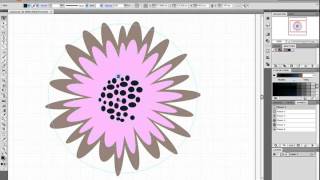
How to Make a Foolproof Flowery Wallpaper Pattern in Illustrator
Create a foolproof flowery wallpaper pattern in Illustrator using tessellation techniques. Learn step-by-step guide creation, flower placement, tile design, and edge refinement for seamless patterns.
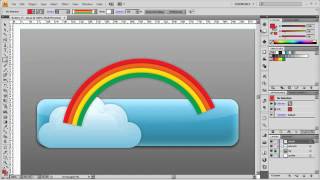
Creating an Eye-Catching Upload Button in Adobe Illustrator
Learn to design an eye-catching upload web button using simple tools and techniques in Adobe Illustrator, enhancing your graphic design skills.
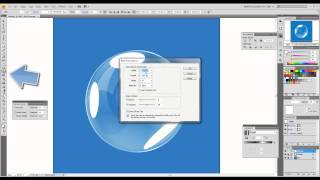
How to Create Realistic Vector Bubbles
Learn to craft lifelike vector bubbles using Adobe Illustrator techniques. Master transparency, gradients, and reflections for stunning graphic designs.

Text to Vector Graphic in Illustrator 2024 - Comprehensive Guide
Explore Illustrator 2024's powerful Text to Vector Graphic feature, learning to create scenes, edit icons, and design seamless patterns with AI-generated vector graphics.

Mastering Logo Design in Adobe Illustrator
Learn essential tools and techniques for creating professional logos in Adobe Illustrator, from basic shapes to advanced features, with hands-on practice and expert guidance.

Vector AI Generation in Adobe Illustrator for UI/UX Design
Explore Adobe Illustrator's new Vector AI feature for effortless creation of seamless patterns, subjects, and icons, revolutionizing UI/UX design workflows.
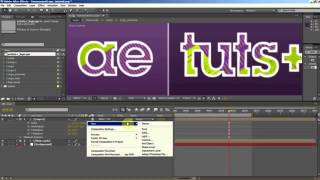
Time Warped Logo Tutorial
Create a distorted, time-warped logo effect using Adobe Illustrator's powerful tools and techniques in this step-by-step tutorial.
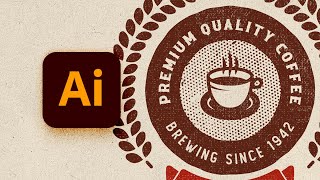
How to Design a Vintage Circular Logo in Illustrator
Learn to create a vintage circular logo in Illustrator using vector shapes, pattern brushes, textures, and text. Master techniques for designing retro-style graphics with professional results.

Create Simple Flowers With Gradient Mesh in Adobe Illustrator
Learn to create beautiful, realistic flowers using Adobe Illustrator's Gradient Mesh tool. Master petal formation, shading techniques, and leaf creation for stunning floral designs.