Photoshop Masterclass - Filters and Effects for Mind-Bending Results
Explore mind-bending Photoshop filters and effects with Paul Trani. Learn to create print effects, map images onto textures, bend pixels, and transform visuals in unexpected ways.
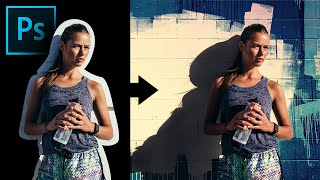
Extract Real Shadows with Solid Color in Photoshop
Learn to extract and recreate realistic shadows in Photoshop using Solid Color Adjustment Layer, Channels, Masks, and Blend Modes for seamless compositing and photo manipulation.
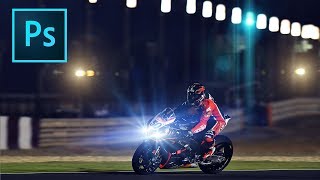
How to Add Lens Flares in Photoshop
Learn to enhance photos with realistic lens flares in Photoshop, adding depth and atmosphere to your images. Master techniques for creating stunning visual effects in digital photography.
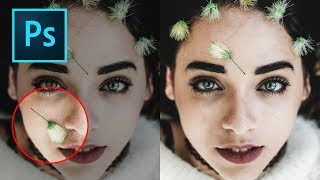
How to Remove Objects in Photoshop Using Content-Aware Fill
Master the updated Content-Aware Fill tool in Photoshop 2019 to seamlessly remove unwanted elements from images. Learn comprehensive settings, toggles, and buttons for optimal results.
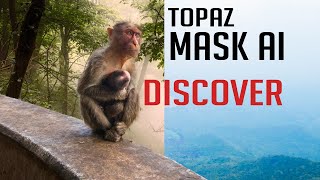
Topaz Mask AI Tutorial: Replacing Backgrounds
Learn to replace image backgrounds using Topaz Mask AI. This tutorial demonstrates the software's standalone and plugin capabilities, offering step-by-step guidance for seamless background swapping.
Creating a Touching Story Scene in Photoshop
Learn to craft an emotive story scene using photo manipulation and color adjustment techniques in Photoshop, enhancing your digital art skills and creative storytelling abilities.
Splattered Vector and Photography Mash Up
Learn to blend vector work with photography, creating vibrant art for various projects. Master the Pen Tool in Photoshop to confidently produce stylish designs with a fun, colorful approach.

How to Create a Pop Art Halftone Movie Poster in Photoshop
Learn to create a vibrant pop art movie poster using Photoshop and Optics, mastering photo manipulation, color techniques, and the iconic halftone effect for eye-catching results.

Perfect Skin Tones in Photoshop - Color Palette Technique
Master the art of achieving perfect skin tones in Photoshop using color palettes, sampling, and Curves. Learn techniques for evening out skin tones and preparing images for retouching.

Advanced Photoshop Techniques
Elevate your Photoshop skills with advanced techniques for photo manipulation, visual effects, and professional artwork. Master underwater scenes, color grading, texture blending, and creative LUTs to produce stunning visuals.
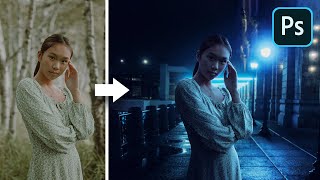
The Inverse Curve Technique for Painting Light - Photoshop Tutorial
Learn advanced Photoshop techniques for realistic lighting, including the Inverse Curve method, color grading, and expert photo manipulation to seamlessly blend subjects with backgrounds.
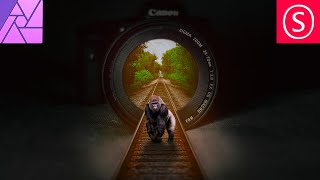
Camera Lens Train Track Photo Manipulation - Affinity Photo Beginner Tutorial
Learn to create a surreal photo manipulation of train tracks emerging from a camera lens using Affinity Photo, with step-by-step guidance on selection, blending, and visual effects.
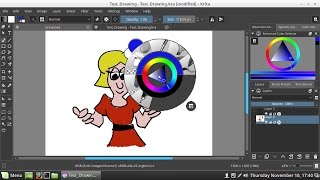
Krita Paint Program
Explore Krita's open-source painting and photo editing tools with installation guidance for Linux Mint and Windows 10. Learn essential features for digital art creation and image manipulation.
Creating an iPhone in Photoshop
Learn to create a realistic iPhone design in Photoshop using layers, shapes, gradients, and effects. Master essential techniques for digital product mockups and graphic design.

Photo to Propaganda Poster in Photoshop - Vector Illustration Effect
Learn to create vector-style graphic illustrations in Photoshop using posterize and gradient map adjustments. Transform photos into striking propaganda-style posters with this versatile technique.
TK8 Color Grading Tool - Getting Creative with Photoshop Plugin
Unleash creativity with TK8 Color Grading Tool for Photoshop. Learn techniques for enhancing color and black-and-white images, exploring innovative approaches to image manipulation and color adjustment.
TK8 Plugin for Photoshop: Mask Painting Through Selections - New Update V1.1.1
Aprenda a criar máscaras personalizadas no Photoshop usando o plugin TK8. Técnicas avançadas de seleção e pintura de máscaras para edição de imagens profissional.
Photoshop Color Grading: Getting Creative with Gradient Maps
Explore creative color grading techniques using gradient maps in Photoshop. Learn to enhance and transform your images with unique color effects and mood-setting adjustments.
Topaz Studio 2: Creative Toolbox for Still Life Digital Painting
Transform still life photos into digital paintings using Topaz Studio 2's creative tools. Learn techniques for enhancing textures, colors, and artistic effects in this step-by-step tutorial.
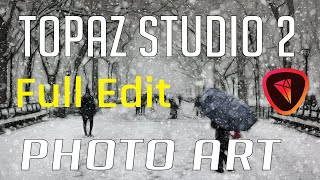
Topaz Studio 2 Photo Art - Winter Scene Full Edit Tutorial
Create a winter scene photo art using Topaz Studio 2 filters. Learn Photoshop tips and Studio 2 techniques to transform a stock image into a painting-like "Winter in Paris" with glow, impression, and AI effects.
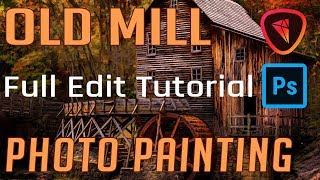
Old Mill Photo Painting - Full Editing Tutorial
Transform a photo of an old mill into a painting using Photoshop and Topaz Studio 2. Learn various editing techniques in this comprehensive tutorial that guides you through every step of the process.