How to 360° VR Motion Graphics- Cinema 4D, After Effects, Mettle Tutorial
Learn advanced 360° VR motion graphics techniques using Cinema 4D, After Effects, and Mettle. Create seamless 3D stereoscopic backgrounds, design Dr. Who-style intros, and master 360° rendering for immersive experiences.
360 VR Video Post Production with Adobe Premiere Pro CC
Learn advanced 360 VR video editing techniques in Adobe Premiere Pro CC 2018, including immersive effects, 2D object insertion, tripod removal, and optimization tips for enhanced post-production workflow.
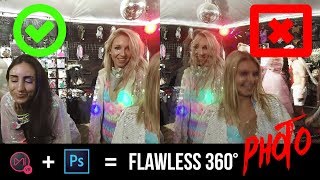
Mistika VR + Photoshop CC 2018 - Stitch and Edit Flawless 360 Degree Panorama Photo How To
Comprehensive tutorial on stitching and editing 360-degree panoramas using Mistika VR and Photoshop CC 2018, covering advanced techniques for flawless results.
360° Video- How to Film Snowboarding & Skiing in 8K VR with Insta360 X3 and One RS
Learn to capture stunning 8K VR snowboarding and skiing footage using Insta360 cameras. Discover equipment setup, filming techniques, camera settings, and post-production tips for creating immersive 360° winter sports videos.
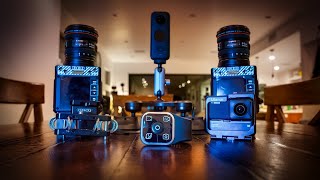
Insta360 One R & One X2 Update for Motorsports & Car - Roadie, Loop Recording, 360 Dash Cam Setup
Explore new Insta360 features for motorsports: Roadie Remote, Loop Recording, and Shotlab effects. Learn about 360 dash cam setups, suction cup mounts, and creative filming techniques for cars.
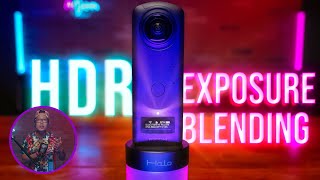
Ricoh Theta Z1 HDR with Photomatix and Exposure Blending - Upload on Facebook and Oculus as a 360° Photo
Learn advanced HDR techniques for Ricoh Theta Z1, including Photomatix editing, exposure blending, and uploading 360° photos to Facebook and Oculus. Enhance your virtual tour creation skills.
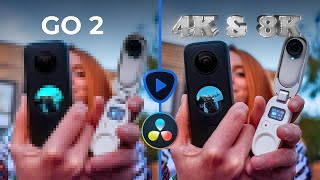
Insta360 GO 2 in 4K - Topaz Video Enhance AI vs Resolve 17 Super Scale for 360° Video Upscaling
Learn to upscale Insta360 GO 2 footage to 4K using AI tools. Compare Topaz Video Enhance AI and DaVinci Resolve's Super Scale, plus techniques for sharpening 360 videos with Boris FX Continuum.
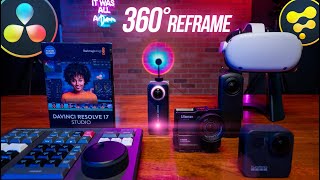
How to Reframe Any 360 Video in DaVinci Resolve in Real Time
Aprenda a reencuadrar vídeos 360 en DaVinci Resolve gratis y en tiempo real. Técnicas avanzadas para editar contenido de Insta360, GoPro MAX y Qoocam 8K con mejor rendimiento que Adobe Premiere.
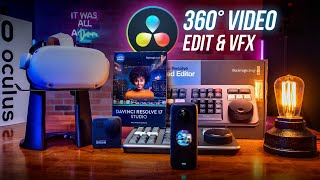
Insert and Animate Text, Logo, or Video in 360° Video - DaVinci Resolve 17 & Fusion 3D Tutorial
Master 360° video editing in DaVinci Resolve 17 & Fusion. Learn to insert and animate text, logos, graphics, and 2D videos within 360° environments using advanced techniques and nodes.
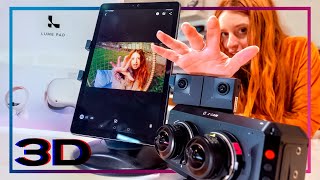
3D Lightfield - Create SBS or Light Field Video from VR180 or 360 - LEIA Lume Pad Review & Tutorial
Learn to create 3D SBS and lightfield videos from VR180/360 content. Explore the LEIA Lume Pad, master 3D conversion workflows, and discover tools for immersive content creation.
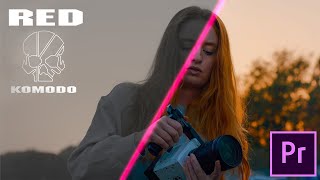
Color Grade RED Komodo 6K IPP2 in Adobe Premiere Fast & Easy - Vs Davinci Resolve
Learn to efficiently color grade RED Komodo 6K footage in Adobe Premiere Pro using IPP2 workflow. Covers hardware requirements, black shading, color correction, LUTs, and proxy workflow.
Photoshop's Color Balance is a Scam
Uncover the truth about Photoshop's Color Balance tool, its mechanisms, and optimal usage. Learn alternative techniques for precise color adjustments in your digital images.
Reasons to Never Use Levels in Photoshop
Discover why Curves outperforms Levels in Photoshop, offering superior control over brightness, contrast, and color manipulation for more efficient and versatile image editing.
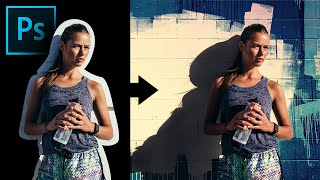
Extract Real Shadows with Solid Color in Photoshop
Learn to extract and recreate realistic shadows in Photoshop using Solid Color Adjustment Layer, Channels, Masks, and Blend Modes for seamless compositing and photo manipulation.
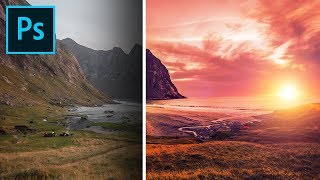
Formula for Colorful Landscapes in Photoshop
Learn a 3-step technique to enhance landscape photos in Photoshop, using blend modes, filters, and adjustments to create dramatic, colorful, and dreamy effects in your images.
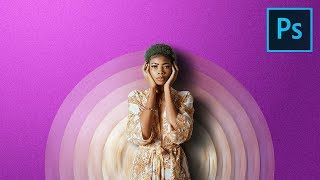
Make Your Portraits Stand Out with Abstract Designs - Photoshop Tutorial
Learn to create eye-catching abstract portrait designs using Photoshop's Blur Filters and Masking techniques. Discover how to craft twisted circular backdrops and align them into elegant discs for unique composites.
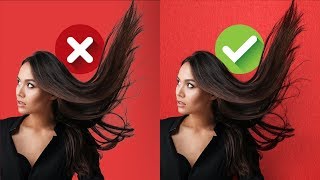
Blend Modes for Realistic Hair Masking in Photoshop
Master realistic hair masking in Photoshop using blend modes. Remove edge fringe, match hair with new backgrounds, and create textures with gradients and filters for professional-looking results.
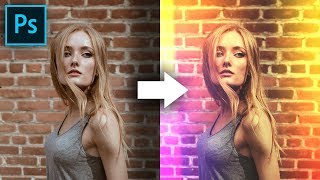
Build Creative Light Overlays and Presets in Photoshop
Create stunning light overlays in Photoshop using gradients, clipping masks, and blend modes. Learn to make customizable presets for light leaks and flares, plus add texture and color grading to enhance your images.
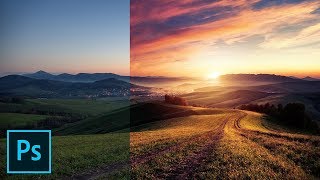
Fake the Sun in Photoshop
Learn to create realistic sun effects in Photoshop using gradients, blend modes, and adjustments. Transform flat landscapes into dramatic sunset scenes with step-by-step techniques.
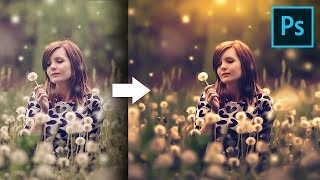
Unusual Slider to Create Painterly Effect in Photoshop
Discover a hidden slider in Adobe Camera RAW to create dreamy, painterly effects. Learn color grading, sun flares, and dodging techniques to enhance your images in Photoshop.

Colorize Black and White with Realism in Photoshop
Learn realistic techniques for colorizing black and white images in Photoshop, focusing on natural skin tones using color palettes, Hue/Saturation adjustments, and Blend-If for seamless application.