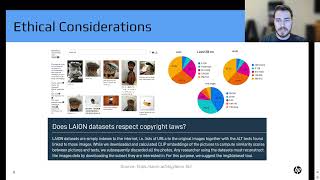
Introduction to Generative Art with Stable Diffusion - Hunter Kempf
Explore Stable Diffusion's architecture, ethical implications, and practical applications in generative AI art. Learn tips for image generation and gain insights into future possibilities for AI-driven creativity.
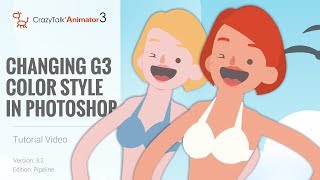
CrazyTalk Animator 3.2 Pipeline Tutorial - Changing G3 Color Style in Photoshop
Learn to customize G3 character colors in Photoshop for CrazyTalk Animator 3.2. Covers launching characters, adjusting skin and facial features, and updating changes in the animation software.
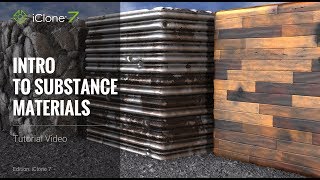
iClone 7 Tutorial - Introduction to Substance Materials
Explore iClone 7's embedded Substance materials: learn to apply, customize, and create unique effects for metallic, stone, and wood textures in 3D projects.
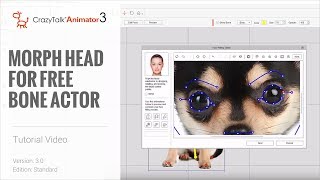
Cartoon Animator 4 Tutorial - Creating Morph-based Heads for Free Bone Actors
Learn to create animated characters from single images using Cartoon Animator 4. Master free-bone structures, morph-based heads, and basic facial animation techniques for unique and lively animations.
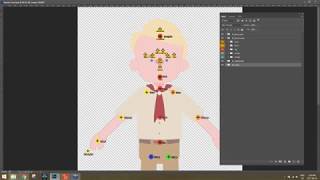
Photoshop Character Creation and Animation Pipeline for CrazyTalk Animator 3
Learn to create and animate custom characters using Photoshop and CrazyTalk Animator 3. Covers character design, customization, body and facial animation techniques for bringing your designs to life.
Cartoon Animator 4 Tutorial - Introduction to Character Types
Explore different character types in Cartoon Animator 4, from G1 & G2 to advanced G3 free bone characters. Learn their unique features and applications in animation projects.
Cartoon Animator 4 Tutorial - Introduction to Character Composer
Learn to create and customize characters using Cartoon Animator 4's Character Composer. Explore bone structure, sprite editing, facial animation, and more in this comprehensive tutorial.
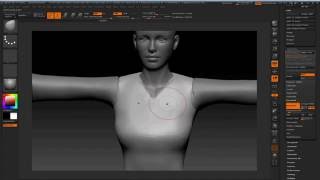
Modeling 3D Clothes in ZBrush and Blender for Character Creator - Part 3
Learn to model 3D pirate clothing in ZBrush and Blender, including high-res creation, retopology, UV mapping, and hair geometry requirements for Character Creator and iClone.
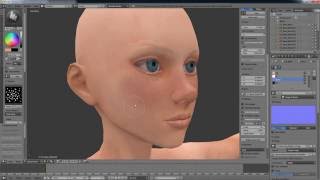
Character Creator Master Series - Pirate Creation - Customizing 3D Body in ZBrush and Blender - Part 2
Learn to customize 3D character bodies using ZBrush and Blender, from low-res editing to high-poly sculpting, UV mapping, and texture creation. Apply changes in Character Creator for animation.
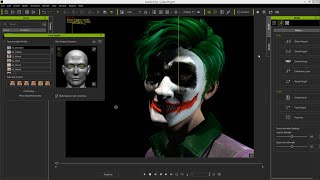
iClone Character Creator Tutorial - Custom Facial Texture Maps with 3D Coat
Learn to create custom facial textures using 3D Coat and Character Creator. Master sculpting, painting, and exporting techniques to enhance character models with detailed normal and diffuse maps.
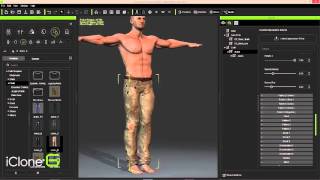
iClone Character Creator to Unity3D - Part 1: Character Design and Customization
Design and build game-ready 3D characters using iClone Character Creator. Shape bodies, customize faces, edit clothing and skin, and finalize designs with powerful morphing tools and appearance editors.
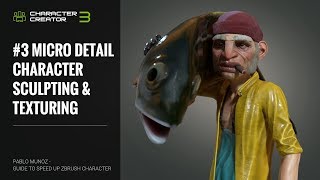
ZBrush Pipeline: Micro Detail Character Sculpting and Texturing - Part 3
Learn advanced ZBrush techniques for adding micro details and textures to 3D characters. Explore sculpting pores and wrinkles, generating textures in Substance Painter, and refining posed characters for final rendering.
ZBrush Pipeline: Generating Assets for Dynamic Clothing System - Part 2
Learn to create clothes and assets in ZBrush for Character Creator, with automatic skin weight application. Enhance your 3D character creation workflow and speed up the sculpting process.
ZBrush Pipeline: Generating a Prototype with Character Creator 3 - Part 1
Learn to speed up ZBrush character creation using Character Creator's morph and pose system. Create prototypes, refine in ZBrush, and utilize GoZ for seamless workflow between software.
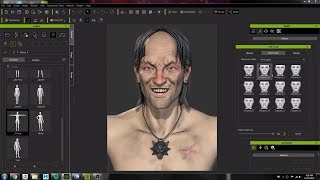
Character Creator 3 Workflow: Modeling and Animating a Witcher Character Concept
Crystal Bretz demonstrates modeling and animating a character from The Witcher series using Character Creator 3, ZBrush, and Substance Painter, showcasing the software's capabilities for 3D character creation.

Character Creator 3 Tutorial - Fixing Visual Defects - Skin Weights
Learn advanced skin weighting techniques in Character Creator 3 to improve clothing mesh conformity, including automatic transfer, manual painting, and vertex value editing for realistic character designs.
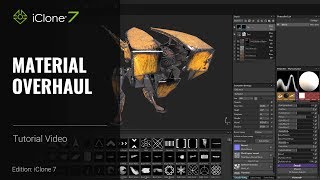
iClone 7 and Substance Painter Tutorial - Material Overhaul
Learn to modify textures and materials in iClone using Substance Painter. This beginner-friendly tutorial covers painting techniques, creating decals, emissive materials, and exporting textures for enhanced 3D visuals.
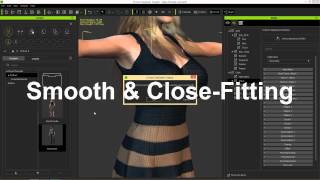
iClone Character Creator Tutorial - Conforming and Layering Clothing
Learn techniques to fix mesh overlap issues when applying clothing to different body shapes in Character Creator, including collision settings, opacity maps, and layering.
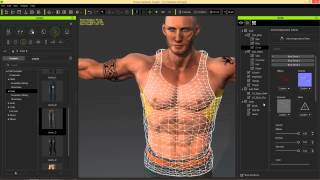
iClone Character Creator Tutorial - Adding Custom Decals
Learn to add custom decals like scars, tattoos, and logos to characters in iClone Character Creator. Master techniques for enhancing skin and clothing with realistic details.

iClone Character Creator Tutorial - Basics, UI, and Character Customization
Learn to create custom 3D characters using Character Creator: UI basics, morphing, skin texturing, aging effects, clothing customization, and exporting to iClone for animation and game development.
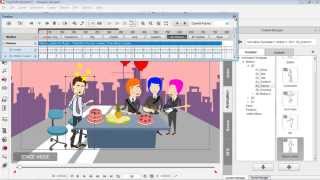
Drawing Custom Props for CrazyTalk Animator - Part 3
Learn to create and animate custom vector graphics for CrazyTalk Animator using DrawPlus. Covers shape manipulation, editing, and simple animation techniques for beginners.