After Effects Animation Techniques and Track Mattes Tutorial - Part 2
Learn advanced After Effects animation techniques, including vector art import, bicycle animation, blurs, repeating animations, curve animations, keyframe manipulation, and track matte masking.
Inkscape Tiled Clone Tool Tutorial - Part 5
Learn to create complex patterns, flowers, and spirals using Inkscape's Tiled Clone Tool. Master cloning, symmetry, scaling, rotation, and more in this comprehensive tutorial.
Inkscape Video Tutorial 4 - Bezier Tool, Node Tool, and Path Effects
Learn to master Bezier and Node tools, explore Inkscape Path Effects, and solve common errors. Gain practical skills with hands-on examples for various effects like Pattern Along Path, Gears, and Spiro Spline.
Inkscape Video Tutorial - Part 3: Advanced Tools and Color Management
Learn advanced Inkscape techniques: Pathfinder tools, color models, blur effects, gradients, and more. Master essential design skills for creating stunning vector graphics and illustrations.
Inkscape Video Tutorial - Part 2: Advanced Tools and Techniques
Learn advanced Inkscape techniques including keyboard shortcuts, document properties, object selection tricks, guides, rulers, alignment, transformation, and creating rows and columns.

Inkscape Tutorial - Introduction and Basic Tools
Comprehensive introduction to Inkscape's interface, tools, and basic functions for creating vector graphics and designs, with shortcuts and practical tips.
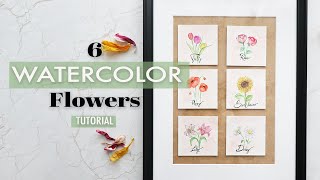
Easy Watercolor Flower Ideas - Watercolor Flowers Tutorial for Beginners
Learn to paint six beautiful watercolor flowers with step-by-step tutorials. Master techniques for tulips, roses, poppies, daisies, lilies, and sunflowers in this beginner-friendly guide to floral watercolor painting.
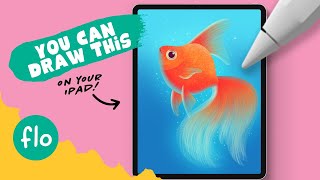
You Can Draw This Goldfish in Procreate
Step-by-step tutorial for beginners to draw a goldfish in Procreate, featuring free brushes and digital painting techniques. Learn texturing, layer blending, and more.
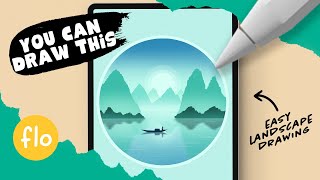
Calm Sunrise Landscape in Procreate
Step-by-step tutorial for beginners to create a serene sunrise landscape in Procreate, featuring free brushes and techniques like quickshape tool, layer clipping mask, and gaussian blur.
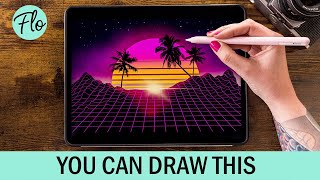
Retrowave Landscape in Procreate
Step-by-step tutorial for creating a retrowave landscape in Procreate, featuring free brushes and beginner-friendly techniques. Learn digital drawing skills while crafting a vibrant, nostalgic illustration.
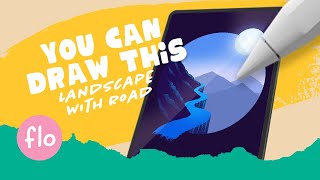
Landscape with a Road in Procreate
Step-by-step tutorial for beginners to create a stylized landscape with a road in Procreate. Learn digital drawing techniques like guide lines, alpha lock, textures, and selection tools.
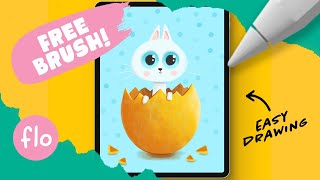
Draw This Easter Bunny in Procreate
Step-by-step tutorial for beginners to draw an Easter bunny using Procreate. Learn digital painting techniques like alpha lock, textured brushes, and layers while creating a cute holiday-themed artwork.
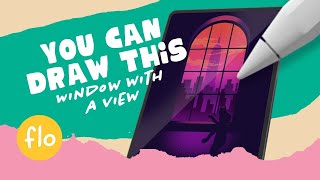
Draw a Window with a Skyline View in Procreate
Step-by-step tutorial for beginners to draw a window with a skyline view in Procreate. Learn digital painting techniques, use free brushes, and create a simple yet stunning artwork.
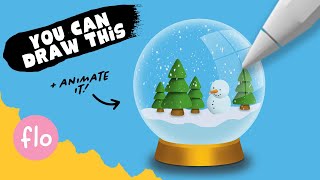
You Can Draw This Snow Globe in Procreate
Learn to draw and animate a charming snow globe in Procreate with step-by-step guidance. Master digital art techniques, layers, and selections while creating a festive winter scene.
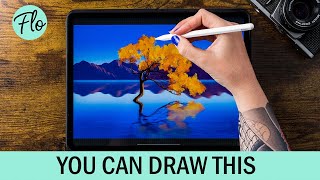
You Can Draw This Landscape with a Tree in Procreate
Step-by-step tutorial for drawing a landscape with a tree in Procreate, offering free brushes and techniques for digital art beginners. Learn layering, selections, and alpha lock while creating beautiful artwork.
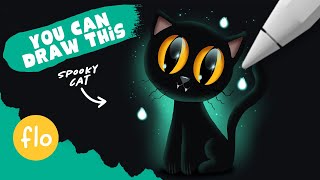
You Can Draw This Cat in Procreate
Learn to draw a black cat step-by-step in Procreate with easy-to-follow techniques. Includes layer blending, clipping masks, and a free brush to enhance your digital art skills.
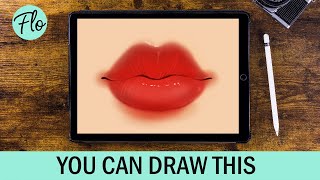
You Can Draw This Lips in Procreate
Step-by-step tutorial for drawing realistic lips in Procreate, using free brushes. Learn digital art techniques like layering and blending modes to create lifelike results.
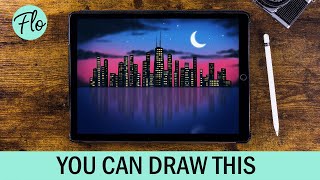
Draw This Skyline in Procreate
Learn to draw a city skyline in Procreate with step-by-step guidance. Master techniques like selections, drawing guides, and motion blur using free brushes. Perfect for beginners seeking to enhance their digital art skills.
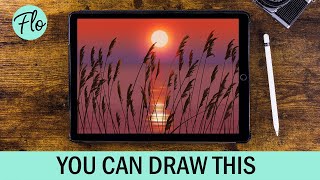
You Can Draw This Sunset in Procreate
Step-by-step tutorial for creating a stunning sunset scene in Procreate, using free brushes and techniques like layering and blending to achieve a beautiful digital artwork.

You Can Draw This Iris in Procreate Pocket
Step-by-step tutorial for drawing an iris using Procreate Pocket on iPhone. Learn digital art techniques like symmetry tool and clipping masks while creating a beautiful flower illustration.

You Can Draw This Iris in Procreate
Step-by-step tutorial for drawing a realistic brown iris using Procreate on iPad. Learn digital art techniques like symmetry tools and clipping masks to create stunning eye artwork.