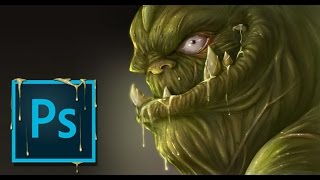
Painting a Troll in Photoshop With Commentary
Learn digital painting techniques for creating a monster in Photoshop, while the artist shares insights on YouTube content creation challenges and experiences.
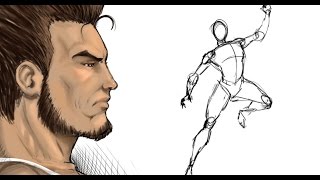
Painting and Color Tips
Digital painting tips for comics, featuring X-Men's Logan and an alien character. Covers coloring techniques in Manga Studio 5, with unexpected guest appearances and interactive audience participation.
Texturing and Cross Hatching
Explore texturing and rendering techniques for various materials using Sketchbook Pro 8 and Wacom Cintiq. Learn from live demonstrations and viewer-directed content.
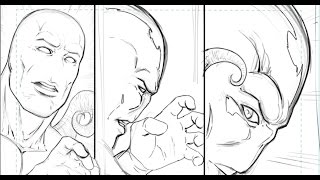
Tips for Working on Your Comic in Manga Studio 5 - Narrated by Robert A. Marzullo
Learn efficient comic creation techniques in Manga Studio 5, including panel organization, scene reconstruction, and template usage. Enhance your workflow and improve your digital comic art skills.
Drawing in Sketchbook Pro 8 - Ram Studios Comics
Live demonstration of digital drawing techniques in Sketchbook Pro 8, offering insights into the artist's creative process and workflow. Viewers can expect impromptu sketching and real-time interaction.
How to Make Changes to Your Digital Paintings in Photoshop
Efficient techniques for editing digital paintings in Photoshop, including transform tool, liquify, pen and path tool, and effective layer management to enhance your artwork.
Batman Vs Superman Drawing in Sketchbook Pro 8 - Narrated
Learn to create fan art of Batman vs Superman using Sketchbook Pro 8. Discover digital drawing techniques, composition tips, and the artist's thought process in this narrated tutorial.
How to Draw and Paint a Cartoon Character - Manga Studio 5 EX - Narrated
Learn to digitally paint a stylized cartoon character using Manga Studio 5 EX. Discover techniques for creating fun, easy creature designs suitable for children's books or animated stories.
How to Ink a Comic Book Character in Manga Studio 5 - Narrated
Learn techniques for inking comic book characters in Manga Studio 5, focusing on line weight variation to create depth and form. Includes interface overview and practical demonstration.
Digital Painting Tutorial - WOW - Manga Studio 5 - Narrated
Learn digital painting techniques for fantasy art using Manga Studio 5, focusing on tools, layers, brushes, and selections. Improve your skills by studying 3D renders and creating detailed character artwork.
Digital Painting - Wet and Glossy Effect
Learn to create wet and glossy digital paintings in Photoshop using layers, blending modes, and brushes. Ideal for intermediate artists looking to enhance their creature design skills.
How to Paint Muscles in Manga Studio 5 EX - Digital Painting Tutorial
Step-by-step digital painting tutorial for creating muscular arms in Manga Studio 5 EX. Learn quick and easy techniques to enhance your superhero character designs with well-defined muscles.
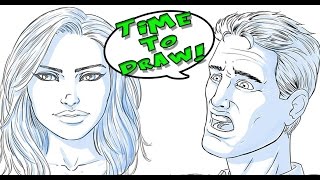
How to Draw Shadows on Comic Book Faces
Learn techniques for adding realistic shadows to comic book faces, enhancing depth and drama in your artwork. Applicable to digital and traditional mediums.
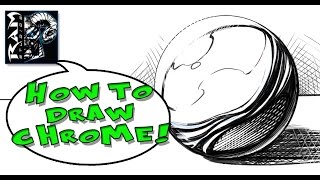
Drawing Chrome Effects for Comics
Learn to create realistic chrome effects in digital comic art using Manga Studio. Master the technique on basic shapes before applying it to complex designs in your illustrations.
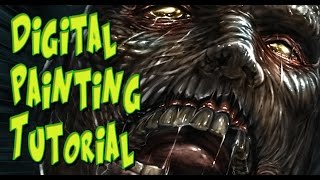
Digital Painting Texture on a Zombie - Using Adobe Photoshop
Learn techniques for adding realistic textures to zombie characters using Adobe Photoshop, with tips on creating undead skin, wounds, and decay effects for digital paintings.
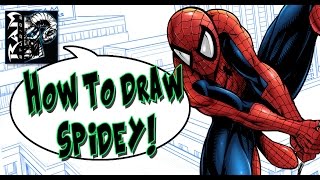
How to Draw Spiderman - Step by Step - Tutorial
Learn to sketch, refine, ink, and color Spiderman using basic shapes and comic book techniques in this narrated step-by-step tutorial for aspiring artists.
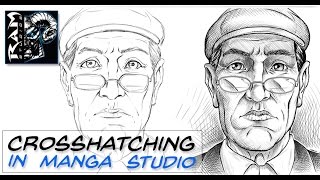
How to Crosshatch in Manga Studio - Narrated by Robert Marzullo
Learn basic inking techniques for crosshatching in Manga Studio, including layering, curve line tool, and transform tool. Improve your digital art skills with practical tips and tricks.
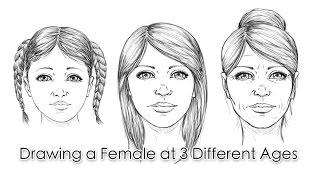
How to Draw a Female Face at 3 Different Ages
Learn to illustrate female faces at different ages in a semi-realistic comic book style. Gain insights into the artistic process, techniques, and considerations for depicting age variations in facial features.
Digital Painting Tutorial - Adobe Photoshop - Hard Edge Technique
Learn Adobe Photoshop's hard edge technique for digital painting, focusing on creating textures and painting armor. Ideal for beginners using Wacom Cintiq and Photoshop CC.
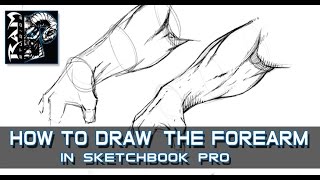
How to Draw Forearm Muscles - In Sketchbook Pro - Narrated by Robert Marzullo
Step-by-step guide to drawing forearm muscles using basic shapes and rendering techniques. Ideal for comic book artists and storyboard creators looking to improve their anatomy skills.
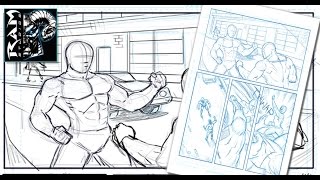
How to Draw Comics - Page Layouts and Panel Design
Learn comic book page layout and panel design using Sketchbook Pro. Discover techniques for creating dynamic and engaging visual storytelling in this comprehensive tutorial.