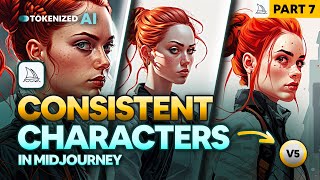
Consistent Characters Still Work in Midjourney V5
Explore techniques for creating consistent characters in Midjourney V5, including style adaptation, control methods, and portrait scene creation. Learn to overcome challenges and improve your AI art skills.
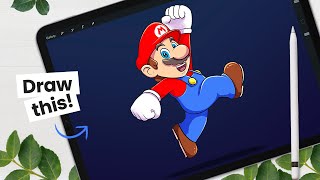
How to Draw Mario - Intermediate - How to Create Cartoon Characters
Learn to draw Mario with step-by-step instructions on character structure, sketching, shading, and digital art workflow. Gain valuable tips for creating cartoon characters using Procreate or your preferred drawing tools.
Working with Artboards in Photoshop and Illustrator
Learn to use artboards in Photoshop and Illustrator for efficient multi-frame design. Enhance animations by creating and managing multiple canvases within a single document, streamlining your workflow for motion graphics projects.
Adobe Illustrator Tips for Motion Designers
Learn essential Adobe Illustrator techniques for motion design, including blending, path perfection, layering, and creating depth. Enhance your workflow and bring illustrations to life in After Effects.
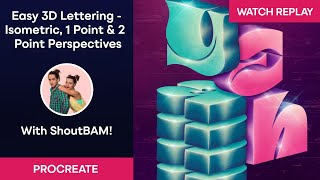
Easy 3D Lettering – Isometric, One Point & Two Point Perspectives with ShoutBAM
Learn to create stunning 3D lettering in Procreate with ShoutBAM! Master isometric, one-point, and two-point perspectives. Explore lighting, shadows, and textures to enhance your designs.
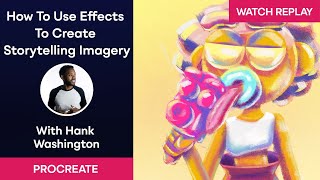
How to Use Procreate Effects to Create Storytelling Imagery with Hank Washington
Learn to create captivating storytelling imagery in Procreate with expert Hank Washington. Master effects, shading techniques, color mixing, and brush manipulation to bring your digital illustrations to life.
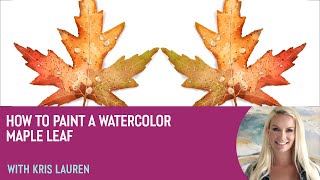
How to Paint a Watercolor Maple Leaf With Kris Lauren
Learn to paint a vibrant watercolor maple leaf in Procreate with artist Kris Lauren. Master techniques for color, texture, and detail to create stunning digital artwork using the Living Watercolor pack.
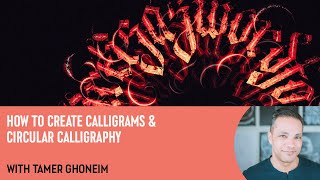
How to Create Calligrams and Circular Calligraphy with Tamer Ghoneim
Learn to create stunning calligrams and circular calligraphy in Procreate with expert guidance. Master techniques for unique lettering designs, spacing, flourishes, and layered effects.
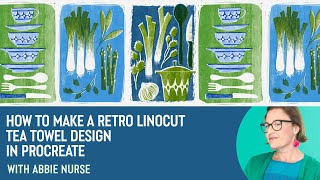
How to Make a Retro Linocut Tea Towel Design in Procreate with Abbie Nurse
Learn to create a retro linocut tea towel design in Procreate with artist Abbie Nurse. Master techniques for drawing, layering, texturing, and adding details to achieve a vintage print aesthetic.
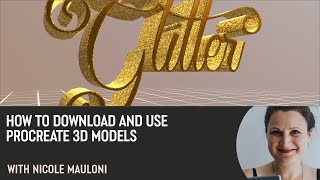
How to Download and Use Procreate 3D Models with Nicole Mauloni
Learn to download and use 3D models in Procreate with lettering artist Nicole Mauloni. Discover techniques for applying textures, adding foil effects, adjusting lighting, and creating custom metallic lettering.
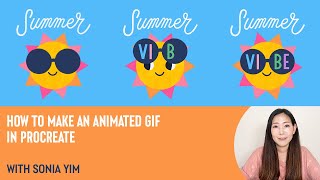
How to Make an Animated GIF in Procreate with Sonia Yim
Learn to create animated GIFs in Procreate with illustrator Sonia Yim. Master sketching, frame animation, layer organization, and easy tips for crafting cute, sun-themed animations using Design Cuts resources.
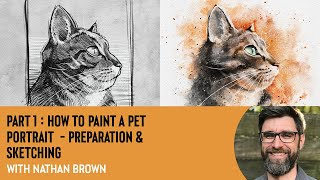
How to Paint a Pet Portrait - Preparation & Sketching With Nathan Brown
Learn pet portrait preparation and sketching techniques in Procreate with illustrator Nathan Brown. Master reference selection, rough sketching, eye detailing, value studies, and line guides for capturing animal expressions and fur textures.
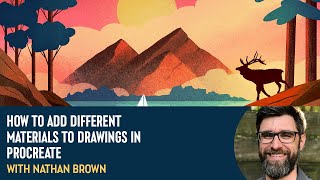
How to Add Different Materials to Drawings in Procreate With Nathan Brown
Explore layering techniques in Procreate with Nathan Brown, learning to add diverse materials like water and wood to illustrations for enhanced creativity and visual depth.
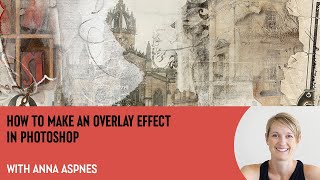
How to Make an Overlay Effect in Photoshop With Anna Aspnes
Learn to create seamless overlays in Photoshop with expert Anna Aspnes. Master techniques for dynamic digital art, including clipping masks, transfers, brushes, and layering to elevate your storytelling and artistic expression.
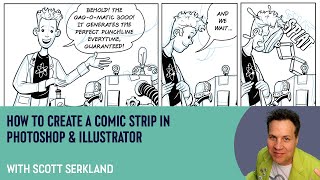
How to Create a Comic Strip in Photoshop and Illustrator with Scott Serkland
Learn to create comic strips using Photoshop and Illustrator with Scott Serkland. Explore panel layouts, digital tools, and techniques for crafting engaging visual narratives in a retro-future style.
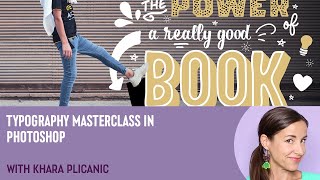
Typography Masterclass in Photoshop with Khara Plicanic
Elevate your Photoshop typography skills with expert techniques on ligatures, contextual alternates, swashes, and more. Learn to create visually striking designs through advanced font manipulation and layout strategies.
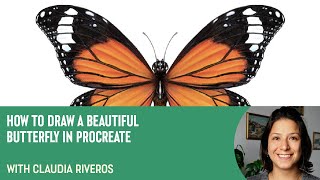
How to Draw a Beautiful Butterfly in Procreate with Claudia Riveros
Learn to create a stunning butterfly illustration in Procreate with expert guidance. Master techniques for drawing, coloring, and adding intricate details to bring your digital artwork to life.
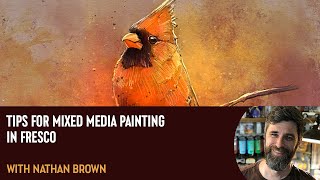
Tips for Mixed Media Painting in Fresco with Nathan Brown
Explore mixed media painting techniques in Adobe Fresco with expert Nathan Brown. Learn to create a stunning leopard portrait using various tools, layers, and textures for realistic results.
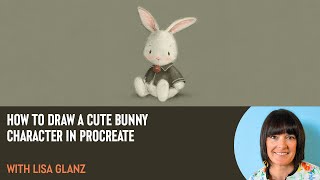
How to Draw a Cute Bunny Character in Procreate with Lisa Glanz
Learn to create a charming bunny character in Procreate with Lisa Glanz. Master outlining, coloring, shading, and adding fine details to bring your whimsical illustration to life using digital dry media techniques.
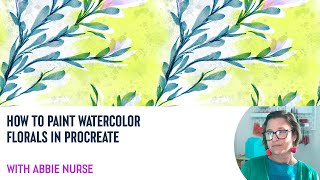
How to Paint Watercolor Florals in Procreate With Abbie Nurse
Learn to create stunning watercolor florals in Procreate with expert illustrator Abbie Nurse. Master techniques for composition, masking, backgrounds, and color adjustments to elevate your digital art skills.
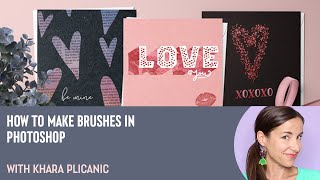
How to Make Brushes in Photoshop with Khara Plicanic
Learn to create custom Photoshop brushes using various techniques, from basic shapes to text and photographs. Master effects, color dynamics, and textures to enhance your digital artwork and design projects.