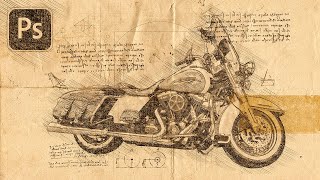
Turn Your Photo to a Sketch by Da Vinci - Photoshop Action Review
Transform photos into Da Vinci-style sketches using a Photoshop action. Learn installation, customization, and troubleshooting techniques to achieve Renaissance-inspired artwork from your images.
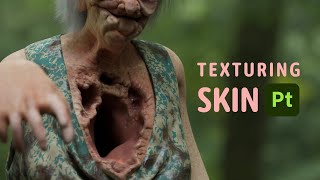
Texturing Skin of Horror Character in Substance
Learn advanced techniques for texturing realistic horror character skin in Substance, including normal map usage, layering, and detailing for a grotesque, lifelike appearance.
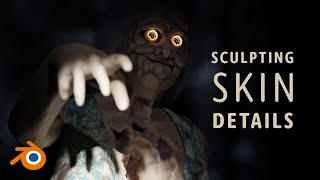
Sculpting Skin on a Totally Normal Character
Learn advanced skin sculpting techniques for character design, focusing on facial details, body textures, and custom brush creation in this comprehensive tutorial.

MetaHuman Creator Got Updated
Explore the latest updates to MetaHuman Creator, including face shaping, texturing, hair customization, and integration with Unreal Engine 5 and Blender for advanced character creation.
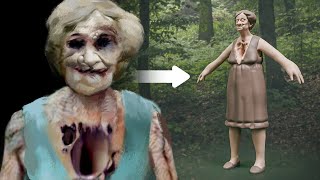
Second Witness - Horror Character 3D Sketch
Learn to create a haunting 3D horror character sketch, focusing on anatomy, unique features, and eerie details for a chilling "Second Witness" design.
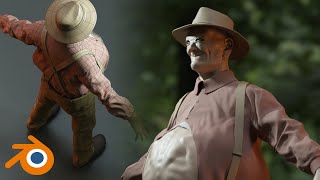
The First Witness - Tips on Cloth Wrinkles
Learn techniques for creating realistic cloth wrinkles in 3D modeling, including fixing eyes, adding a tank top, using cloth brushes, and working on details for enhanced character design.
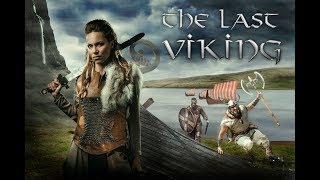
Vikings Poster with Photoshop - Combining Stock Photos to Make a Cool Composite
Create a Vikings-inspired composite using stock photos in Photoshop CC. Learn techniques for blending images, adding visual interest, and enhancing atmosphere through color toning and shadows.
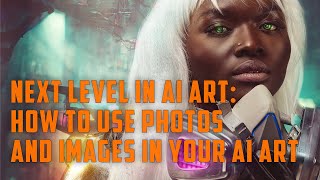
Next Level in AI Art - How to Use Photos and Images in Your AI Art
Enhance AI art creation by incorporating photos and images as references, improving prompt accuracy and achieving desired results across various AI generators.
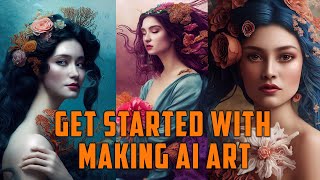
How to Create Art with AI in Just 5 Minutes
Explore AI art generation: learn techniques, tools, and applications. Discover new creative possibilities and potential markets for AI-generated artwork.
Misconceptions About AI Generated Art
Debunking common misconceptions about AI-generated art, exploring its creative potential, technical aspects, and ethical considerations for artists and enthusiasts.
How to Get Most Out of Using Midjourney AI Generated Art
Discover advanced techniques for maximizing Midjourney AI art generation, including tier selection, usage tips, and creative applications based on personal experience.
Painterly Photography and Retouching in Photoshop
Learn techniques for creating painterly photographs, from setting up photo shoots to retouching in Photoshop. Master cropping, smoothing, masking, and color correction to achieve a unique artistic style.
Painterly Retouching in Photoshop with Deep Colors
Learn advanced Photoshop techniques for creating deep-colored painterly images, including retouching, masking, oil painting effects, and color correction. Enhance your digital art skills with professional tips.
Painterly Retouching and Compositing in Photoshop - Create Painterly Effect
Learn to create stunning painterly effects in Photoshop through step-by-step retouching and compositing techniques. Master tools like healing brush, masking, and color correction to achieve a Renaissance-style look.
Creating Digital Landscape in Vue Without Any Planning - Exploring Vue
Explore digital landscape creation in Vue through spontaneous experimentation with atmosphere, terrain, and cloud settings. Gain insights into the creative process of building immersive 3D environments without prior planning.
Terragen or Vue - What to Choose?
Comparative analysis of Terragen and Vue 3D landscape software, discussing their strengths, weaknesses, and suitability for different projects to help users make an informed choice.
Creating Light Rays in Vue - Spot Light Properties, Rays, Rainbows, Northern Lights
Explore spotlight properties in Vue to create stunning visual effects like light rays, rainbows, and northern lights. Learn to use Photoshop for custom light gels.
Starting Up with Vue - How to Create Your First Scene
Learn to create digital landscapes in Vue software, from terrain and materials to atmosphere and lighting, in this beginner-friendly tutorial for aspiring digital artists.

Real-Time Coloring Venom & Spidey
Learn real-time digital coloring techniques for comic art, focusing on Venom and Spider-Man. Covers flatting, rendering, atmospheric perspective, and special effects like webbing.

How I Color Comics with CLIP STUDIO PAINT - Coloring Basics
Learn professional comic coloring techniques in Clip Studio Paint, from flatting and base colors to ambient lighting, shadows, and special effects.
Coloring X-Men, Including X-Factor, X-Force, and Others
Time-lapse video showcasing the coloring process of 44 X-Men characters in their 90's costumes, using CLIP STUDIO PAINT Pro on a Cintiq Pro 16 over 15 hours of streaming.