
How to Design a Logo with Shadows in Illustrator
Learn to enhance logos with dynamic shadows in Adobe Illustrator. Master techniques for creating depth, adjusting shapes, and applying blending modes to elevate your design skills.
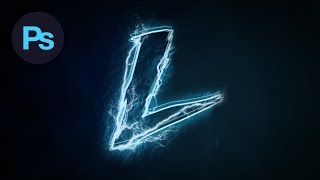
Design a Lightning Text Effect Photoshop Tutorial
Learn to create a striking lightning text effect in Photoshop using custom fonts, brushes, and advanced techniques for a visually electrifying design.

Learn How to Design a Social Profile UI in Adobe Illustrator - Dansky
Learn to design a social profile UI in Adobe Illustrator, covering layout creation, aesthetic styling, gradients, text elements, and final touches for a polished interface.
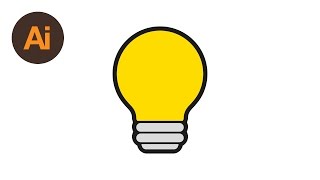
Learn How to Draw a Lightbulb Symbol in Adobe Illustrator - Dansky
Step-by-step guide to creating a lightbulb symbol in Adobe Illustrator, covering essential techniques for vector graphics design.

Learn How to Draw a Vector iPhone 6 in Adobe Illustrator - Dansky
Step-by-step guide to creating a vector iPhone 6 in Adobe Illustrator, covering shapes, camera, screen, highlights, buttons, and color matching.

Learn How to Draw 8 Vector Music Icons in Adobe Illustrator - Dansky
Learn to create 8 music-themed vector icons in Adobe Illustrator, covering design techniques for various audio symbols like mute buttons, CDs, speakers, and headphones.
How I Paint With Grease Pencil - Day to Night Blender Grease Pencil Tutorial
Learn to create day-to-night scenes using Blender's grease pencil tool. Explore gradient materials, texturing techniques, and color selection methods for stunning digital illustrations.
Making a Painting in One Hour Using Only a Gradient Material - Blender Grease Pencil
Learn to create a detailed frog painting in Blender Grease Pencil using only gradient materials. Follow along as the artist demonstrates techniques for efficient digital art creation.
All About Fill Materials - Gradients, Textures, Make Your Own! - Blender 3 Grease Pencil Tutorial
Explore fill materials in Blender 3's Grease Pencil: solids, gradients, and textures. Learn techniques to enhance your digital artwork while optimizing computer performance.
Turning Blender Into a Painting Program
Transform Blender into a digital painting powerhouse with custom shortcuts, settings, and workflow tips for efficient and creative digital art production.
Beginner Grease Pencil Tutorial - 3D Bonsai Painting
Learn to create 3D bonsai paintings in Blender using grease pencil. Master stroke placement, mesh conversion, materials, modifiers, and animation techniques for stunning digital art.
Blender Grease Pencil Beginner Tutorial - 2D & 3D Toon Shaded Scene
Learn Blender's Grease Pencil for 2D & 3D toon-shaded scenes. Master modeling, shading, and creating concepts in this comprehensive beginner-friendly tutorial.
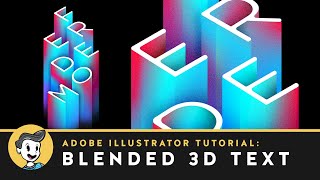
Blended 3D Text Effect in Adobe Illustrator
Learn to create a stunning 3D text effect using Adobe Illustrator's blend tool, with techniques for layering, gradients, and adding a marble texture for a professional finish.
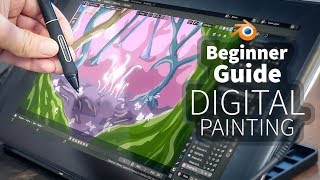
A Beginner's Guide to Digital Painting in Blender 2.8
Learn digital painting techniques in Blender 2.8 to create a fantasy forest. Master sketching, shading, and adding details like trees and mushrooms to bring your imaginative artwork to life.
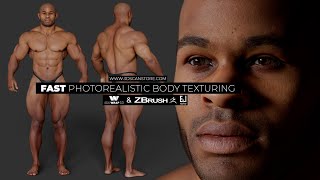
Fast Photorealistic Body Texturing Using Scan Data
Efficient technique for creating realistic body textures using high-resolution scan data, enhancing 3D models with detailed geometric information and photorealistic skin textures.
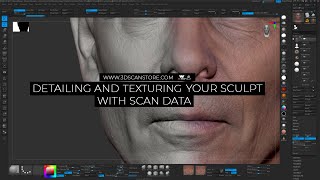
Detailing and Texturing Your Sculpt Using Scan Data
Learn to quickly texture and add high-res skin details to head sculpts using 3D scan data, with techniques for alignment, wrapping, and projection in Wrap 3 and ZBrush.

How to Draw Lips from the Side - Shading
Step-by-step tutorial on drawing realistic lips from the side, covering construction, customization, shading techniques, and blending methods for various lip shapes and expressions.
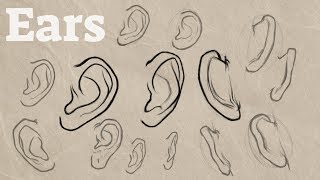
How to Draw Ears
Comprehensive tutorial on drawing ears from multiple angles, including side, front, and back views, with tips for drawing pairs and variations like long earlobes.

How to Draw Faces from the Side
Master the art of drawing realistic male and female side profiles with a simplified, improved method. Learn facial feature construction, aging techniques, and hair styling for lifelike portraits.

How to Draw Hands and Shading
Step-by-step guide to drawing realistic hands, covering basic shapes, shading techniques, and variations for different hand types. Learn to create lifelike details like wrinkles, veins, and fingernails.

How to Draw Hair - Male & Female Ultimate Tutorial
Comprehensive tutorial on drawing realistic hair for male and female characters, covering techniques like flow visualization, shape breakdown, and lighting to create depth and texture.